

Save & Continue for Contact Form 7
Save & Continue button integrated into Contact Form 7
Reduce form abandonment and improve user experience with Save & Continue for Contact Form 7. This essential plugin allows visitors to save their form progress and return later to complete lengthy or complex forms.
Perfect for:
* Job application forms
* Registration forms
* Survey and feedback forms
* Multi-step contact forms
* Any form requiring research or document gathering
🚀 Key Features
- Automatic Draft Saving – Forms save automatically as users type
- Secure Resume Links – Unique tokenized URLs for returning users
- Email Resume Option – Send resume links directly to user’s email
- Browser Storage Backup – LocalStorage fallback for reliability
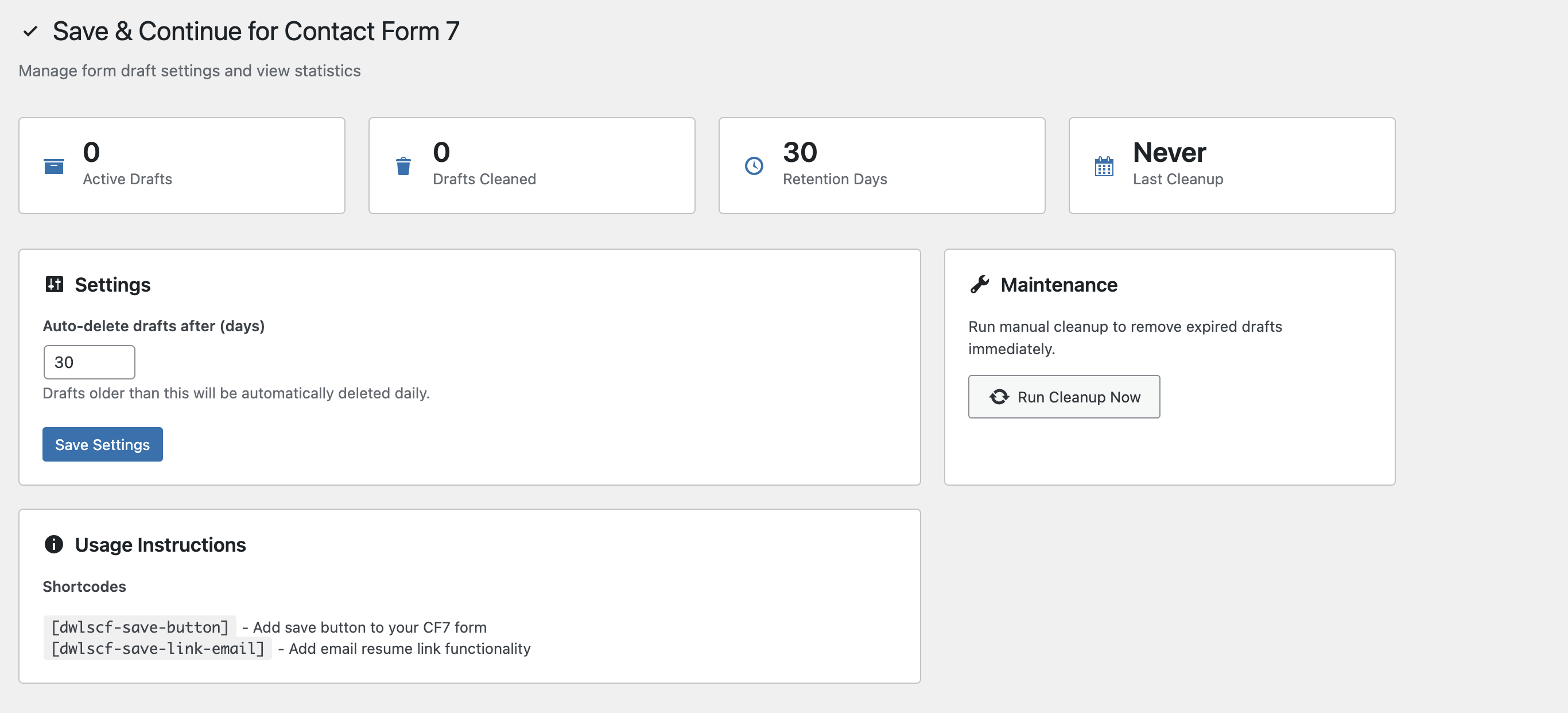
- Admin Dashboard – Manage draft retention and cleanup settings
- Security First – Rate limiting, nonce protection, and input sanitization
- Lightweight & Fast – Minimal impact on site performance
- Mobile Friendly – Works seamlessly on all devices
Support
For support, feature requests, or bug reports:
* Visit the WordPress.org support forum
* Check our documentation
Privacy
This plugin stores form data temporarily in your WordPress database and user’s browser localStorage. No data is sent to external services. Users can request deletion of their saved drafts by contacting site administrators.
Requirements
- WordPress 6.2 or higher
- PHP 7.2 or higher
- Contact Form 7 plugin (active)
- Modern browser with JavaScript enabled