
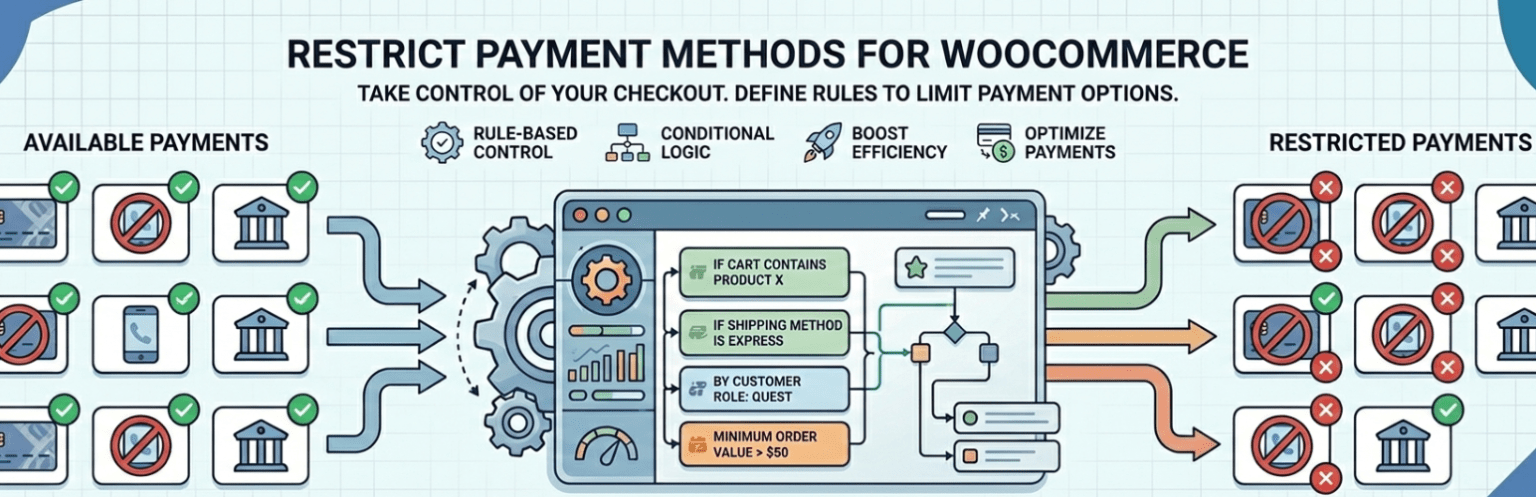

Restrict Payment Methods For WooCommerce

Payment restriction rules settings panel
Restrict Payment Methods For WooCommerce lets you dynamically control which payment gateways appear at checkout.
Create smart conditional rules and show or hide payment methods based on cart contents, customer details, shipping options, date conditions, and more.
Perfect for improving checkout experience, preventing invalid orders, and applying business-specific payment logic.
🔗 Documentation | Upgrade to Pro | Support
⭐ FREE FEATURES
- Easy installation and setup
- Create multiple restriction rules
- Enable or disable specific payment gateways
- Advanced matching logic (AND/OR conditions)
- User-friendly grouped condition builder
Available Conditions (Free Version)
✔ Cart subtotal
✔ Cart quantity
✔ Specific products
✔ User login status (logged in / guest)
✔ User roles
✔ Specific users
✔ Shipping method
✔ Billing country, state, city
✔ Shipping country, state, city
✔ Day of week
✔ Date range
🚀 PRO FEATURES
Upgrade to the Pro version to unlock advanced payment restriction controls.
Additional Conditions Available in Pro
✔ Shipping class (shipping_class)
✔ Product type (product_type)
✔ Product stock status (stock_status)
✔ Billing email (billing_email)
✔ Shipping email (shipping_email)
✔ Product categories (product_cat)
✔ Product tags (product_tag)
✔ Product brands (product_brand)
Why Upgrade?
- More granular checkout control
- Advanced B2B/B2C payment logic
- Improved fraud prevention
- Powerful category & brand-based restrictions
- Email-based gateway control
💡 Example Use Cases
- Show PayPal only if subtotal ≥ $50
- Hide Cash on Delivery if cart quantity exceeds 10
- Allow Bank Transfer only for logged-in users
- Show Stripe only on Mondays
- Restrict PayPal for specific billing countries
- Hide gateways during specific date ranges
- Apply multiple combined conditions in a single rule
⚙ How It Works
- Install and activate the plugin.
- Go to WooCommerce Settings Payments Restrictions.
- Create a rule.
- Select payment gateway(s).
- Add your conditions.
- Save and test checkout.
That’s it! Need help? Check out the full documentation.
📚 Documentation & Support
Compatibility
- Compatible with latest WooCommerce versions
- Works with most WooCommerce-compatible payment gateways
- Supports custom gateways following WooCommerce payment API