


Responsive Sliding Menu
4.9/5 (10 ratings) 300 active installs Updated Sep 2, 2024
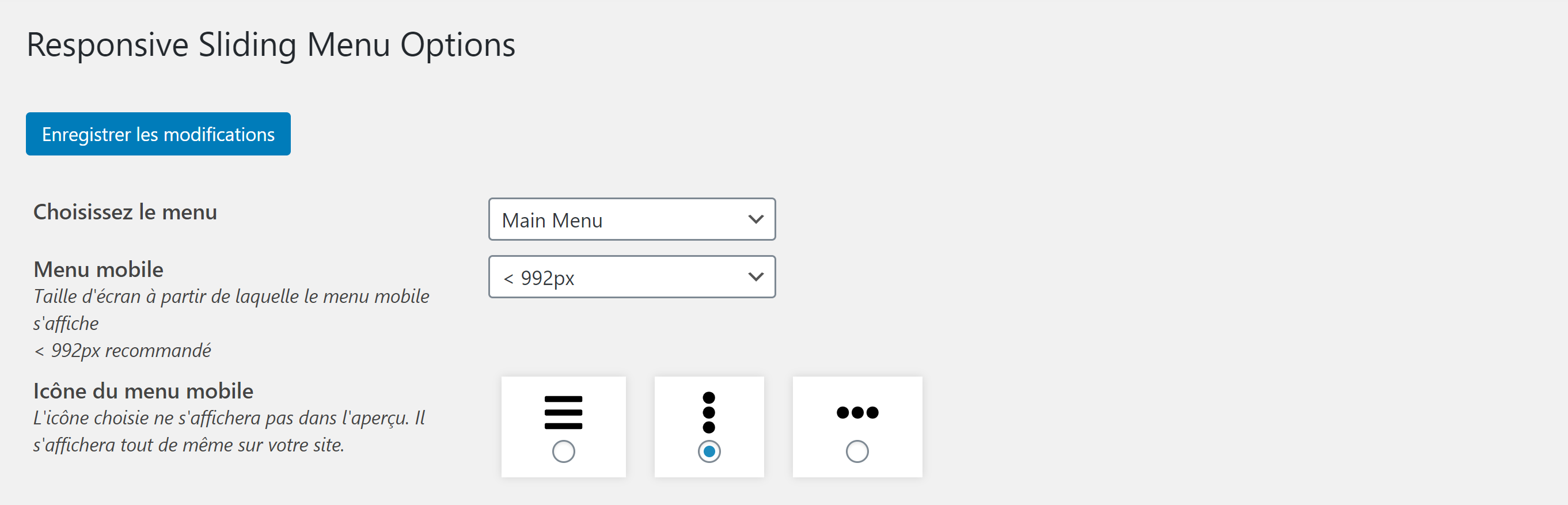
Modify the general settings of Responsive Sliding Menu
Responsive Sliding Menu allows you to generate a shortcode to integrate into your site via a page builder (Elementor, Oxygen, Divi, Gutenberg…) or via PHP.
A preview of the rendering is available in the WordPress plugin settings interface.
In particular, you can modify the colors, font sizes or even the icon of the burger menu (responsive). You can also use Elementor Widget RSM Menu to display (or not) your Responsive Sliding Menu.
A brief Markdown Example
- Modify Responsive Sliding Menu settings
- Save the changes
- Copy/paste the [responsive_slider_menu] shortcode into your page builder
- You can also copy/paste the instruction in your PHP header.php file