

Resize Control – Compress and resize images after upload
5/5 (1 ratings) 20 active installs Updated May 13, 2025
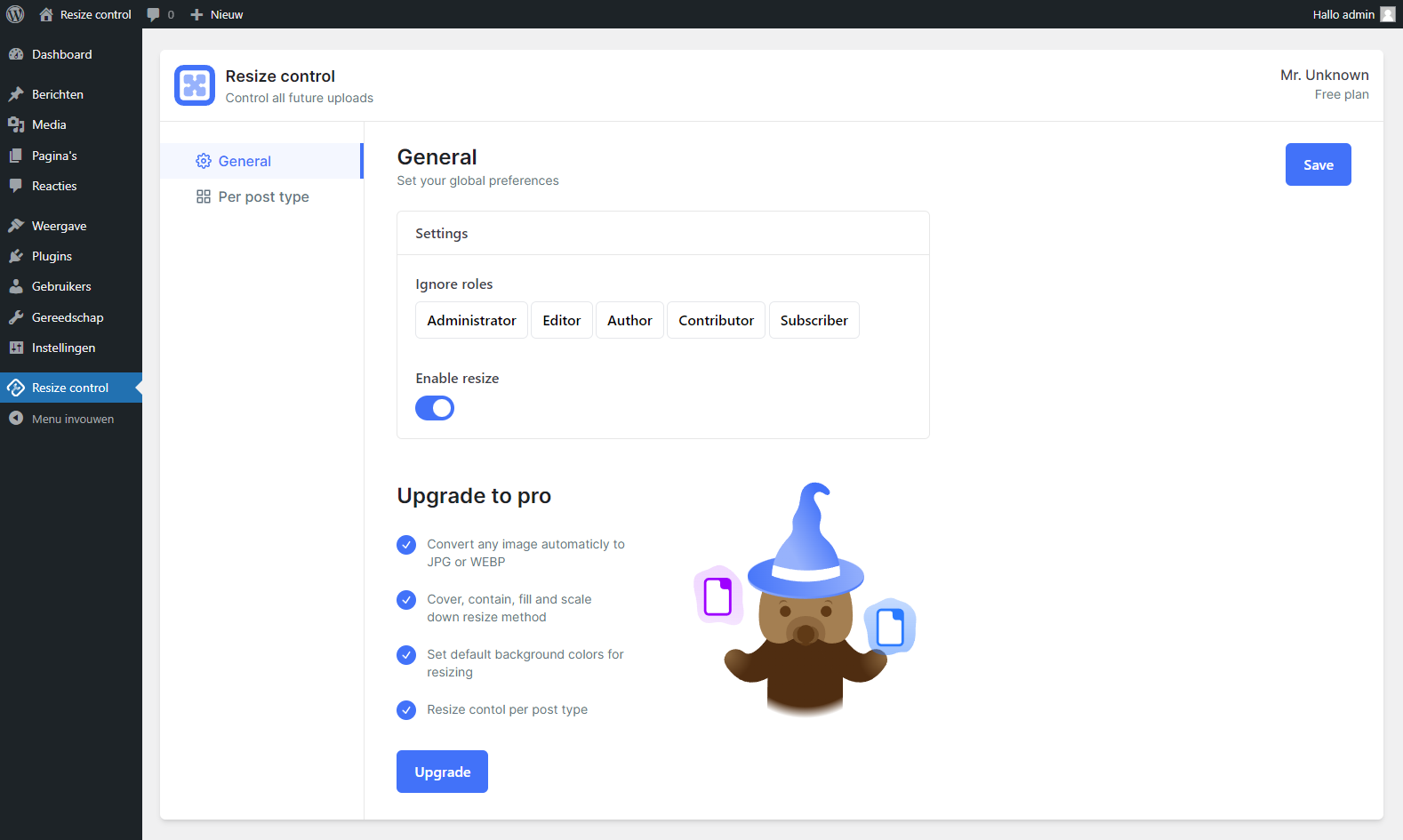
General settings panel
Try the plugin in sandbox mode.
Auto resize and compress all your future uploads. Automate all your media resolutions and sizes for you and your wp accounts to save time, site speed, SEO score, disk space and bandwidth. This is a free and easy-to-use plugin that updates frequently. Created by the team behind Running Wombat.
Features
- Automatically optimize all future uploads.
- Set maximum image dimensions.
- Convert PNGs to JPGs.
- Set compression level from 0 to 10 (also for PNG).
- Ignore roles for all set resize settings.
- Don’t leave unnecessary files on the server.
- No change in the upload process at all.
- Easy setup.
Try our PRO version
The Pro version of Resize Control offers advanced features such as:
- Customize resize control per post type, allowing for different settings for products, blogs, etc.
- Convert any image automatically to JPG or WEBP, not just PNG to JPG.
- Choose between different resize methods: cover, contain, fill, and scale down.
- Set default background colors for resizing.
Find it here Resize control PRO
Do you have a question or suggestion
Contact support https://tuningwp.com/support/
Sources
- Browser image compression – Includes the uncompressed files for the browser compression library.