

Appointment Booking & AI Receptionist – RazorBooking

Appointment booking form on a WordPress page: customers pick a service, team member and time.
RazorBooking is an appointment booking plugin for service businesses, with a built-in AI receptionist.
Customers book online on your WordPress site, around the clock. They pick a service, a team member and a free time, and can pay a deposit or in full. The AI receptionist answers your phone and your website visitors, day and night, and books appointments into the same calendar.
It’s made for salons, barbershops, spas, auto repair and tire shops, home services, yoga and fitness studios, clinics and consultants. You manage services, staff, availability, prices and payments in your RazorBooking account. The plugin puts them on your website and keeps them in sync.
Online appointment booking
- Booking form: all services, one category, or one service (with its variations and quantity), optionally for one team member. Show it on the page, in a popup, as a button linking to your booking site, or as a floating Book now button.
- Real-time availability for each team member, with Google Calendar sync.
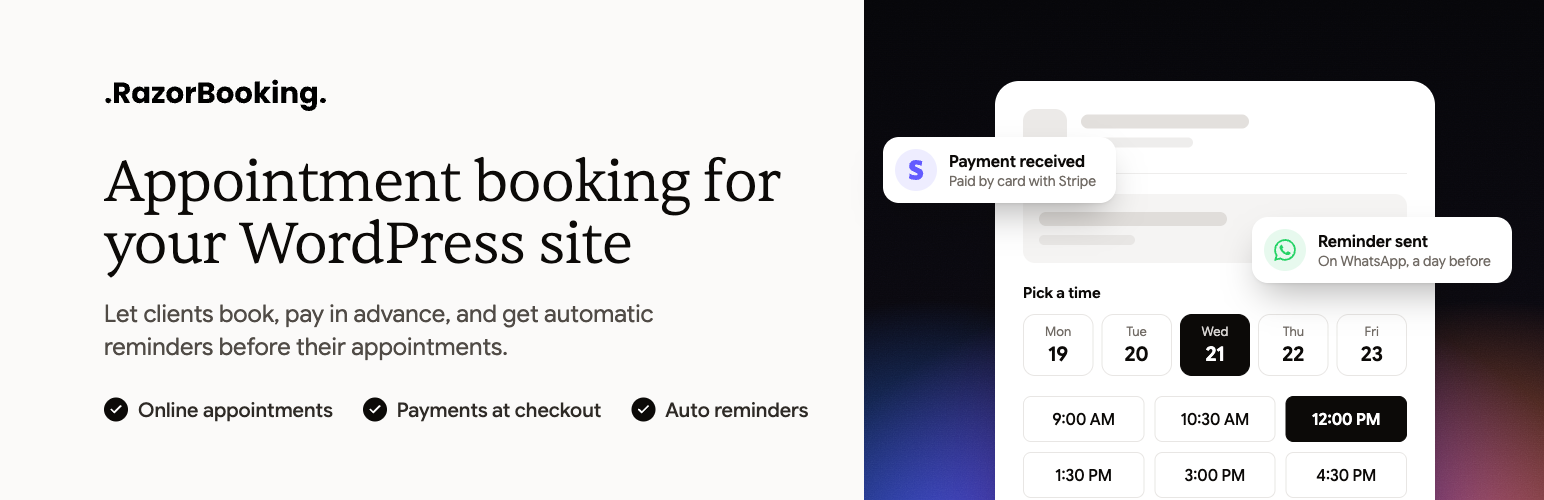
- Online payments with Stripe, PayPal or Razorpay, including deposits and no-show fees.
- Email and WhatsApp confirmations and reminders.
- Coupons and discounts at checkout.
- My bookings: your customers’ bookings, on your own site.
- Thank-you page and Booking confirmation: send customers to your own page after they book, showing their booking reference.
- Reviews, Gallery and FAQ: synced from your booking site. Choose how many items to show and which title to use, or open them from a button.
- Floating Book now button: with rules for where it appears, including hiding it on pages that already have a booking form.
AI receptionist and voice assistant (optional)
- Answers your phone, day and night. Your AI receptionist answers every call and books appointments from your real availability. Add a Call us button that dials it.
- Talks to your website visitors. An Ask button, on the floating Book now button or wherever you place it, lets visitors ask questions and book by voice.
- Knows your business. It answers from your services, prices, team and hours, and from your own knowledge base: policies, directions, aftercare and anything else you add.
- See every conversation. The AI assistant screen shows this week’s conversations by outcome and length, and whether it’s answering on your website and phone.
The booking form works on its own. Turn the AI on when you want it.
Why RazorBooking
- One AI for your phone and your website. The same receptionist answers calls and website visitors, from the same knowledge base.
- The AI owns the calendar. It books straight into RazorBooking’s own booking system, with team availability, rooms and equipment, deposits and reminders. There’s no separate calendar app to connect and nothing for a developer to build.
- One calendar for every channel. Bookings from your website, your hosted booking site, phone calls and voice conversations land in the same calendar, so nothing is double-booked.
- Booking runs on RazorBooking, not on your server. Availability checks, payments and reminders don’t run on your hosting, and no booking tables are added to your WordPress database.
- No customer data in your WordPress database. Bookings, customer details and payments stay in RazorBooking, so there’s less to secure and back up in WordPress.
- Local SEO from your own domain. The plugin adds business info for search engines (structured data) to your pages: business, address, hours, services and prices, FAQs and team. Search engines credit it to your site. A pasted embed code can’t do that.
- Fast pages. Your pages read a saved copy of your business info, so they never wait on RazorBooking to load.
- A booking site as well. Every account includes a hosted booking site at yourbusiness.razorbooking.app or your own domain. Share it on Google, Instagram and in messages.
- Your brand. Set your colors, font and corner style with a live preview. Buttons, popups and booking forms on your pages match.
- No silent failures. If the connection breaks, visitors never see a fake booking form. The booking area stays empty and administrators see why, so you can fix it the same day.
Works with your site
The block editor, Elementor (a “RazorBooking” section of widgets), widget areas, and shortcodes for classic themes and page builders such as Divi, Beaver Builder and WPBakery.
Pricing
The plugin is free, with nothing locked or limited. RazorBooking, the service it connects to, is paid. Every account starts with a 7-day free trial, no card needed. There is no free plan. The AI receptionist and voice assistant use minutes from your RazorBooking account. See plans.
Shortcodes
[razorbooking], `[razorbooking_my_bookings]`, `[razorbooking_reviews]`, `[razorbooking_gallery]`, `[razorbooking_faq]`, `[razorbooking_confirmation]`, `[razorbooking_assistant]` and `[razorbooking_call]`. Click **Embed** on any item in the plugin to build its shortcode, or see every option under RazorBooking → Support → Shortcodes.
External services
This plugin is the WordPress side of RazorBooking, a hosted booking service, and doesn’t work without it. Nothing is sent to RazorBooking until you connect your account. After that, it contacts RazorBooking in the ways below.
RazorBooking API (from your server). Used to connect your site and to show and edit your RazorBooking business from the plugin’s admin screens. Sent: your site’s address and name when you connect; your site key and a random ID for this installation (created on activation) with every request; and whatever you create or change on these screens (services, categories, team members, the Design, your thank-you page’s address). Received: your business information (services, team, reviews, gallery, FAQs, settings, whether your AI assistant and phone number are answering, and your AI assistant’s last 7 days of conversations by outcome and length, without any name, number or what was said) and, on the Home screen, today’s numbers and upcoming bookings. Requests go to app.razorbooking.com only from your WordPress admin: to fetch the saved copy of your business information the first time after you connect, when you click Sync, and after you save a change on these screens; and to show Home’s bookings and numbers and the reviews waiting for approval, which are never saved. RazorBooking never contacts your site, and visitors’ page views never make a request to it. If you delete the plugin, it sends one request asking RazorBooking to revoke the site key it created when you connected.
Your booking site (from your visitors’ browsers). The booking form, popup, reviews, gallery and FAQ are pages of your RazorBooking booking site (for example yourbusiness.razorbooking.app, or your own domain) shown inside your pages, and the script that displays them (widget.js) loads from there too. By default, a visitor’s browser loads them when it opens a page that shows one, and is told to connect to your booking site early (a “preconnect” hint). In Settings Privacy you can make booking wait until the visitor accepts cookies in your cookie banner, or until they click a booking button. The browser sends what it sends with any web request (IP address, browser type and language). What a visitor types into the booking form goes to RazorBooking. Fonts come from your booking site, not a font service. If your gallery has YouTube videos, their preview images come from YouTube (i.ytimg.com), and a video plays from youtube-nocookie.com when the visitor starts it. If you take payments online, your payment provider’s page or window opens at the payment step.
Your booking site may show a small “Powered by RazorBooking” line inside the booking form. It comes from RazorBooking, not from this plugin, and you can turn it off in RazorBooking.
Your AI assistant (from your visitors’ browsers). If you add the AI assistant, its “Ask” button loads nothing until a visitor taps it. Then a panel from your booking site opens (/embed/voice) and asks for the microphone. The visitor’s voice streams to RazorBooking’s voice service, which uses OpenAI to understand and answer it, for as long as the conversation lasts. Call us is a plain phone link: it contacts nothing until the visitor calls.
Your booking site (in the admin screens). The Design and Add to site screens show a preview of your booking site, loaded from it. “Try it now” on the AI assistant screen opens your assistant from your booking site, and uses your minutes.
Images. Service, team and gallery images you uploaded to RazorBooking are shown from RazorBooking’s file storage.
RazorBooking is provided by RazorBooking: terms of service, privacy policy. OpenAI: terms of use, privacy policy.