
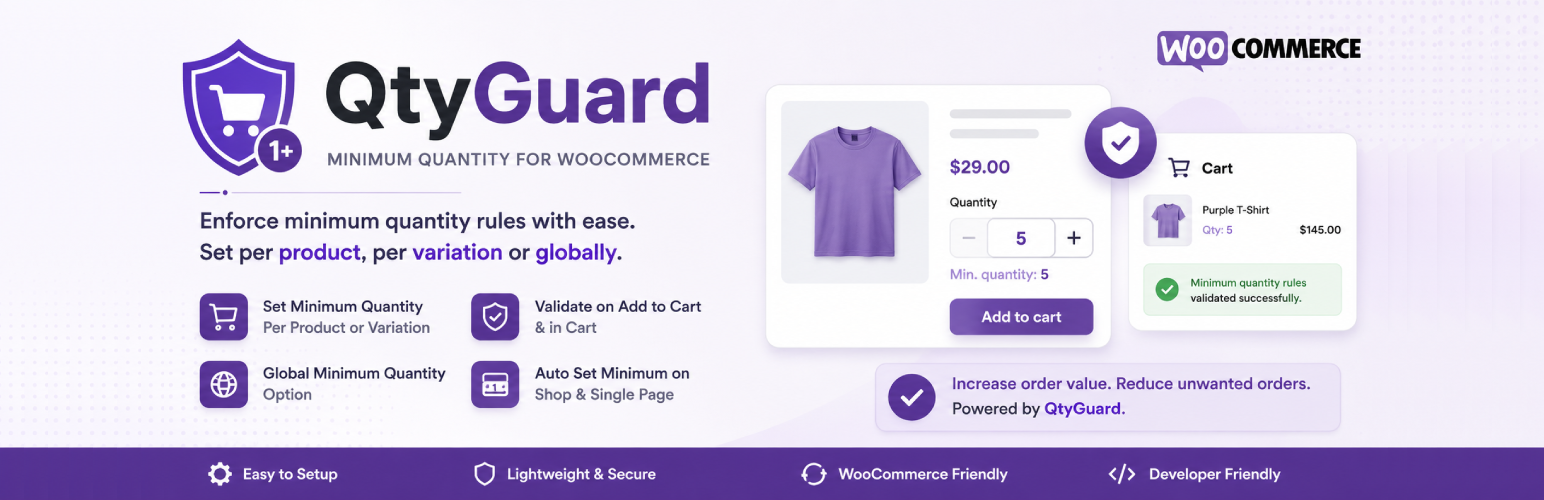

QtyGuard – Minimum Quantity for WooCommerce

Global Minimum Quantity settings screen under WooCommerce > Minimum Quantity.
QtyGuard – Minimum Quantity for WooCommerce is a lightweight, no-bloat plugin that lets store owners enforce a minimum order quantity before a customer can add a product to the cart or complete checkout. It is built for WooCommerce stores that sell in bulk, wholesale, B2B, or simply want to stop customers from ordering quantities that are not profitable to fulfil (for example, a sock or garment factory that only ships in packs of 6, 12, or 50).
YouTube Tutorials | Free Support
Unlike many “minimum quantity” plugins that only work on simple products, QtyGuard is designed from the ground up to support variable products as well. If you sell a T-shirt in Sizes S, M, L, and XL, you are not stuck with a single minimum quantity for the whole product – you can set a completely different minimum for each individual size, color, or any other variation combination.
Why store owners need this
- A wholesale supplier wants every order to be at least 10 units, but a global setting is too rigid because some SKUs are sold in cases of 6 and others in cases of 24.
- A clothing brand sells the same design in multiple sizes, and slow-moving sizes (like XS or XXL) need a higher minimum order quantity to justify production, while popular sizes (M, L) can be sold individually.
- A store wants one simple rule everywhere (“every order must be at least 3 items”) without editing every single product.
QtyGuard covers all three of these use cases with three independent, layered levels of control.
Three Levels of Minimum Quantity Control
1. Global Minimum Quantity (Store-Wide Default)
Set one minimum quantity that applies to every product in your store from a single settings screen (WooCommerce > Minimum Quantity). This is the fallback used whenever a more specific rule (product or variation) has not been set. Set it to 0 to disable the global rule entirely.
2. Product-Level Minimum Quantity
Every simple product (and every variable product as a whole) has its own “Minimum Quantity” field on the Inventory tab of the Product Data panel. This overrides the global minimum for that specific product only.
3. Variation-Level Minimum Quantity (Size S / M / L, Color, etc.)
This is the feature that sets QtyGuard apart. Open the “Variations” tab on any variable product, expand a variation (for example, Size = Large), and you will find a dedicated “Minimum Quantity” field right next to the variation’s price. Set a different minimum for each Size, Color, Material, or any other attribute combination you use for variations. If left blank, that variation automatically falls back to the product-level minimum, and if that is blank too, it falls back to the global minimum.
Example
Imagine a variable “Cotton Socks” product with three variations:
- Size Small – Minimum Quantity: 5 (sold in packs of 5 because Small stock is limited)
- Size Medium – Minimum Quantity: left blank (uses the product-level minimum of 2)
- Size Large – Minimum Quantity: 1 (can be bought individually)
A customer trying to buy 2 pairs of “Small” will see: “Minimum quantity required is 5.” A customer buying “Medium” only needs to meet the product’s minimum of 2. A customer buying “Large” can order just 1.
Where the Minimum Quantity Is Enforced
- Add to Cart button on the single product page (validated instantly, with a clear WooCommerce error notice).
- Cart page, every time the cart is loaded or updated – so a customer cannot bypass the rule by adding items in multiple steps or editing cart quantities directly.
- Quantity input field, which automatically starts at (and cannot go below) the correct minimum. For variable products, the quantity box updates live the moment a customer selects a variation (e.g. switching from “Medium” to “Small” instantly updates the minimum shown and enforced), thanks to WooCommerce’s native variation AJAX data.
Key Features
- Set a minimum quantity per simple product.
- Set a minimum quantity per product variation (Size, Color, or any attribute-based variation).
- Set one global/store-wide minimum quantity as a fallback.
- Clear priority order: Variation minimum > Product minimum > Global minimum.
- Automatic validation on Add to Cart with a friendly, translatable error message.
- Automatic re-validation on the Cart page (protects against quantity edits and multi-step adding).
- Quantity input box on the product page automatically reflects the correct minimum, including live updates when switching between variations.
- Lightweight: no external libraries, no database tables, uses WooCommerce’s native product/variation meta and hooks.
- Fully translatable (Text Domain: qtyguard-minimum-quantity).
- Clean uninstall-friendly code with proper nonce verification and input sanitization for security.
Who Is This For?
- Wholesale and B2B WooCommerce stores.
- Manufacturers and distributors who sell in fixed case/pack sizes.
- Fashion and apparel stores that need different minimums per size or color.
- Any store that wants to prevent unprofitable, single-unit orders on select products.