


Protect Uploads
4.8/5 (12 ratings) 30K+ active installs Updated Aug 28, 2026
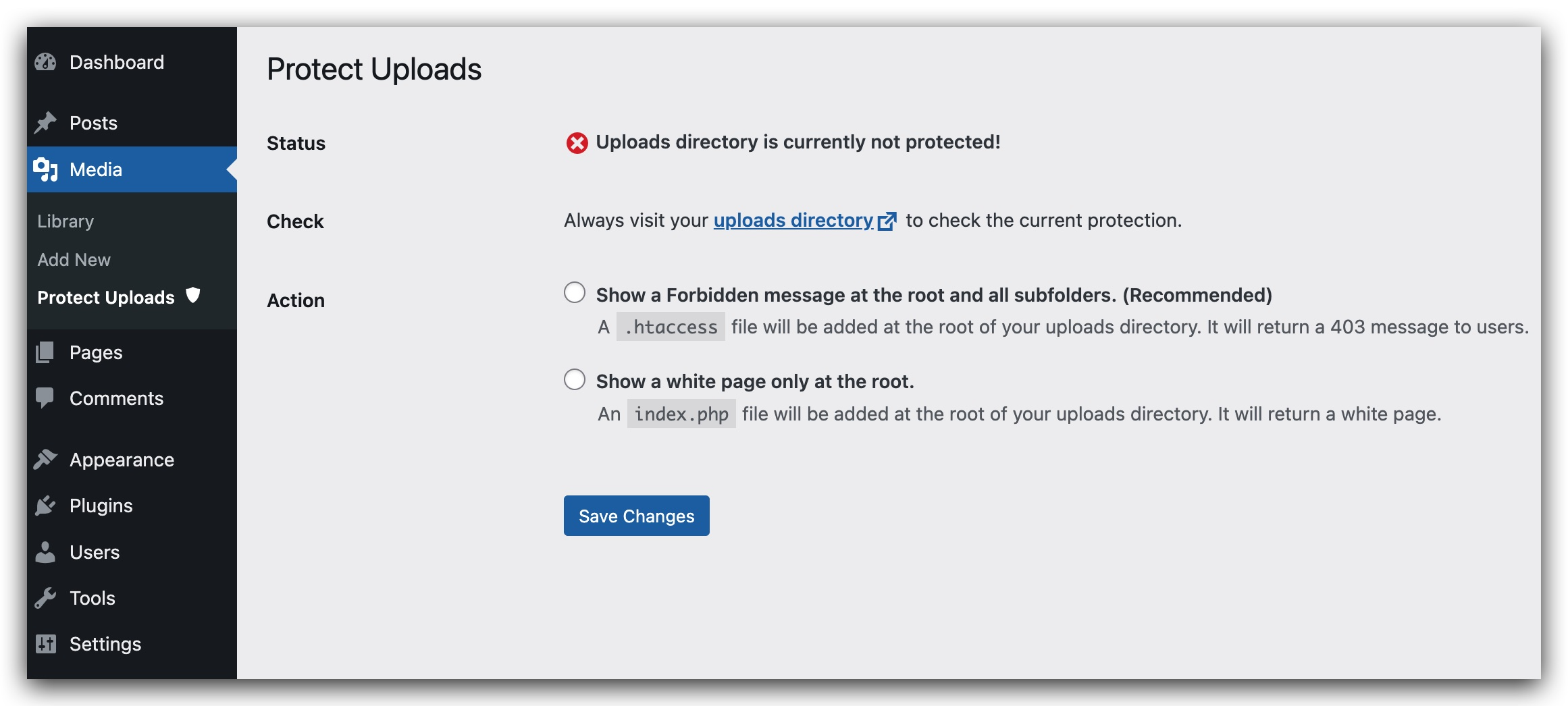
Administration Page for the plugin.
The uploads directory is where the files of the WordPress library are stored. Unfortunelty, this directory is not protected. A person who wants to see all your library could list it instantly going to : http://yourwebsite/wp-content/uploads . This plugin will hide the content by adding an index.php file on the root of your uploads directory or by setting an htaccess which will return a 403 error (Forbidden Access).
- Depending on your server setting, the htaccess option could be disabled.
New in Version 0.7.0:
- Site Health checks: See at a glance — under Tools Site Health — whether your uploads directory is protected from browsing, what server you are running, and whether any risky file types are sitting in your uploads folder.
- WordPress 7.0 ready: Fully tested on WordPress 7.0 and PHP 8.3.
All features:
- Directory Protection: Stop visitors from browsing your uploads directory (index.php or .htaccess 403).
- Image Watermarking: Add text watermarks to your uploaded images with customizable position, opacity, and font size.
- Right-Click Protection: Prevent users from right-clicking to download or save your images.
- Password Protection: Secure individual media files with passwords. Multiple passwords can be set for each file with custom labels.
- Access Logging: Track who accesses your password-protected files with detailed logs including IP address and user agent.
- Site Health Checks: Built-in protection status tests with actionable advice.
Need more protection? Protect Uploads Pro adds image watermarks with bulk operations, expiring download links, role-based access with server-level enforcement, hotlink protection, download analytics, and a Protected Download block.
Available languages:
- English
- Français
- Español
- Italian (thanks to Marko97)