
Social Profile Frame Generator – Custom Social Media Frames Creator

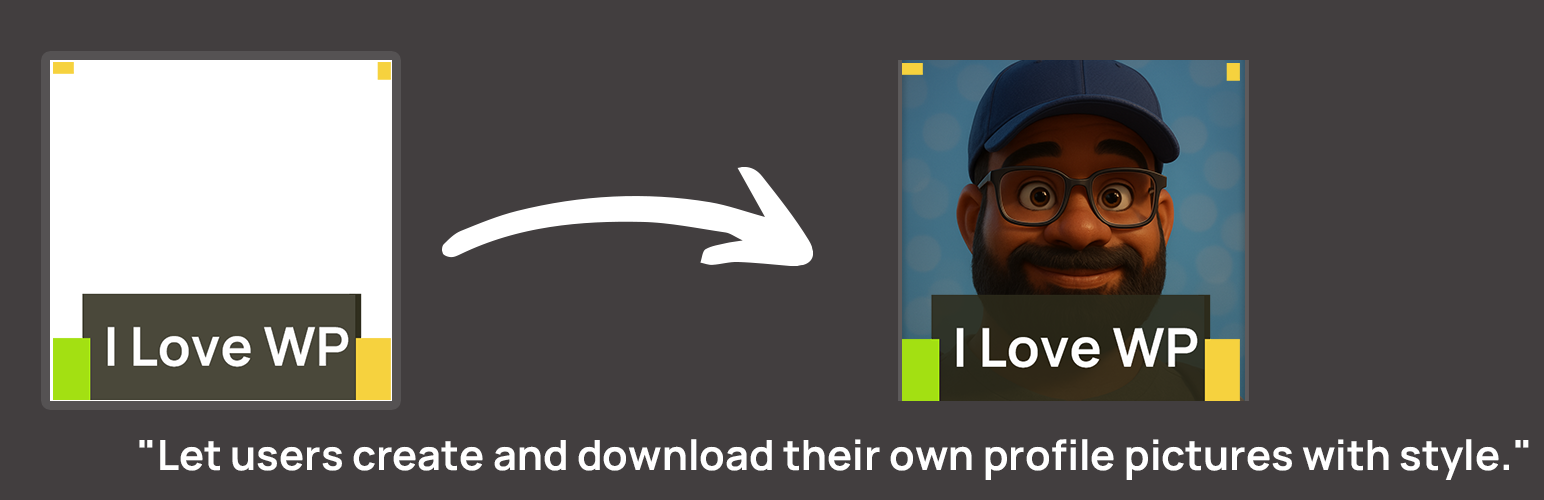
User uploads a photo, previews, applies effects like bokeh, and downloads the final image.
Profile Frame Generator is a user-friendly, performance-focused plugin that allows site owners to upload custom PNG frames that users can overlay on their photos to generate social media profile pictures. This plugin easily helps create a social photo without any software on the desktop or mobile.
WordCamp Asia 2026, WordCamp Europe and WordCamp US 2026 used this plugin for social badge creation:
- WordCamp Asia 2026 – Social Avatar Profile Frame
- WordCamp Europe – Social Avatar Profile Frame
- WordCamp US – Badge
Built for events, campaigns, and brand communities, this plugin is perfect for WordCamp, meetups, or social movement organizers who want to promote a unified visual identity among supporters, attendees, volunteers, and speakers.
🎯 Key Features:
- NEW: Detailed, responsive frontend UI.
- NEW: Split-screen layout for desktop.
- Zoom In/Out controls for precise adjustments.
- Rotate Left/Right controls to fix orientation.
- Bokeh/Blur effect to blur the background image.
- Reset Position button to quickly start over.
- Gravatar support – load user avatar directly from email.
- Custom background color for non-transparent areas.
- Customizable user instructions.
- Upload a transparent PNG frame from the WordPress media library.
- Generate framed profile pictures with an interactive frontend interface.
- Lightweight: CSS/JS loads only on pages containing the shortcode.
- Responsive and mobile-ready with intuitive gestures (touch drag/pinch).
💬 What Users Say:
“Simply | Easy | Fun”
Thank you @josevarghese
Great tool!
— Vachan Kudmule – WordCamp Asia Lead Organizer (read review)
Enjoying the plugin? Leave a review to help spread the word, or buy me a coffee to support development. Thank you!
🛠 How to Use:
- Install the Profile Frame Generator plugin via Plugins > Add New.
- Navigate to Dashboard > Profile Frame.
- Click “Select Frame from Media Library”, choose your PNG frame, and click Select Frame.
- Configure the new control settings (Zoom, Rotate, Bokeh, etc.) as desired.
- Click the “Save Settings” button.
- Copy the shortcode (e.g.,
[profile_frame frame="123"]) or just[profile_frame]to use the default saved frame. - Paste the shortcode on any post or page.
- Save and view the page – the frame generator canvas will be visible to users.
✨ Frame Interaction & Controls:
Users can customize their image overlay using the following:
– Zoom Buttons – Precise zoom control.
– Rotate Buttons – Rotate image 90 degrees left or right.
– Mouse Wheel – Zoom in/out of the uploaded image.
– Mouse Drag – Reposition the image within the frame.
– Mobile (Pinch to Zoom) – Two-finger pinch gesture to zoom.
– Mobile (Rotate) – Rotate the image left or right using your fingers.
– Gravatar – Enter email to auto-load profile picture.
🖼 Multiple Frame Support:
To use more than one frame:
– Use [profile_frame frame="image_id_here"] where image_id_here is the Media Library ID of your PNG frame.
– Each frame must be used on a separate page, as only one frame is supported per page.
Example:
– Frame A: [profile_frame frame="123"]
– Frame B: [profile_frame frame="456"]
⚠️ Performance First: The plugin only loads CSS and JS on pages with the shortcode, ensuring fast load times and minimal impact on your site.
Note: WordPress and WordCamp are registered trademarks of the WordPress Foundation. This plugin is not affiliated with or endorsed by WordPress.org or WordCamp. Names used for reference only.
Support
Enjoying Profile Frame Generator? ★★★★★
– Leave a quick rating — it takes 10 seconds and helps other WordCamp/event organizers find this plugin.
– If you find this plugin useful, consider buying me a coffee to support development. Thank you!
– Found a bug or have a feature idea? Post in the support forum first so we can help — most issues get fixed fast.
Credits
Donors
Thanks to the following generous supporters who donated to keep this plugin going:
- Arie