
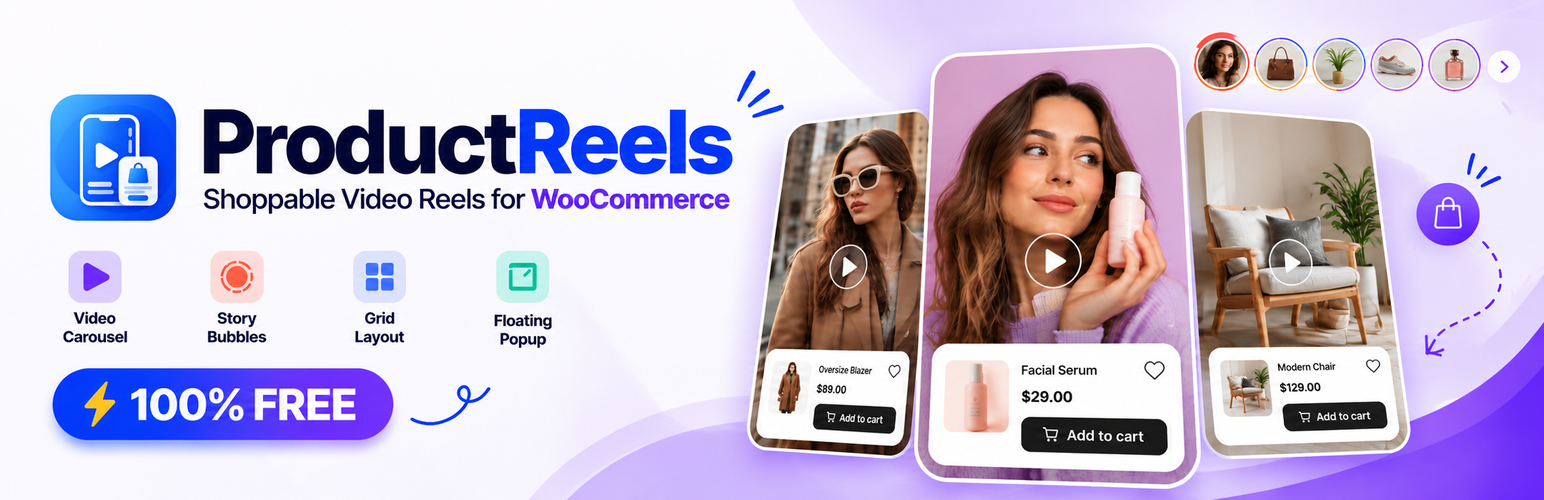

ProductReels – Shoppable Video Reels for WooCommerce
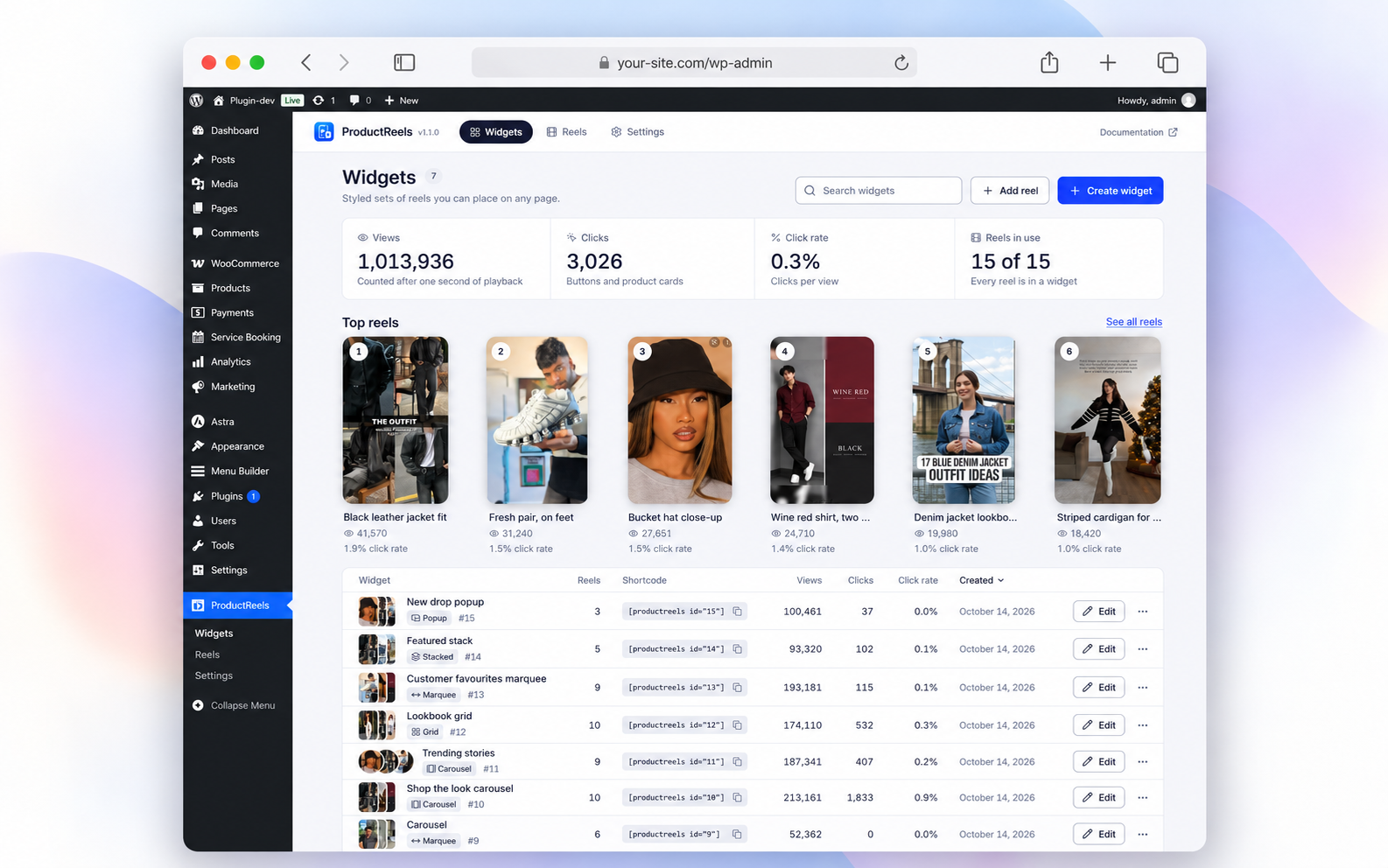
Reels and widget overview with shortcodes and top videos.
ProductReels is a free shoppable reels plugin for WooCommerce and WordPress. Turn product videos, UGC, reviews, tutorials and unboxings into interactive video reels with product tags, product cards and add-to-cart buttons.
Display WooCommerce reels on product pages, homepages and landing pages as a video carousel, reel slider, grid, marquee, stacked cards or floating popup. Shoppers can swipe through fullscreen reels and explore products without leaving the video experience.
Live Demo and Reel Previews
Want to see how shoppable reels could look on your store? Explore the demos:
- Live Demo – See ProductReels in Action
- Preview Reel Layouts – Find Your Favorite Video Style
- Shop the Look Demo – See the Interactive Shopping Experience
- Lookbook Preview – Explore a More Visual Way to Shop
- Explore BestWebExpert – More WordPress Tools and Demos
100% free: No Pro plan, license key or locked features. Build shoppable video reels with Elementor, Gutenberg or a shortcode. Non-WooCommerce WordPress sites can also use video reels and custom links.
Shoppable Reels Features
- Shoppable video reels: Tag WooCommerce products, show product cards and let customers add items to the cart from a video.
- Product page reels: Add video carousels to product pages, including automatic placement without individual shortcodes.
- Reels slider and carousel: Create scrollable video reels for homepages, shop pages and landing pages.
- Five reel layouts: Grid, carousel, marquee, stacked cards and floating popup, plus story-style round thumbnails.
- Floating video reels: Show a compact product video popup after a delay, on scroll or immediately.
- Product-specific reels: Automatically display videos tagged to the current WooCommerce product, with fallback videos.
- Fullscreen reels player: Mobile swipe, mouse-wheel and keyboard navigation with video controls.
- Video sources: WordPress Media Library, MP4, WebM, YouTube Shorts and Vimeo.
- Visual reel builder: Customize appearance, spacing, overlays, product cards and responsive previews.
- Reels analytics: Track views, clicks, click rate, eligible paid orders and attributed revenue.
- Easy embedding: Reusable widgets, Elementor widget, Gutenberg block and shortcodes.
- Lightweight loading: Lazy-loaded videos, conditional assets and accessible player controls.
Create WooCommerce Video Reels in 4 Steps
- Go to ProductReels Reels, add your product video and tag WooCommerce products or a custom link.
- Open ProductReels Widgets, choose a reel layout and select videos.
- Customize your shoppable reels using the live desktop, tablet and mobile preview.
- Publish through Gutenberg, Elementor, a shortcode or automatic product-page placement.
Shortcode: [productreels id="1"]
For a specific product, use the shortcode’s product="ID" attribute.
Video Analytics and Performance
Track reel views, clicks and click rate, plus eligible paid orders and revenue associated with reel-driven add-to-cart actions. Compare all-time results or the last 7, 30 or 90 days. Cancelled, refunded and failed orders are excluded from sales attribution.
Video files load as needed; widget assets only load on pages using ProductReels. The fullscreen player and YouTube/Vimeo SDKs load when required, and widget data is cached.
Privacy and External Services
ProductReels does not send website or visitor information to ProductReels servers. For view rate limiting, visitor IP addresses are temporarily hashed with WordPress salts and are not stored in analytics tables.
Vimeo: Adding a Vimeo URL may request video metadata (poster and duration) from https://vimeo.com/api/oembed.json, sending only the submitted video URL. Opening a Vimeo reel may load https://player.vimeo.com/api/player.js. Do Not Track is enabled where supported.
Vimeo Terms: https://vimeo.com/terms
Vimeo Privacy: https://vimeo.com/privacy
YouTube: Video thumbnails may be served from https://img.youtube.com/vi/.... Opening a YouTube reel may load https://www.youtube.com/iframe_api.
YouTube Terms: https://www.youtube.com/t/terms
Google Privacy: https://policies.google.com/privacy
Provider SDKs are loaded only when needed. Self-hosted videos do not require these providers. Developers can disable Vimeo metadata lookup with productreels_allow_provider_lookup.
Source Code and Credits
Readable JS, JSX and SCSS source is included in admin/src, public/src, block/src and src/shared. Build instructions: README.md. Dependency licenses: THIRD-PARTY-NOTICES.txt.
Credits: Inter (SIL OFL 1.1), Lucide (ISC) and dnd-kit (MIT).