
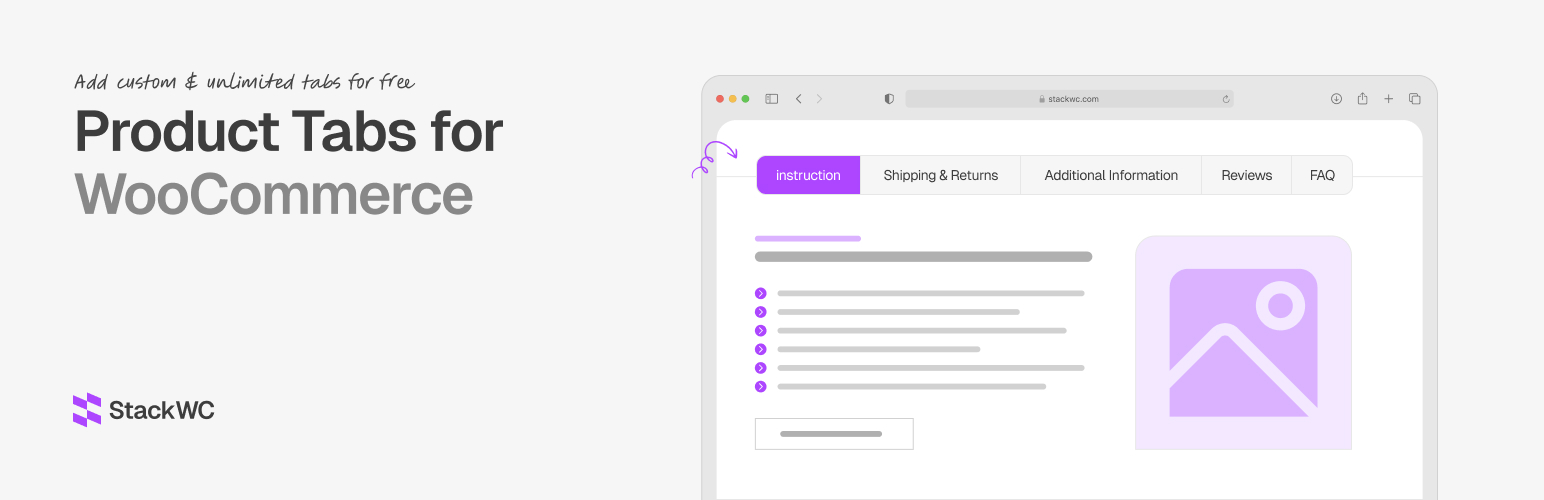

StackWC Product Tabs for WooCommerce
5/5 (1 ratings) 10 active installs Updated Sep 9, 2026
#1 WooCommerce Product Tabs Plugin Powered by Block Editor
StackWC Product Tabs for WooCommerce is a powerful and flexible plugin that allows you to create unlimited custom tabs for your WooCommerce products. With an intuitive interface and comprehensive customization options, you can enhance your product pages with rich, engaging content that improves the shopping experience.
The plugin features a modern block editor integration, allowing you to design beautiful tab content using WordPress blocks. You can also use the classic editor for quick content creation.
🚀 Try the Demo | 🛟 Get Support | ⭐ Upgrade to Pro
Free Features
- Create unlimited custom product tabs
- Block editor support for rich content creation
- Classic editor support for quick editing
- Display conditions: All products, Specific products, Product types
- Tab priority system for controlling display order
- Show/hide default WooCommerce tabs (Description, Additional Information, Reviews)
- SEO-friendly implementation
- Responsive design compatible
- Easy-to-use interface
- Product search for selecting specific products
- Support for multiple product types (Simple, Variable, Grouped, External, Downloadable, Virtual)
Pro Features (available in the separate Pro plugin)
- Product Categories and Product Tags display conditions
- Advanced display conditions (user roles, price range, stock status, sale status, date range, shipping classes)
- Drag & drop tab reordering (including default WooCommerce tabs)
- Tab icons
- Rename default WooCommerce tabs
- Add icons to default WooCommerce tabs
- Create per-product custom tabs directly from the product edit screen
Use Cases
- Product Specifications – Add detailed technical specifications
- Shipping Information – Display shipping policies and delivery times
- Size Guides – Include size charts and measurement guides
- Warranty Information – Show warranty terms and conditions
- Custom Product Features – Highlight unique selling points
- Related Products – Display related or complementary products
- Product Comparisons – Show comparison tables
- Video Tutorials – Embed instructional videos
- Customer Reviews – Add custom review sections
- FAQs – Include frequently asked questions
- Installation Guides – Provide setup instructions
Display Conditions Explained (Free)
- All Products – Tab appears on all product pages
- Specific Products – Select individual products by ID
- Product Type – Show tabs for specific product types (Simple, Variable, Grouped, External, Downloadable, Virtual)