
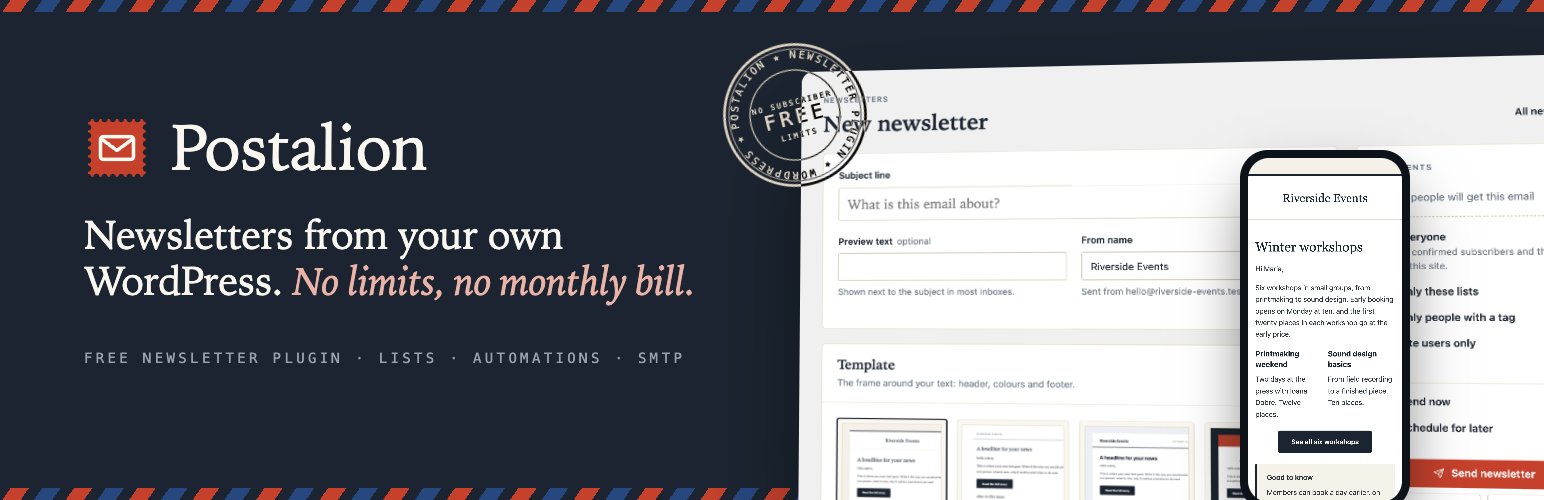

Postalion – Newsletter, Email Marketing & Automation
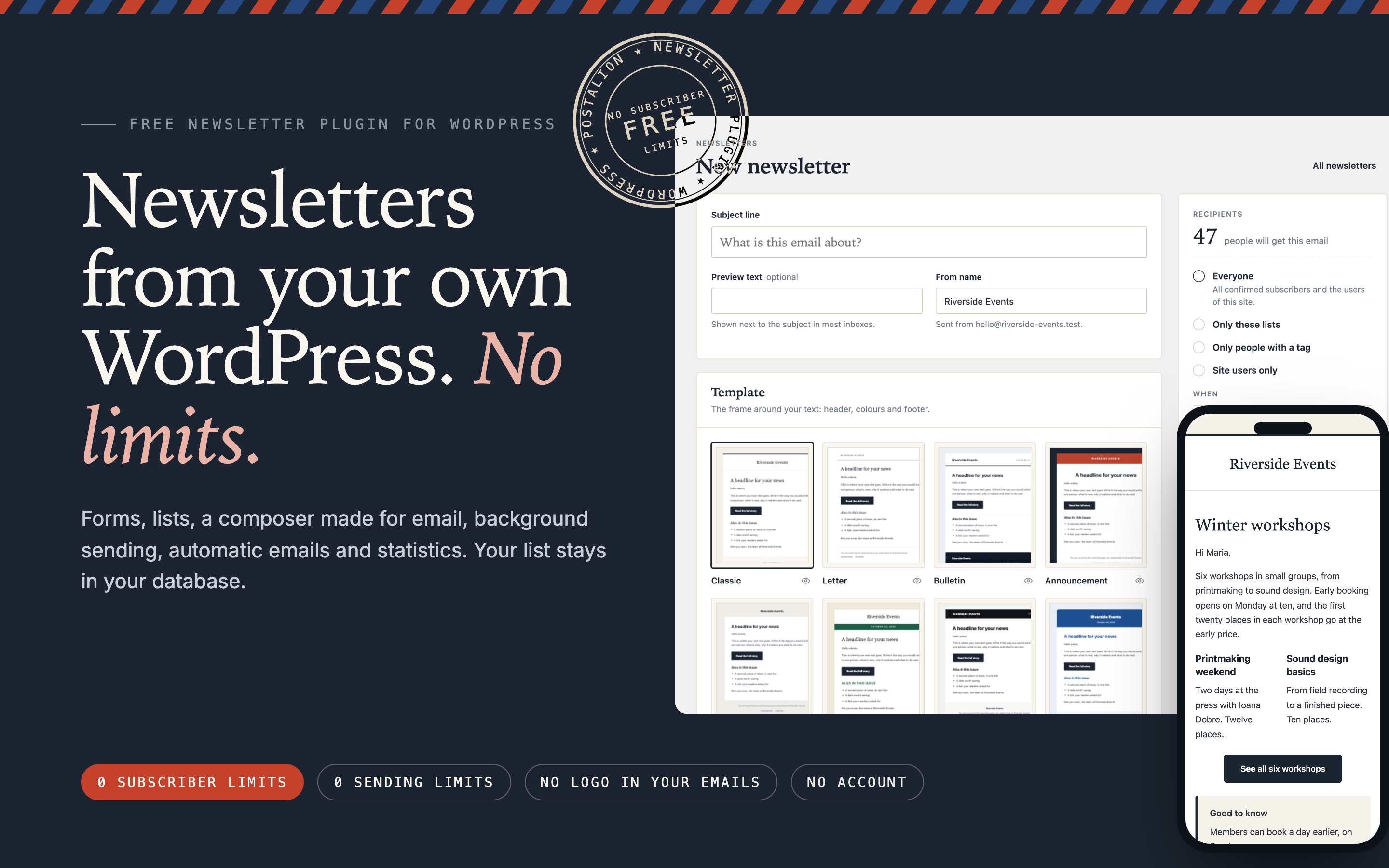
Newsletters from your own WordPress: the composer and an email on a phone. No subscriber limits, no sending limits, no logo in your emails, no account.
Postalion is a complete newsletter plugin that runs on your own site. People sign up through a form, a block, a popup or a box in the forms you already use. You write in a composer made for email, pick one of twelve templates, and Postalion sends in the background, a batch at a time, keeping a record of every email. Your list stays in your WordPress database.
All of it is free: no limit on subscribers or sends, no account to create, no logo in your emails, no requests to outside servers unless you turn on an optional spam check. Try it now with the Live Preview button above, or see it with real content on postalion.fantasythemes.net. For shops and larger lists there is Postalion Pro, a separate add-on with email sequences, visual automations, segments by behaviour, WooCommerce automations and one-time coupons, a drag-and-drop builder with templates, A/B subject lines, bounce handling and a REST API with webhooks.
The one-minute tour:
Why Postalion
- No limits. Unlimited subscribers, lists and sends. Nothing to unlock.
- Your list stays yours. Subscribers live in your own database. Nothing is sent to us or to anyone else.
- Mail that arrives. SMTP built in with a test button, or the mail plugin you already use.
- Readers stay in charge. Double opt-in, one-click unsubscribe, and a preferences page linked from every email.
- Looked after. Tested before every release, improved every few weeks, support answered on the forum. See the changelog and the roadmap.
Coming from another service? Importing from Mailchimp · Switching from MailPoet · Switching from Newsletter.
Write
- A composer made for email, with blocks mail clients understand: headline, button, two columns, image and text, note, divider, spacer, social links
- Twelve templates: Classic, Letter, Bulletin, Announcement, Card, Modern, and for particular kinds of sites Programme (venues, festivals, courses), Shop (products and prices), School (schools, parishes, associations), Tech (software and product updates), Garden (gardens, nurseries, farms) and Café (cafés, restaurants, bakeries). See all twelve
- Personal details in the text:
{first_name}, the subscriber’s email, any custom field such as{city}, the site name and address - Preview on desktop and phone, and a test email to yourself
- A web version of every newsletter (“View in browser”) and a public archive of the ones you sent
- Your site logo on top, or the site name when there is no logo
How the composer and the templates work, with pictures.
Send
- Background sending in batches: the first batch at once, the rest through WP-Cron
- Batch size and pause are yours to set (default: 10 emails every 5 seconds)
- Send now or schedule a date and time
- Live progress, with stop and resume; an interrupted send continues where it stopped and nobody gets the same email twice
- Resend to people who did not open: one click makes a draft for exactly them
Mail server (optional)
Out of the box the emails go through the mail function of WordPress, so whatever your host or your mail plugin set up keeps working. If nothing is set up, enter an SMTP server under Settings: your own, or a sending service such as Brevo, Amazon SES, Mailgun, Postmark or SendGrid. A button tries the settings before you save them, the password is stored encrypted, and a switch can route all the mail of the site through the same server. No second plugin needed. Sending, batches and the SMTP setup
Grow
- Sign-up form as a block or a shortcode, with double opt-in
- The form under every post, where readers who finished one are most likely to want the next
- A sign-up popup: in the middle of the page or as a corner panel; after a delay, half-way down the page, or when the visitor is about to leave; once closed it stays away
- Page builders: the form as a native element in Elementor, Beaver Builder, Bricks and Divi
- Sign-up checkboxes in the forms you already have: registration, comments, the WooCommerce checkout, Contact Form 7, WPForms, Fluent Forms, Gravity Forms, Ninja Forms, Formidable, Forminator, Elementor Pro forms, Kadence Blocks, Everest Forms, WS Form, BuddyPress, the Easy Digital Downloads checkout and GiveWP donation forms (video)
- Spam protection: a hidden trap field and a rate limit on every form; optionally refuse throwaway inboxes, block domains, check sign-ups with Akismet, or add Cloudflare Turnstile
- Lists, tags and custom fields: group people, label them, keep details about them; filter, send to a list or a tag, use the details in emails
- WooCommerce: a box at the checkout, a Customer tag and last-order fields for buyers who subscribed, new-product emails
- Courses, memberships, shops, donations and events: tags such as “Course: Sourdough at home” or “Member: Gold” for the people of Tutor LMS, LifterLMS, LearnDash, Paid Memberships Pro and MemberPress, and for the buyers, donors and attendees of Easy Digital Downloads, GiveWP and Event Tickets, so you can write to them alone; nobody is subscribed by it
- CSV import and export; import from Mailchimp (its export zip, with tags, fields, sign-up dates and unsubscribes); one-click imports from MailPoet and from Newsletter, with lists, fields and statuses
- The users of your site are subscribers too, and can opt out from their profile
- Search, filters and bulk actions
Sign-up forms, popup and checkboxes · Lists · Tags and custom fields · Import and export
Works with
Postalion connects to the plugins your site already runs, each switch off until you turn it on:
- Shops: WooCommerce (checkout box, Customer tag, order fields, new-product emails), Easy Digital Downloads (checkout box, customer tag)
- Courses (LMS): Tutor LMS, LifterLMS, LearnDash: students get a tag per course
- Memberships: Paid Memberships Pro, MemberPress: members get a tag per level
- Donations and events: GiveWP (donation-form box, Donor tag), Event Tickets and The Events Calendar (a tag per event)
- Form plugins: Contact Form 7, WPForms, Fluent Forms, Gravity Forms, Ninja Forms, Formidable Forms, Forminator, Elementor Pro forms, Kadence Blocks, Everest Forms, WS Form
- Page builders: the block editor (Gutenberg), Elementor, Beaver Builder, Bricks, Divi
- Community: BuddyPress registration, the WordPress registration form and comments
- Sending: any SMTP service (Brevo, Amazon SES, Mailgun, Postmark, SendGrid) or the mail plugin you use (WP Mail SMTP, FluentSMTP and others)
- Moving in: imports from Mailchimp, MailPoet and the Newsletter plugin
Automatic emails (optional)
- A welcome email once someone is confirmed
- Each new post as a newsletter, to everyone, to lists or to a tag, limited to the categories you pick
- A digest of new posts: daily, weekly or monthly, at the hour you choose, only when there is something new
- An email to you for each new subscriber, if you want one
Statistics (optional, off by default)
- Opens and clicks per newsletter, with the links that were clicked
- Counted on your own site; nothing is sent anywhere else
- Campaign tags (UTM) on the links, so Google Analytics, Matomo or Umami show the visits each newsletter brought
- The last 30 days on the dashboard: who joined, who left, and why they said they left
- Subscribers who stopped opening: find them and unsubscribe them in one go, to keep your delivery healthy
Keep track
- Email log: every email with its recipient, date and result, and a preview of the email as that person received it
- Activity log: sign-ups, confirmations, preference changes, unsubscribes (with the reason, when given), imports and sends
- System log for errors and warnings, cleaned up automatically after a period you choose
Respect
- An unsubscribe link in every email, plus one-click unsubscribe for mail clients that support it (List-Unsubscribe-Post)
- A preferences page in every email: the reader edits their name and details, picks their lists, or leaves; no account, no password
- An optional question when someone leaves, so you learn why
- No tracking pixels and no rewritten links unless you turn statistics on
- Supports the WordPress tools for exporting and erasing personal data
- No telemetry and no external requests
Languages
Ships in English, German, French, Spanish, Italian, Portuguese (Brazil), Dutch, Polish, Russian, Ukrainian and Romanian. Language packs from translate.wordpress.org take over when they exist, and corrections there are welcome.
Shortcodes
[postalion_form]– sign-up form. Attributes:title,description,button_text,show_name="false",list="slug",tags="slug",fields="city,company",class. In the block editor, use the “Postalion sign-up form” block instead.[postalion_unsubscribe]– unsubscribe form.[postalion_subscriber_count]– number of people on your list.[postalion_archive]– the newsletters you sent, each with its web version. Attributes:limit,lists="slug".
For developers
postalion_subscribe( $email, $args ) subscribes an address from your own code, the way the form does. Filters and actions: `postalion_templates`, `postalion_logo_url`, `postalion_newsletter_recipients`, `postalion_email_content`, `postalion_email_sent`, `postalion_subscriber_subscribed`, `postalion_subscriber_confirmed`, `postalion_subscriber_tagged`, `postalion_subscriber_untagged`, `postalion_order_recorded`, `postalion_notify_post`, `postalion_digest_include_post`, `postalion_digest_content`, `postalion_post_newsletter_content`, `postalion_show_popup`, `postalion_form_after_post`, `postalion_signup_spam_check`, `postalion_utm_values`, `postalion_admin_menu`, `postalion_dashboard_cards`, and for new audience types `postalion_audience_types`, `postalion_audience_emails`, `postalion_describe_audience`, `postalion_compose_audience`, `postalion_settings_audience`. Documentation at [postalion.fantasythemes.net/docs/developers](https://postalion.fantasythemes.net/docs/developers/).
Postalion Pro (add-on)
Postalion Pro is a separate plugin for shops and larger lists:
- Email sequences: a series of emails started by a sign-up, a tag, an order, a cart left behind or a quiet customer, days apart, written in the same composer. How sequences work
- Segments by behaviour: opened, clicked, bought, went quiet; counted fresh every time you send. Segments
- WooCommerce automations: abandoned cart with a link that rebuilds the cart, after-the-order series, win-back. Shop automations
- Drag-and-drop builder: an email built from blocks, dragged into place and edited where they stand. The builder
- A/B subject lines: two subjects on a test group, the winner to everyone else. The subject test
- Priority support from the author, within one working day
Pro is built on the hooks of this plugin. The free plugin is complete on its own and keeps every feature; Pro adds, it never takes away. Prices, documentation and a 14-day money-back guarantee at postalion.fantasythemes.net/pro.
External services
Postalion works on your own site and calls no outside service on its own. Two optional spam checks, both off until you turn them on under Settings Subscribing, use one:
Cloudflare Turnstile (a privacy-friendly alternative to a CAPTCHA). When you enter Turnstile keys, pages with a Postalion form load Cloudflare’s script from challenges.cloudflare.com, which checks in the visitor’s browser that they are a person. On sign-up, the token from that check and the visitor’s IP address are sent to Cloudflare’s verification address (challenges.cloudflare.com/turnstile/v0/siteverify) to confirm it. Cloudflare’s terms of service and privacy policy apply; see also the Turnstile privacy addendum.
Akismet (by Automattic). When the Akismet plugin is installed and connected and you tick the Akismet check, each sign-up’s email address, name, IP address, browser user agent and page address are sent to Akismet through the Akismet plugin, to judge whether it is spam. Akismet’s terms of service and privacy policy apply.
Your newsletters themselves leave through your site’s mail setup: WordPress’s own mail function or the SMTP server you enter, which you choose and which has its own terms.