


PingLead
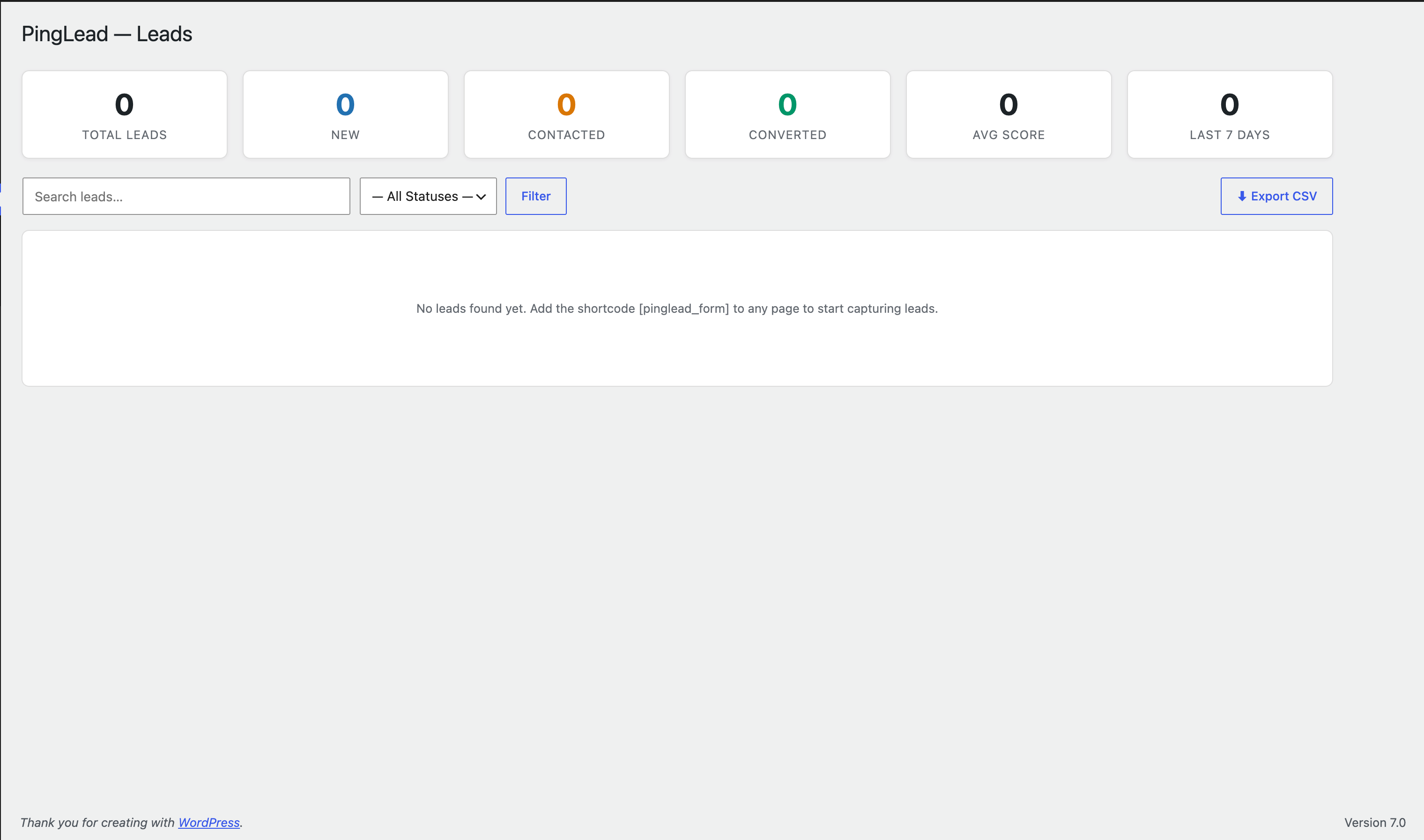
The Leads dashboard — stats at a glance, search, filtering, and CSV export.
PingLead replaces slow email notifications with instant chat alerts for every new lead, the moment they submit your form.
Core Features
- Lead Capture Form — Embed a clean, accessible form anywhere with the
[pinglead_form]shortcode. - Demo Mode — Try the whole plugin safely with one click: sample leads are loaded into the dashboard and no real WhatsApp messages or CRM webhooks are sent while it’s on.
- Instant Chat Alerts — Get notified the moment a lead submits, using the WhatsApp Business Cloud API.
- Lead Scoring — Automatic 0–100 quality score based on completeness, email type, and message intent (Hot / Warm / Cold).
- CSV Export — Download all leads as a CSV file, compatible with Excel and Google Sheets.
- Automation Workflows — Create trigger-based workflows: send custom alerts, update lead status, call webhooks, or sync to your CRM automatically.
- CRM Sync — Push lead data to any CRM or automation tool (Zapier, Make, HubSpot, etc.) via webhook.
- Spam Protection — Built-in honeypot plus optional Google reCAPTCHA (v2 or v3).
- Status Management — Track leads through New Contacted Qualified Converted Lost directly in the admin.
Shortcode Usage
[pinglead_form]
Optional attributes:
id— Unique form identifier (default:default)title— Form heading textbutton_text— Submit button labelshow_phone— Show phone field (yes/no, defaultyes)show_title— Show form heading (yes/no, defaultyes)
Example: [pinglead_form id="quote" title="Get a Free Quote" button_text="Request Quote"]
Notification Setup
- Create a developer account with your chat provider and set up a messaging app to obtain a Phone Number ID and permanent access token.
- Enter these credentials in PingLead Settings Notifications.
- Enter the recipient phone number in E.164 format (e.g.
919876543210for India). - Click Send Test Message to verify the connection.
Developer Hooks
Actions:
pinglead_lead_processed( $lead, $lead_data )— Fires after a lead is saved and processed.pinglead_workflow_action( $action, $lead )— Fires for each custom workflow action.
Filters:
pinglead_crm_payload( $payload, $lead )— Modify the CRM webhook payload.
External services
This plugin connects to the following third-party services to provide its core features. These connections only happen when you configure the relevant credentials in PingLead Settings; nothing is sent anywhere by default.
WhatsApp Business Cloud API (Meta)
This plugin uses the WhatsApp Business Cloud API to send you an instant notification whenever a visitor submits your lead capture form, and to send the “Send Test Message” check from Settings.
It sends the submitted lead’s name, email, phone, message, source page URL, and lead score to Meta’s WhatsApp Cloud API endpoint, only at the moment a form is submitted (or when you manually click “Send Test Message”), and only if you have entered an API access token, phone number ID, and recipient number in Settings. No data is sent if these credentials are not configured, or while Demo Mode is active.
This service is provided by Meta Platforms, Inc. / Meta Platforms Ireland Limited: Terms of Service, Privacy Policy.
Google reCAPTCHA
This plugin can optionally use Google reCAPTCHA (v2 or v3) to protect the lead capture form against spam and automated submissions.
It is only active if you enable reCAPTCHA and enter a site key and secret key in PingLead Settings Security. When enabled, the reCAPTCHA script is loaded from Google’s servers on any page showing the form, and a verification request containing the visitor’s reCAPTCHA token is sent to Google when the form is submitted. Google’s reCAPTCHA collects technical and interaction data from the visitor’s browser as part of its bot-detection process; see Google’s documentation for details of what is collected.
This service is provided by Google LLC: Terms of Service, Privacy Policy.
Your own CRM webhook (optional, user-configured)
If you enable CRM Sync and enter your own webhook URL in PingLead Settings CRM Sync, the plugin will send each new lead’s data (name, email, phone, message, score, status, and source URL) as JSON to that URL when a lead is submitted. This only happens if you have explicitly entered a webhook URL; the destination is entirely your choice (e.g. Zapier, Make, your own CRM, or any custom endpoint), so no third party is named here — please refer to the terms and privacy policy of whichever service you choose to connect.