

PilotDeck Connector

Settings → PilotDeck. The Integration Key is generated on your own site; copy it once and paste it into PilotDeck. The Default author is used for articles without an author of their own.
If you have ever published to WordPress from an external tool and found the SEO fields
empty afterwards – no meta description, no focus keyword, no canonical, every post
credited to the same admin account – this plugin exists for that exact problem.
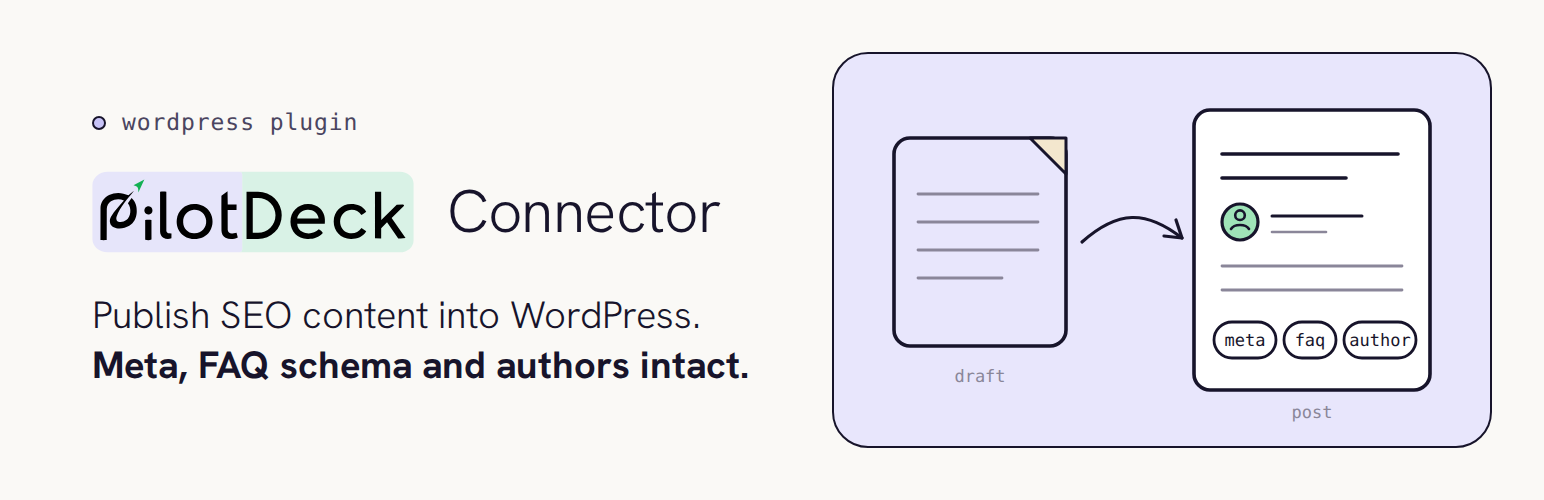
PilotDeck Connector publishes content from PilotDeck into this
WordPress site with the meta title, meta description, focus keyword, canonical URL,
FAQ structured data and the article’s author all intact, written into whichever SEO
plugin you already use.
Why a plugin is needed at all
WordPress core already exposes /wp/v2/posts, so creating a post remotely needs no
plugin. What core cannot do is write SEO meta. Yoast, Rank Math, All in One SEO and
SEOPress store their fields as post meta that is not registered with show_in_rest,
so core accepts the request, returns 201 Created, and discards those fields without
an error. For an SEO workflow that is a broken publish, not a partial one.
This plugin closes that single gap. Its surface is deliberately small.
What it does
- Creates and updates posts sent from your PilotDeck account.
- Writes meta title, meta description and focus keyword to whichever supported SEO
plugin is installed – Yoast SEO, Rank Math, All in One SEO or SEOPress. If none is
installed, posts still publish normally. - Writes the canonical URL for Yoast, Rank Math and SEOPress.
- Outputs FAQPage (
schema.org) structured data in the page head, which SEO plugins
do not generate because they cannot infer questions and answers from prose. - Outputs Service (
schema.org) structured data for service pages (new in 1.3.2), the
one schema type your SEO plugin cannot infer on its own. - Credits each article to its real author (new in 1.3.0) – see “Authors” below.
- Sets the featured image from a remote URL, including images served by CDNs from
paths with no file extension. - Assigns categories and tags, creating any that do not already exist. Shares your
site’s category list back to PilotDeck (new in 1.3.2), so each content type – blog
post, service, case study – can be mapped to its own category. - Creates a standalone Page instead of a post for content PilotDeck marks as a page,
such as a landing page (new in 1.3.2). - Honours a future publish date by scheduling the post rather than publishing it.
Authors (new in 1.3.0, linking and sync new in 1.3.1)
The authors you set up in PilotDeck now carry through to WordPress, so each article
is credited to the person who wrote it instead of one shared account. This supports
the author signals (E-E-A-T) that search engines and AI answers look for.
- Linked directly, when you’ve set that up in PilotDeck. PilotDeck can import
your site’s existing users and let you link one to a PilotDeck author, instead of
relying on matching names. A linked author is always credited to that exact user –
no guessing, even if two of your users share a similar display name. - Matched to an existing user, otherwise. For an author that isn’t linked, if a
WordPress user who can write posts has the same display name as the article’s
author, the post is credited to that user. - Created when missing. If no linked or matching user exists, the plugin creates
one with the Author role, the author’s name and bio, and their photo as the
profile picture. The account gets a random password that is never shown and a
placeholder email on the reserved.invaliddomain, so nobody can sign in as it
unless a site admin sets a password. You can edit, or reassign and delete, these
users like any other – except see the note on sync below for a linked author. - Kept in sync. Once an author is linked (by import, or because the plugin just
created their account), PilotDeck keeps that user’s display name, Biographical Info
and profile photo up to date automatically from then on. PilotDeck is the source of
truth for a linked author’s profile – editing those same fields by hand in WordPress
is not preserved, since the next sync overwrites them with what’s in PilotDeck. - Person structured data. A
schema.orgPerson block describing the author
(name, job title, bio, photo and profile links) is added to the page head of each
article, next to the FAQ block. - Default author as a fallback. Articles without an author, or any article whose
author user could not be created, are credited to the user you choose under
Settings PilotDeck, as before.
How connecting works
On activation the plugin generates a random 48-character key and stores it on your
site. Settings PilotDeck shows an Integration Key that packs your site address and
that key together, so you paste one value into PilotDeck instead of two. You can
regenerate the key at any time, which immediately stops any previous copy from working.
Requests arrive over your site’s REST API and must present that key. Nothing else can
publish through this plugin.
External services
This plugin is a connector for PilotDeck, a paid third-party
content and SEO platform from Aveo Software. The plugin is not useful on its own – it
exists so that a PilotDeck account can publish into this site.
How data flows
The plugin does not send your site’s content, credentials or visitor data anywhere.
It does not phone home, collect analytics, or contact PilotDeck on its own. It only
listens.
PilotDeck connects inbound to your site’s REST API and sends the content you have
asked it to publish, including the article author’s name, bio, photo URL and profile
links. When it does, the plugin returns:
- the created or updated post ID, its public URL and status;
- your site name, site URL and WordPress version;
- which SEO plugin is installed, and the user ID configured as the post author;
- which parts of the request were applied (for example, whether the post was credited
to a matched or newly created author).
That information is returned only in response to a request that already carries your
Integration Key, and only to whoever made that request.
PilotDeck can also ask for your site’s category list (new in 1.3.2), used to let you
map each content type to one of your own categories inside PilotDeck. The same
Integration Key is required; no categories are changed or created by this request.
Outbound requests (images only)
When a publish request includes a featured image URL, or an author photo URL for an
author user the plugin is creating, your site downloads that image so it can be added
to your media library. The request goes to whatever host that image is on – normally
PilotDeck’s own storage or your image CDN. No other outbound requests are made.
Terms and privacy
- PilotDeck website: pilotdeck.co
- PilotDeck Terms of Service
- PilotDeck Privacy Policy
By connecting this site to PilotDeck you agree to the Terms of Service and Privacy Policy. A PilotDeck account
is required to use this plugin.