


Peak Publisher
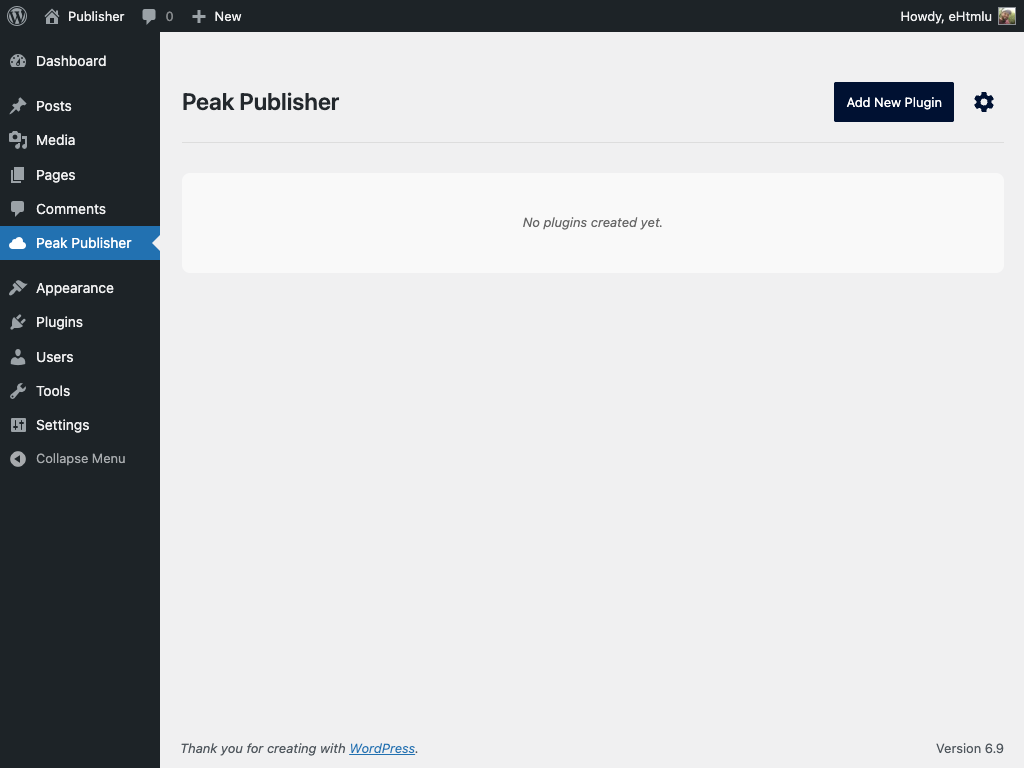
A fresh installation of Peak Publisher looks like this.
Peak Publisher turns your WordPress site into your own plugin update server. It’s built for agencies, product teams, and developers who want to create and ship their own custom plugins and want full control over distribution, versioning, and updates — without relying on third‑party services.
With a modern, task‑focused admin UI, you can add new plugins and releases via drag & drop, validate packages automatically, and publish or draft releases with one click. Your client plugins point to your Peak Publisher site via a standard Update URI, so WordPress will discover and install updates directly from you.
With this solution, you can have your own self-hosted plugin update server in just 5 minutes, allowing you to centrally manage your plugins and deploy updates with incredible ease.
—
❇️ COMING SOON ❇️
Managing and Updating wp.org Plugins
In just a few weeks, Peak Publisher will let you manage plugins hosted on wordpress.org the same way you already manage self-hosted ones. Drag and drop your plugin folder onto Peak Publisher, and everything else is handled automatically — no more SVN.
—
KEY FEATURES
🚀 Clean admin UI with a guided “Add New Plugin” flow
A short and focused user interface guides you through the entire process to deploy your first plugin with amazing ease within minutes.
☝️ Drag & drop a ZIP or simply the whole plugin folder
You can drop a ZIP file, but the easiest way is to simply drop the entire raw plugin folder or the folder’s contents. The ZIP file will then be created automatically for you.
✅ Automatic validation: headers, version, Update URI
Peak Publisher automatically checks each new release for required headers, proper semantic versioning, consistent update URIs, and more to ensure everything is correct.
🧽🫧 Auto‑cleanup of workspace artifacts (e.g. .git, node_modules)
To provide clean packages and reduce package size, Peak Publisher automatically removes development files and operating system artifacts from your uploads using patterns that you can configure. (optional)
🔐 Optional restriction via IP/domain whitelist
Packages are stored in a private, server-protected directory with no direct web access. By default, access via the API is still possible from anywhere. Using IP or domain whitelisting, you can restrict access to update metadata and downloads.
Some More Features
📈 Analytics: You can always see how many active installations there are.
📄 Readme.txt: Provide your users with a description, changelog, tested up to and more.
HOW IT WORKS
- Install Peak Publisher
on a dedicated WordPress site (recommended)
or any site you control. - Follow the “Add New Plugin” flow
add theUpdate URIheader and the bootstrap code to your plugin. - Upload your plugin
drag & drop the zipped plugin or the plugin folder. - Peak Publisher validates your upload
and shows you the validation result. - Click “Add new plugin”
to finish the process. - Drop your next release with increased version number
once you have one ready.
WHO IS IT FOR?
- Agencies that deliver custom plugins to multiple clients
- Product teams with private/proprietary extensions
- Creative plugin developers who want to deploy updates quickly and easily
Privacy
Peak Publisher does not collect personal data, does not track usage, and does not use third‑party services. All files are stored on your server in a protected directory.