
PDF Viewer Nova
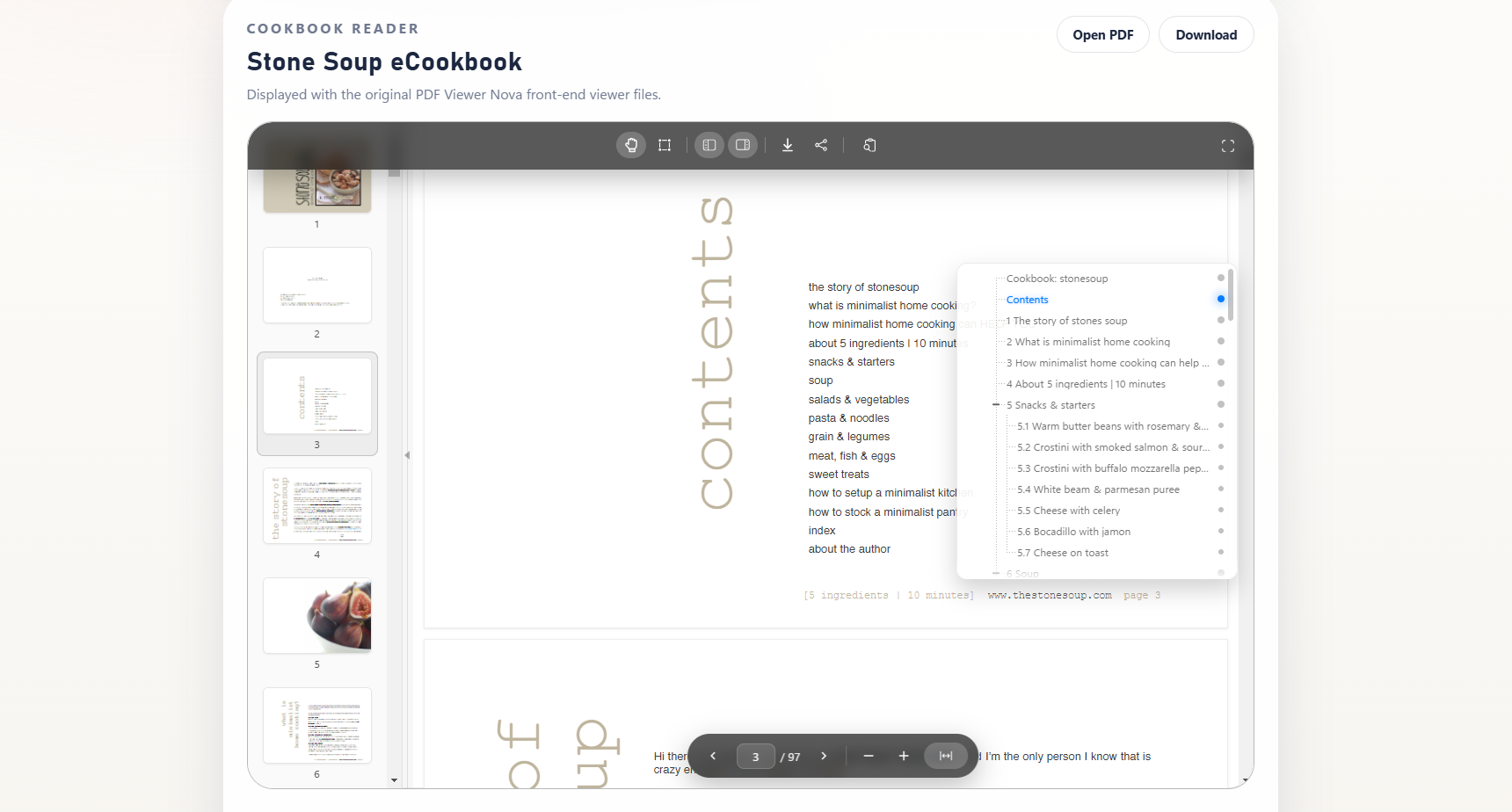
Hover to reveal bookmark navigation and jump between sections easily.
PDF Viewer Nova helps WordPress site owners embed polished, full-featured PDF reading experiences directly inside pages and posts.
Use the PDF Viewer Nova block in the WordPress Block Editor or the PDF Viewer Nova widget in Elementor to place PDFs from the Media Library or from public external URLs.
The viewer is powered by PDF.js and highlights a handy bookmark and outline navigation panel for long PDFs, along with responsive layout controls, floating toolbars, page navigation, zoom controls, fullscreen modes, thumbnails, search, text selection, configurable viewer sizing, and ready-made style presets.
PDF Viewer Nova is built for easy document embedding, smooth PDF reading, and better experience for visitors to your WordPress site.
PDF Viewer Nova Pro is distributed separately by WP Essentia outside the free package for advanced PDF viewing and downloading control.
Free Features
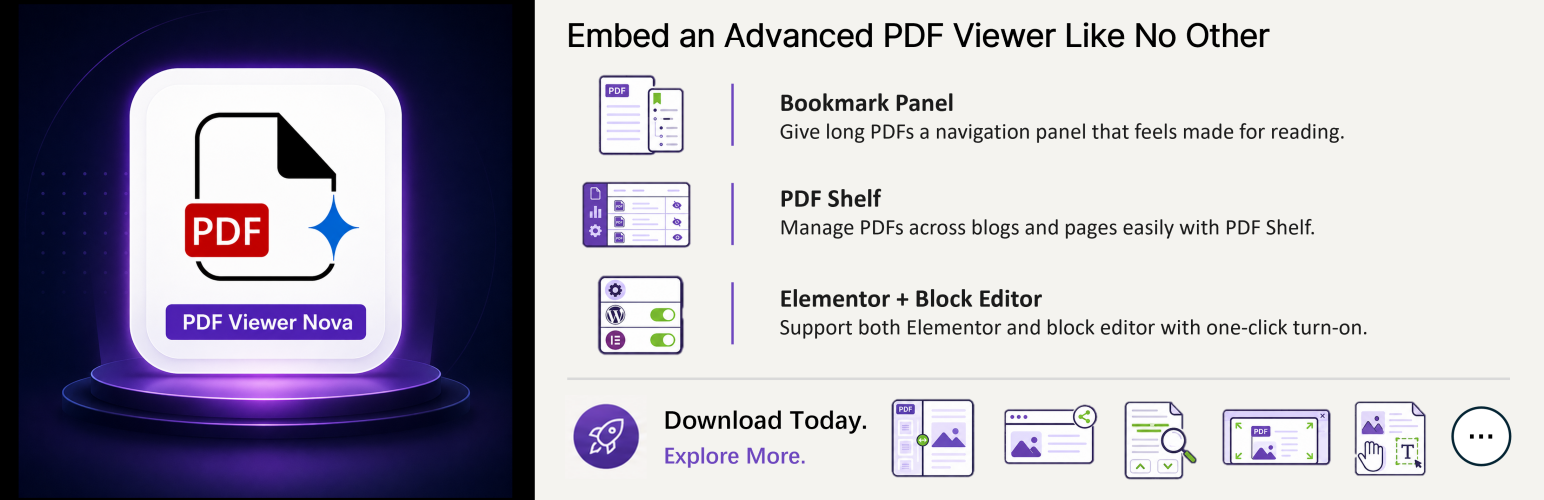
- Bookmark and outline navigation panel for long PDFs.
- Auto-hiding top and bottom controls for clean PDF view when the reader is not interacting.
- Ready-made style presets for quickly styling the viewer, toolbars, thumbnails, and bookmark panel in Gutenberg or Elementor, with a Custom option for manual styling.
- In-page fullscreen and native fullscreen modes for focused reading.
- Pan and text-selection interaction modes.
- Responsive embedded PDF viewer.
- Media Library PDF selection or public external PDF URL embedding.
- Thumbnail sidebar for quick page navigation.
- Full-text search with result navigation.
- Zoom, fit width, page input, previous page, and next page controls.
- Share button in the top toolbar.
- Admin PDF Shelf to discover where PDF viewers are used across the site.
- One-click settings to enable or disable the Elementor widget and WordPress block.
- WordPress Block Editor block for Gutenberg pages and posts.
- Elementor widget for page builder workflows.
Pro Features
PDF Viewer Nova Pro is a separately distributed version for advanced PDF publishing workflows, designed to help increase PDF control, premium PDF sales, and membership sign-ups.
- Choose PDF display behavior by guest status or WordPress role.
- Choose PDF download behavior by guest status or WordPress role.
- Easy Digital Downloads (EDD) integration: Restrict PDF viewing and downloading based on qualifying purchases, active subscriptions, or All Access passes.
- WooCommerce and WooCommerce Memberships integration: Restrict PDF viewing based on product purchases or active memberships, and restrict downloading based on valid download permissions or active memberships while preserving native download limits and expiry.
- MemberPress integration: Restrict PDF viewing and downloading to users with any active membership or one of your selected active memberships.
- Show selected preview page ranges for restricted viewers.
- Optionally append a lock page for restricted viewers, with a customizable message and click-through redirection.
- Show a image instead of the PDF viewer for restricted viewers.
- Render a selected PDF page as a teaser preview image for restricted viewers.
- Show custom popup messages with customizable redirection, such as to your subscription or membership page, when downloading is restricted.
For more information about PDF Viewer Nova Pro, visit the PDF Viewer Nova product page.
Third-Party Libraries and External Services
PDF Viewer Nova includes PDF.js build files in the plugin’s assets/pdfjs/build/ directory for local PDF rendering. PDF.js is licensed under the Apache License 2.0, which is GPLv3-compatible.
PDF Viewer Nova includes Motion, an MIT-licensed animation library, for local interface animations such as the bookmark panel.
PDF Viewer Nova includes the Freemius SDK for checkout functionality. On first activation, Freemius displays its own opt-in screen before collecting diagnostic or account data. You can skip that opt-in and continue using all free PDF Viewer Nova features.
Freemius Terms of Service: https://freemius.com/terms/
Freemius Privacy Policy: https://freemius.com/privacy/
The admin How to Use tab includes embedded tutorial videos from YouTube’s privacy-enhanced domain. These embeds are loaded only when an administrator opens the How to Use tab.
YouTube Terms of Service: https://www.youtube.com/t/terms
Google Privacy Policy: https://policies.google.com/privacy