


PDF Catalog for WooCommerce – Product Catalog & Price List Generator
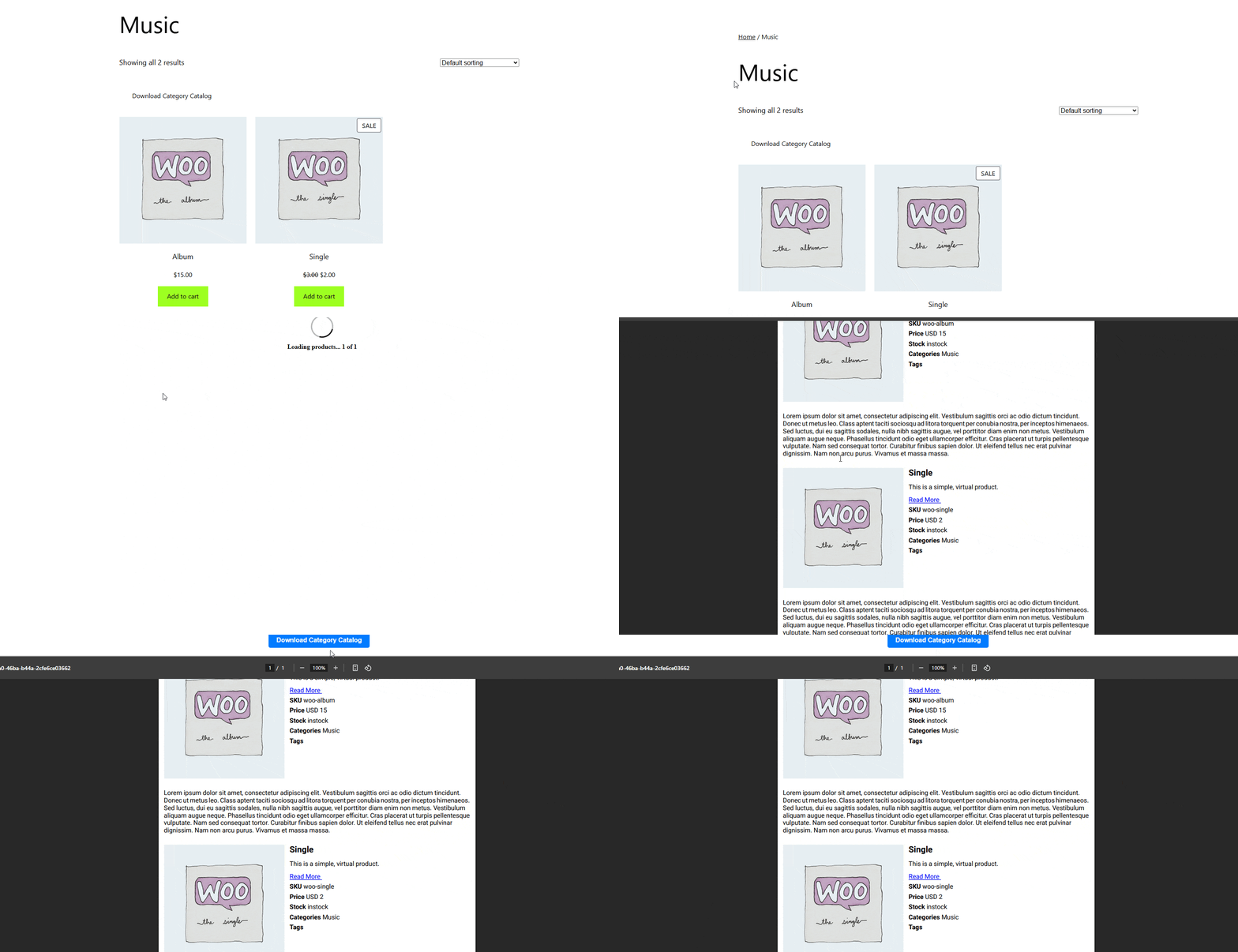
Shop page PDF download button
PDF Catalog for WooCommerce adds a download button to your shop, category and product pages. When a customer clicks it, the plugin builds a print-ready PDF from your live product data and downloads it. No design software and no copy-pasting product details into a document.
The PDF is created at the moment of the click, so prices, images and descriptions are always current.
What can customers download?
- The whole shop as one catalog
- A single category, so buyers only get relevant products
- A single product, as a spec sheet or price sheet
Who is it for?
- Wholesalers and B2B sellers who send a clean price list to buyers who order by email, phone or WhatsApp.
- Trade show and offline sellers who want a printed catalog without maintaining it separately from the store.
- Any WooCommerce store that gets asked “do you have a PDF of your products?”
- RTL language stores (Arabic, Hebrew and others) that need the PDF to read right to left.
How it works
- Install and activate the plugin.
- Open Woo Catalog PDF in the WordPress admin menu.
- Choose your layout, fields, colors and exclusions.
- The download button appears automatically on your shop, category and single product pages, or you place it yourself with a shortcode.
Free features
Shop and category catalog
- Download button on the shop and category pages (before or after the product loop, or a custom spot with a shortcode)
- List layout or grid layout (choose how many products per row in grid)
- Sort products by date, title or price, ascending or descending
- Optionally group products by category
- Search results can be downloaded too
- Text alignment: left, center or right
- Image width control
Single product PDF
- Download button on every product page (before or after the product details, or a custom spot with a shortcode)
- Image width and text alignment settings
Choose what appears in the PDF
Show or hide: title, images, short description, long description, read more link, SKU, price, categories, tags and brands.
Design
- Background color and text color
- Header and footer background and text colors
- Product title and content font sizes
- LTR or RTL direction
- Custom PDF file name for shop and single product downloads
Control who sees what
- Exclude out-of-stock products from shop and category PDFs
- Exclude whole product categories
- Exclude individual products using the Pdf Catalog tab on the product edit screen
- Show the download button only to selected user roles
PRO version
The settings screen shows these options as locked in the free version:
- Custom header text and footer text in the PDF
- Show/hide for stock status, attributes, weight, dimensions and product gallery images
- Custom product meta fields in the PDF
- Page break after a set number of products
- Translation of button labels and PDF keywords (SKU, Price, Stock and others)
🔗 Live Demo
🔗 Get Support
🔗 Upgrade to PRO
Shortcodes
Single product PDF button:
[gmwcp_single_product]
[gmwcp_single_product id="123"]
Shop or category PDF button:
[gmwcp_shop_product]
[gmwcp_shop_product category_id="45"]
Without an id or category_id, the shortcode uses the page it is placed on. A single product PDF can also be opened with a URL:
?action=catelog_single&product_id=123
(The spelling “catelog” in this URL is kept for backward compatibility.)