


PAY.JP for WooCommerce
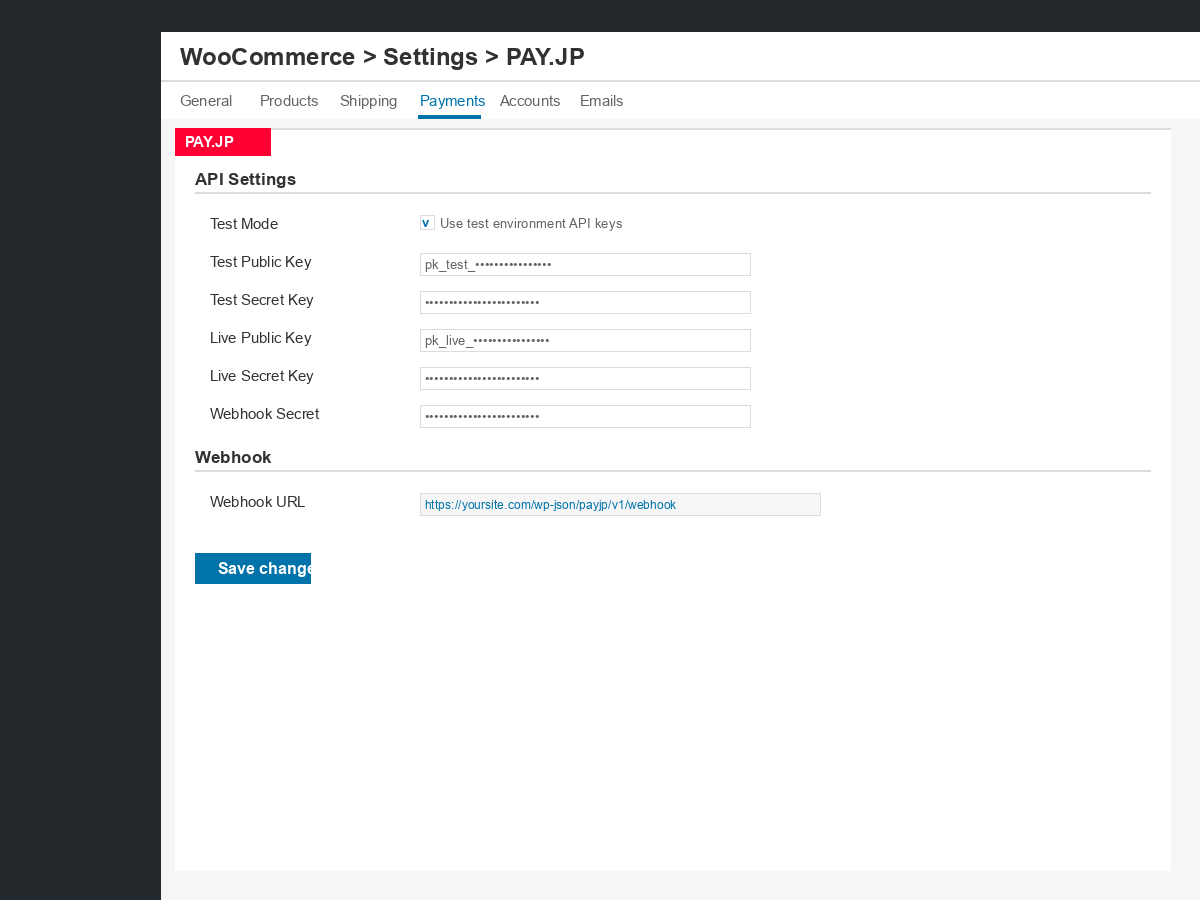
PAY.JP unified settings page — configure API keys, test/live mode, and webhook secret.
What is PAY.JP?
PAY.JP is an online payment service provided by PAY, Inc. Guided by its core message, “Making payment integration simple,” PAY.JP offers a simple API and a rich set of libraries that make it easy to add payments to web services and mobile apps. It also provides support for both integration and day-to-day operation, helping a wide range of businesses, including startups, grow.
Plugin Overview
PAY.JP for WooCommerce is the official plugin for adding PAY.JP payment features to online stores built with WooCommerce.
Key Features
- API: PAY.JP API v2
- Payment methods: Credit card payments (with 3D Secure authentication) and PayPay payments (QR code and PayPay app)
- Billing types: One-time payments and subscription billing (subscriptions require the WooCommerce Subscriptions extension and are available for credit card payments only)
- UI/UX: Payment form embedded in your checkout page
- WooCommerce admin integration: Handle basic operations such as full refunds and partial refunds directly from the WooCommerce admin
Recommended For
- Those launching a new online store with WooCommerce
- Those reviewing their current payment service or considering switching to a new one
External Services
This plugin connects to the following external services. By using this plugin you agree to their respective terms and privacy policies.
1. PAY.JP API
Used to create and manage Payment Flows, process payments, issue refunds, and manage saved payment methods.
- Endpoint:
https://api.pay.jp/v2 - When called: At checkout when a payment is initiated, on order completion, on refund, and during webhook processing.
- Data sent: Payment Flow ID, order amount, currency, and (for saved cards) PAY.JP Customer ID. Raw card numbers are never sent to your server or to the API directly from WordPress.
- Privacy Policy: https://pay.co.jp/privacy
- Terms of Service: https://pay.jp/legal/tos
2. PAY.JP payments.js (CDN)
The PAY.JP payments.js script is loaded from PAY.JP’s CDN to render the secure card entry and PayPay widget on the checkout page. This is the standard PCI DSS compliant integration method (equivalent to Stripe.js for Stripe).
- Script URL:
https://js.pay.jp/payments.js - When loaded: On any checkout page where PAY.JP is an available payment method.
- Data handled: Card details entered by the customer are tokenized entirely within this script and its iframe — they are never accessible to your WordPress site.
- Privacy Policy: https://pay.co.jp/privacy
- Terms of Service: https://pay.jp/legal/tos