

Originality.ai AI Checker
Unified Dashboard
Originality.ai AI Detection for WordPress
Verified AI Detector with 4.2/5 on TrustPilot ★★★★
AI Content Detection for WordPress
The Originality.ai plugin provides AI content detection directly in your WordPress dashboard. Scan your content – from a single post to your entire website – for AI-generated text.
Originality.ai works with content generated by popular large language models (LLMs) such as ChatGPT, GPT-4, Claude, Llama, Gemini and others. It also detects paraphrase plagiarism, a common method used to bypass AI or plagiarism detection.
The Originality.ai plugin offers 3 AI detection models:
- Lite – High accuracy with low false positive rate, allows for light AI editing with tools like Grammarly. Suitable for academic use and environments requiring minimal false positives.
- Turbo – High accuracy detection that is robust against common bypass methods and does not allow for AI editing. Suitable for strict no-AI policies.
- Multi-language – AI detection across 15 languages.
For guidance on using the tool and interpreting scores, please watch our tutorial videos.
How Does Originality.ai Compare to Other AI Content Detectors?
Originality.ai provides reliable AI content detection with a focus on minimizing false positives. The tool can identify paraphrased content, whether originally AI-generated or human-written.
See our comparative study analyzing AI detection capabilities – See Case Study.
Originality.ai offers a comprehensive suite of content QA tools to help you maintain content quality control.
Key Features
- AI Detection: Identify AI-generated content across major language models
- WordPress Integration: Scan posts directly from your dashboard
- Bulk Scanning: Process multiple posts simultaneously
- Multiple Detection Models: Choose from Lite, Turbo, or Multi-language models
- Shareable Reports: Export and share scan results
- Real-time Scanning: Get immediate feedback on content
- Post-Level Results: View scores in WordPress post lists
- Gutenberg Support: Scan from the block editor
- Detection History: Access all previous scan results
- LLM Coverage: Works with ChatGPT, GPT-4, Claude, Gemini, Llama, and others
Try our free Plagiarism checker
Who Should Use Originality.ai?
AI content detection is suitable for anyone who publishes content on the web or needs to verify their content for AI. Designed for:
- WordPress sites
- Website owners
- Content marketers
- Digital marketers
- Online publishers
- Writers
- Editors
- Content Agencies
- SEO professionals
- Bloggers
- eCommerce Store Owners
- Niche Sites
- Businesses
- Local Businesses
Getting Started
To use the Originality.ai WordPress plugin, you need an Originality.ai account. You can download the plugin without one, but scans require an active account with credits.
To set up an account, visit our sign up page.
If you already have an Originality.ai account, you’ll be prompted to log in after installing the WordPress plugin. Once connected, you can start scanning your content.
Installation Instructions
To install from the WordPress directory, go to the Add plugin page and search for “Originality.ai.” Click “Install now” to install the plugin. After installation, go to “Installed plugins” and click “Activate” to activate the Originality.ai plugin.
Once installed, you’ll be prompted to sign in to your Originality.ai account. After signing in, you can start scanning your content.
Usage
After installing the plugin, visit Settings > Originality.ai. Connect your Originality.ai account by entering your login details and choose your default AI detection model. Save your settings to begin scanning.
On your “Posts” page, you’ll see a new column named “Originality.ai Score” where you can view recent AI scores.
To scan an individual post, you have two options:
- Click “Start new scan” under the “Originality.ai Score” column for a specific post.
- Or select a post, open the WordPress editor, and select “Click to Scan” in the right block under “Originality.ai Score.”
In the WordPress editor, you can select your Originality.ai Model. We offer 3 models: Turbo, Lite, and Multilanguage. You can change models and run multiple scans to compare results. For more information about our models, read our detailed description.
To scan multiple pages at once, use the “Start AI scan for all posts” button to scan your entire website efficiently.
After running scans, you can view results directly in the app, where you can also access additional features like plagiarism detection, fact-checking, and grammar checking. You can securely share scans by selecting “Copy link of results”.
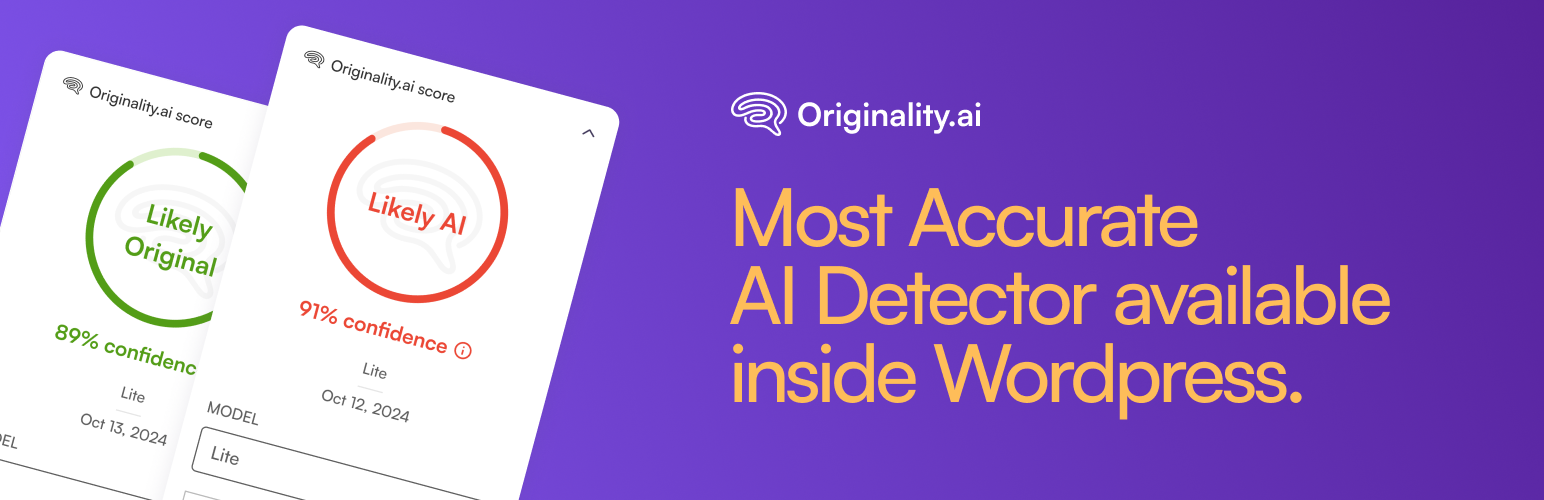
The scan result shows the confidence score indicating whether content is likely AI-generated or Original.
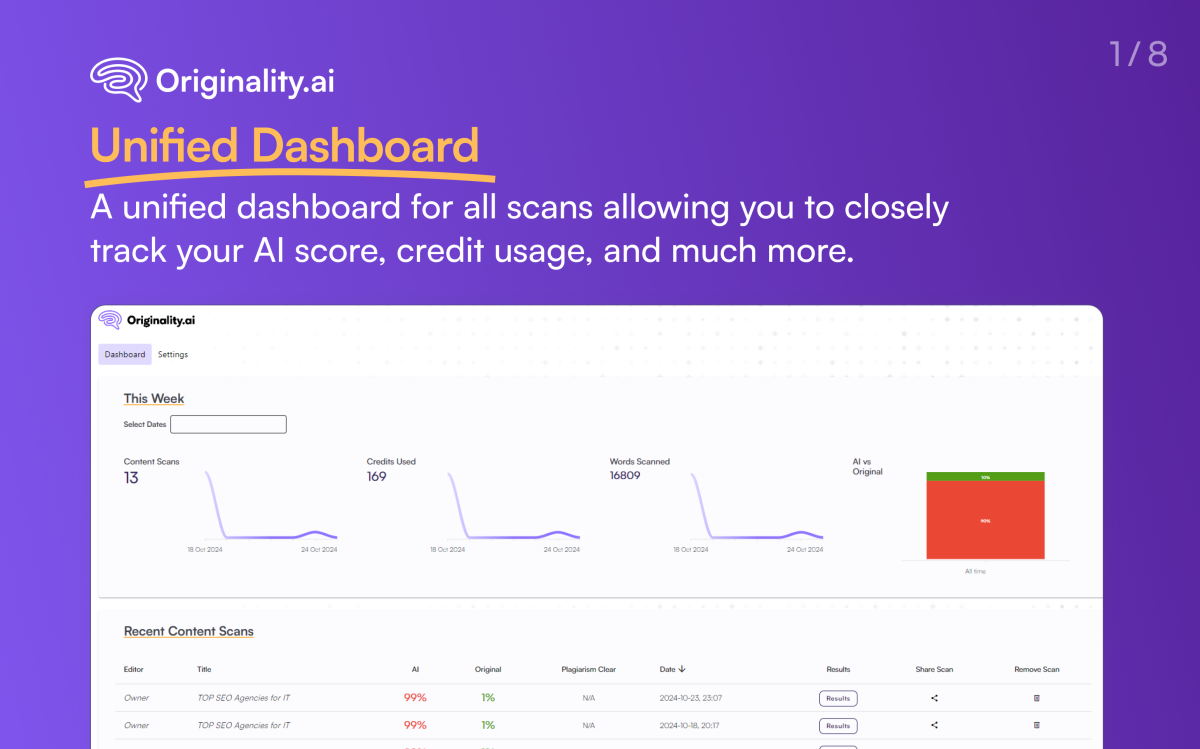
You can view all lifetime scan results on the Originality.ai settings page and share results with clients or writers.
What We Offer Our Users
✔ AI content detection
✔ Plagiarism detection
✔ Paraphrase detection
✔ Fact checking
✔ Grammar check
✔ Spell check
✔ AI scan report
✔ AI scan history
✔ Full site scans
✔ Team management
✔ API access
✔ Tag scans
✔ Shareable reports
✔ File uploads
✔ ChatGPT detector
✔ GPT-4 detector
✔ GPT-4o detector
✔ Gemini detector
✔ Claude detector
✔ Llama detector
What Our Users Are Saying
“Originality.ai did a great job on all three prompts, accurately detecting them as AI-written. Additionally, after I checked with actual human-written content, it identified it as 100% human-generated, which is important.” – Search Engine Journal
“I use this tool frequently to check for AI content. My primary use-case is checking content submitted by freelance writers for AI and plagiarism.” – Search Engine Land
“After extensive research and testing, we determined Originality.ai to be reliable technology.” – Rock Content
“ChatGPT lacks empathy and originality. It’s also recognized as AI-generated content by detection tools like Originality.ai” – Forbes
“The product has been valuable for our content marketing team.” – Sam ★★★★★
“I have been using this tool since the start and it has saved me many times.” – Todd ★★★★★
“Originality helps me identify poorly performing websites from a search engine perspective. Digital marketers should have this tool in their arsenal.” – RJ ★★★★★
“Thanks to Originality.ai, we’ve improved our content’s SEO performance. Its accurate AI detection and readability features ensure content ranks well and resonates with our target audience.” – Lincoln ★★★★★
Site Owners are Raving About Originality.ai
Licensing
Licensing is compatible with the GPL. For more info, please refer to our Terms and Conditions: https://originality.ai/terms-and-conditions
Originality.ai AI Detector Research
Research on AI detection accuracy shows Originality.ai performing well in comparative studies. To read detailed analysis, you can see our full study.
Studies and research demonstrating detection capabilities:
- Meta-Analysis of AI Detection Accuracy
- Empirical Study of AI-Generated Text Detection
- Software Effectiveness for AI-Generated Writing Detection
- Extensive Study “RAID”
- Large Language Model-Generated Text in Medical Writing
- ASCO Research AI-Generated Text in Scientific Abstracts
- Student-Written College Coursework From AI-Generated Text
Research has been conducted on our own datasets and publicly available datasets demonstrating the detection capabilities of Originality.ai AI detection.
AI Content Detectors:
Below is a list of AI content detectors and links to reviews. For a thorough comparison of AI detectors and their features, see: 22 AI Content Detection Tools
List of Tools:
- HuggingFace
- GLTR.io AI
- Passed.AI
- Writer.com
- Willieai.com
- GPTZero
- ContentAtScale
- CopyLeaks
- POE Poem of Quotes
- DetectGPT
- On-Page.AI
- GPTRadar.com
- Percent Human
- Grover
- KazanSEO
- Sapling
- CrossPlag
- CheckForAI.com
- Draft & Goal
- GPTkit.ai
- ParaphrasingTool.ai
- OpenAI Text Classifier (removed)
- AI Writing Check
- Winston AI
- InkForAll
- ContentDetector.ai
- WriteFull
- ZeroGPT
- Originality.ai
Not all detection tools are equivalent in capability and accuracy.
Why Choose Our Model?
Our AI detection model was developed with several key principles:
- Larger Model: We use a comprehensive model that requires significant compute resources per scan, which enables higher accuracy.
- Focus on Content Writers: Our datasets focus specifically on online publications like blog posts, articles, and website copy. This specialized training enables accurate detection of differences between human and AI-generated content in these formats.
- Advanced Training: We continuously create and train on increasingly challenging datasets, including content that attempts to bypass detection through various prompt engineering techniques.
Contributors
Originality.ai Team
Contact
For feature suggestions, send us an email at [email protected]
Want regular updates?
Visit our website: https://www.originality.ai
Follow us on social media:
– https://www.linkedin.com/company/originality-ai
– https://twitter.com/aioriginality
– https://www.youtube.com/channel/UCv2aM3LvdQDL5uVH8qdhtxw
– https://www.tiktok.com/@originality.ai
Source Code
The original Vue.js components used in this plugin are located in the /assets/js/mainapp/components/ directory.
Debug Logs
Debug logs for this plugin are stored in the wp-content/uploads/originality-ai-logs/ directory. Ensure this directory is writable by the server.
External Services
This plugin connects to Originality.ai’s external services to provide authentication and scanning capabilities. This service is provided by Originality.ai – for more information, visit our Terms of Use and Privacy Policy at: https://originality.ai/