
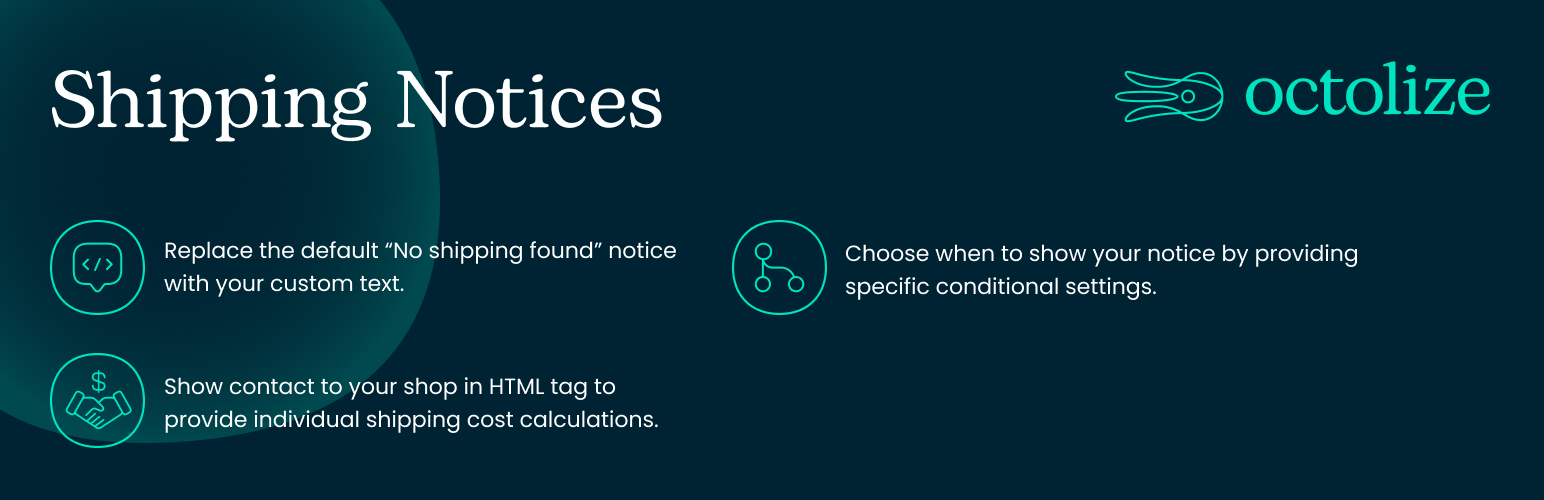

Shipping Notices and No shipping options found info for WooCommerce
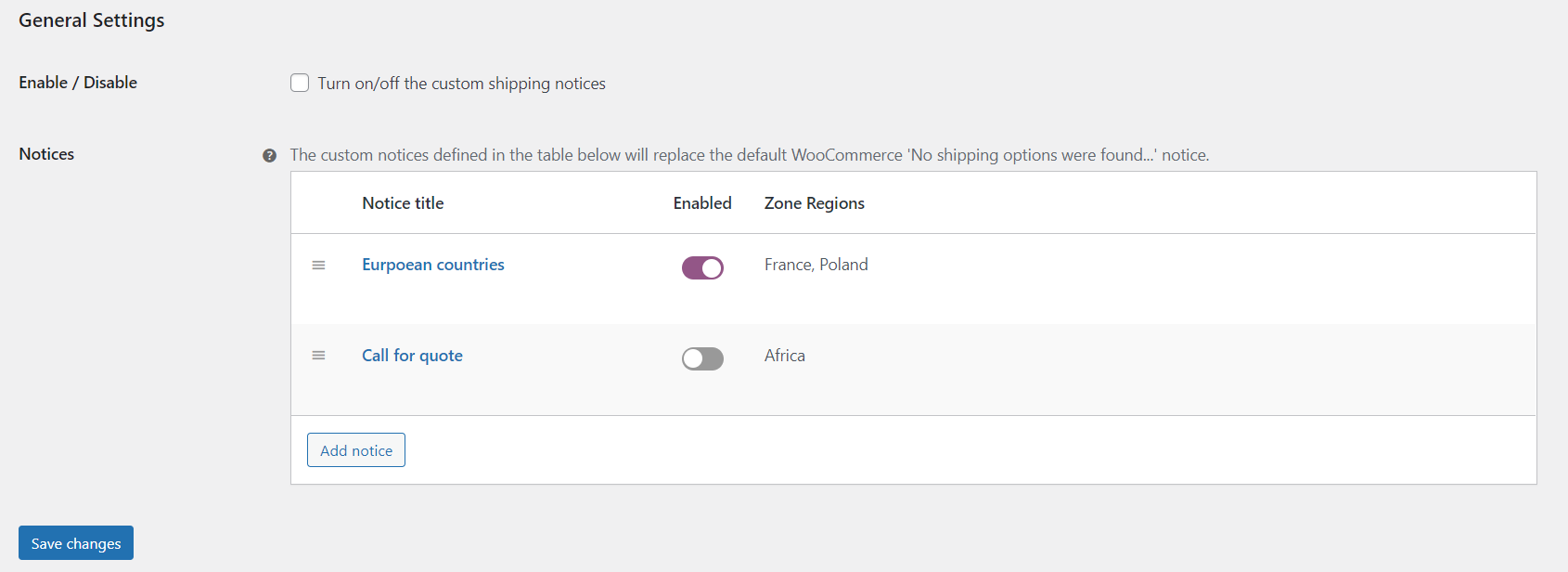
Shipping Notices general settings
The best free plugin to display shipping notices in your WooCommerce store
Change the “no shipping options were found” message into your custom notice with this free Shipping Notices and No shipping options found info for WooCommerce plugin.
Customers who receive the standard “no shipping options were found” message are more likely to abandon the shopping cart in your WooCommerce store. Boost sales by creating a custom message that explains the reason and makes it easy for them to change their cart contents or contact the store.
Features
- Replace the default “No shipping found” notice with your custom text
- Use HTML tags to build any notice you want
- Display shipping notice only for specific regions/shipping zones
- Decide where the notice should be displayed: cart, checkout, or both
Create even more advanced shipping notices
Use Shipping Notices together with the Flexible Shipping plugin to create advanced messages based on various conditions. Install the free version of Flexible Shipping or buy Flexible Shipping PRO.
Possible notice scenarios
- Contact for individual shipping quote
- Order exceeds the maximum weight allowed for shipment
- Order exceeds the maximum size allowed for shipment
- Shipment available from a certain order amount
- Shipping to a certain country is not available
Actively developed and supported
Over 250.000 WooCommerce stores worldwide use our plugins. We constantly develop them, earning the reputation of authors of stable and high-quality solutions. We are also praised for providing excellent technical support. Join the community of our satisfied plugin users: bet on quality, and let our plugins do the rest.
Docs
View the dedicated Shipping Notices Documentation
Interested in plugin translations?
We are actively looking for contributors to translate this and other Octolize plugins. Each supported language tremendously helps store owners to conveniently manage shipping operations.
Your translations contribute to the WordPress community at large. Moreover, we’re glad to offer you discounts for our PRO plugins and establish long-term collaboration. If you have any translation-related questions, please email us at [email protected].
Head over here and help us translate this plugin:
https://translate.wordpress.org/projects/wp-plugins/octolize-shipping-notices/