

AI for Home Services
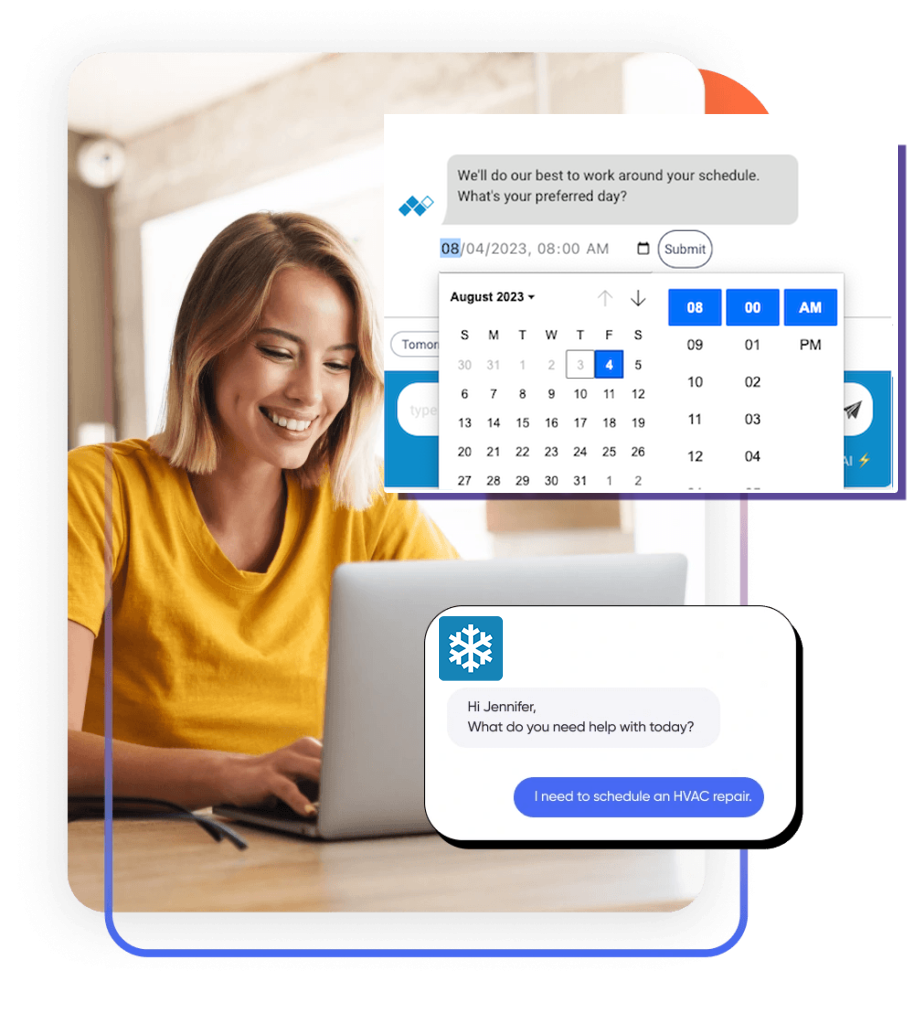
Talk to your website visitors in real-time. Add live chat to your WordPress website in less than 5 minutes.
Book jobs and capture leads from your website, around the clock. One plugin installs both XAPP AI widgets on your WordPress site:
- AI Chat Agent – answers homeowner questions about your services, service area and hours, and captures their contact details and issue when they are ready to book. It works in two places: in the chat widget on your website, and for AI assistants like ChatGPT, Claude, Gemini and Meta AI, which find it through the
/.well-knownstandards the plugin publishes for you. - Scheduling Widget – a Book Online button that collects the homeowner’s contact information, preferred day and time, and a description of the issue.
Both send each job and lead to your field service software or your inbox, so you manage bookings where you already work.
Why home service pros use XAPP AI
- Available 24/7 – AI powered booking and lead capture, even while you sleep.
- Unlimited bookings – no lead or booking fees.
- Fully integrated – job and lead details are delivered by email or straight into your FSM.
- Found by AI assistants – when a homeowner asks an AI assistant for help, it can discover your AI Chat Agent on your site, ask it questions and request a callback for them. On by default, with no setup beyond your Chat Widget Key.
- Deep insights – homeowner insights and reporting to guide your SEO and SEM.
- More places to book – the same XAPP AI booking powers a Google approved Book Online button on your Google Business Profile, a custom landing page, and social and directory listings. XAPP AI is an approved Google Partner.
See plans and packages at xapp.ai/solutions.
Setup
Open Settings -> XAPP AI in your WordPress admin dashboard.
Enter the Chat Widget Key and the Scheduling Widget Key from XAPP AI Studio. Set either one, or both; each widget loads on your site once its key is saved.
Don’t have a XAPP AI account? Get started here.
Chat Widget
The AI Chat Agent appears as an overlay with a launch button, in the bottom right corner by default. Configure its position, colors and greeting in XAPP AI Studio.
Scheduling Widget
The Book Online button appears as a tab on the left or right side of your site. It connects to your field service management software and is fully configurable in XAPP AI Studio.
AI Agent Discovery
AI agents (ChatGPT, Claude, Gemini, Meta AI) look for a business’s assistant at /.well-known/mcp/server-card.json. With your Chat Widget Key set, the plugin publishes your XAPP AI assistant there (and at /.well-known/mcp.json, /.well-known/mcp-server-card and /.well-known/mcp/manifest.json), so an agent helping a homeowner can ask your business questions and request a callback directly. Turn it off under Settings -> XAPP AI. Requires WordPress to be installed at the root of your domain.
PHP Security Notice
If your site’s PHP is missing the October 2026 security fixes (CVE-2026-109618, CVE-2026-109619), the plugin shows administrators a notice to ask their host to update PHP.
Integrations
Send jobs and leads to:
- Jobber
- FieldPulse
- ServiceTitan
- Housecall Pro
And more. Read about our integrations here.