

Mortgage Calculator
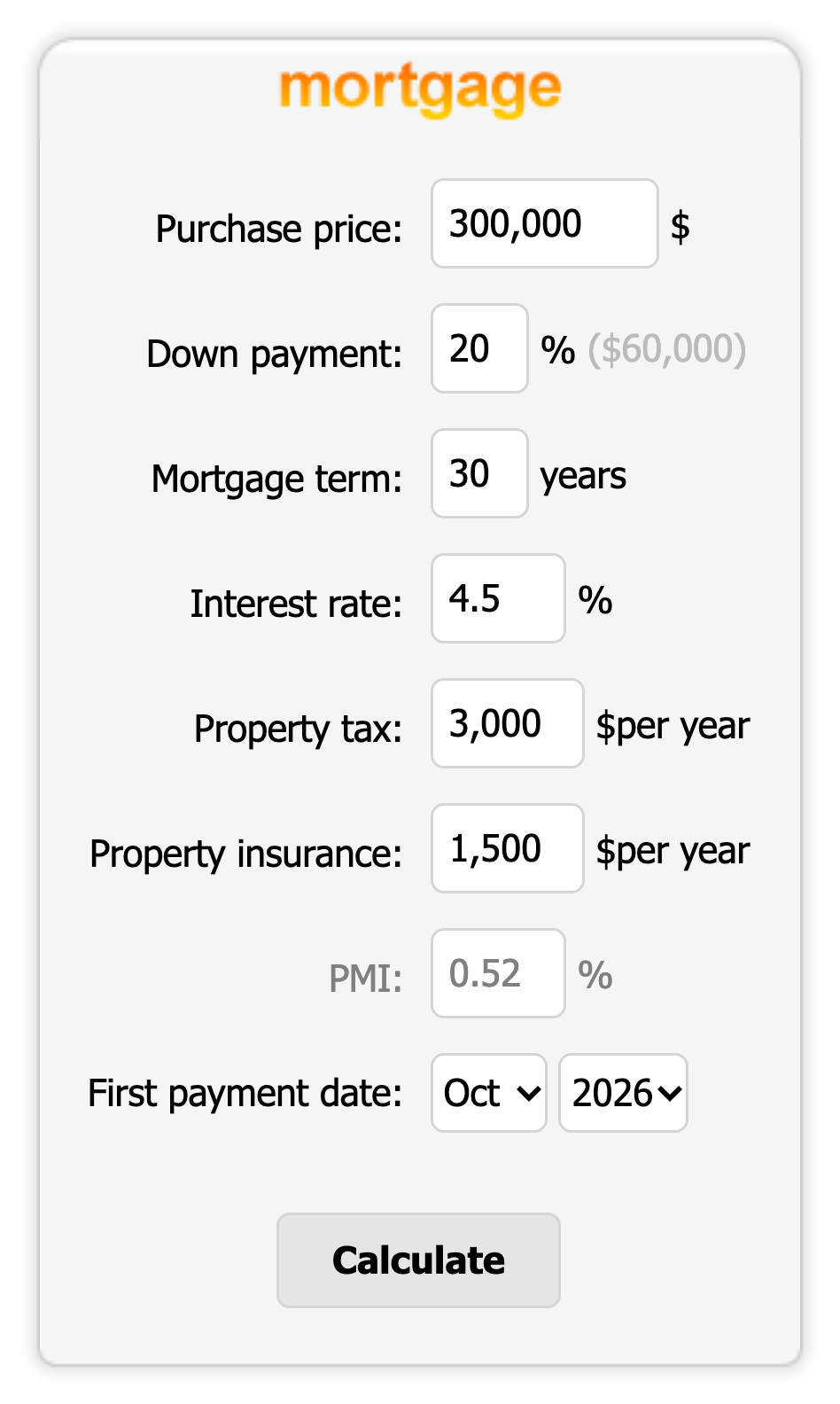
The mortgage calculator form with property tax, insurance and PMI fields.
This plugin adds a mortgage and loan calculator to your WordPress site, as a Gutenberg block, a sidebar widget or the [mlcalc] shortcode. Visitors enter the purchase price or loan amount, down payment, rate and term, then press Calculate to see a summary, a chart and an amortization schedule in a popup. It is built for mortgage loan officers, real-estate agents and finance or home-buying sites.
The calculation and the results popup are provided by the MLCALC.com service, which means the calculator needs an internet connection and sends the entered values there when Calculate is pressed (see External services below).
Features
- Gutenberg block with a live preview and sidebar settings
- Mortgage calculator with property tax, home insurance and PMI
- Loan calculator for general loans
- Summary, chart and amortization schedule (by month or by year) in a popup window
- Choose which calculators to show: mortgage and loan, mortgage only or loan only
- Narrow (150px) or wide (300px) form, suitable for sidebars and page content
- Preset default values with shortcode attributes or in the widget settings
- Currency: US dollar, euro, pound or a currency code of your own
- Interface languages: English, German, Spanish, French, Italian, Russian, Portuguese and Albanian
- CSS, JavaScript and images are bundled with the plugin and loaded from your own server
- Free for commercial use
How to use
In the block editor, click the “+” button, search for “Mortgage Calculator” and add the block; the sidebar lets you pick the calculators, size, currency, language and default values.
Or add the shortcode to a page or post:
[mlcalc]
Set default values:
[mlcalc default="mortgage" size="narrow" price="125,000" rate="6.2" language="es" currency="eur"]
You can also add the “Mortgage Calculator” widget under Appearance > Widgets, or call <?php display_mlcalc(); ?> from a theme template.
Shortcode parameters
- default = mortgage | loan | mortgage_only | loan_only
- size = wide | narrow
- currency = usd | eur | gbp | any code of your own
- rate = interest rate
- price = purchase price
- mterm = mortgage term in years
- down = down payment in percent
- tax = property tax
- insurance = property insurance
- pmi = PMI in percent
- amount = loan amount
- lterm = loan term in years
- schedule = month | year | month_nc | year_nc | none (_nc stands for “no choice” for the visitor)
- language = en | de | es | fr | it | pt | ru | al
Shortcode examples
[mlcalc]

[mlcalc default="mortgage_only"]

[mlcalc default="loan_only" amount="20,000" lterm="5"]

[mlcalc default="mortgage" size="narrow" price="125,000" rate="6.2" language="es" currency="eur"]
External services
This plugin relies on the MLCALC.com calculator service to compute and display results. When a visitor presses “Calculate”, the values typed into the form (purchase price or loan amount, down payment, term, interest rate, property tax, insurance, PMI, start date, currency and language) are sent to https://www.mlcalc.com/ and the results page opens in a popup window served by mlcalc.com. Nothing is sent until the visitor submits the form, and no personal data is collected. The service is provided by ARSIDIAN LLC: Terms of use, Privacy policy.