

Monolytics
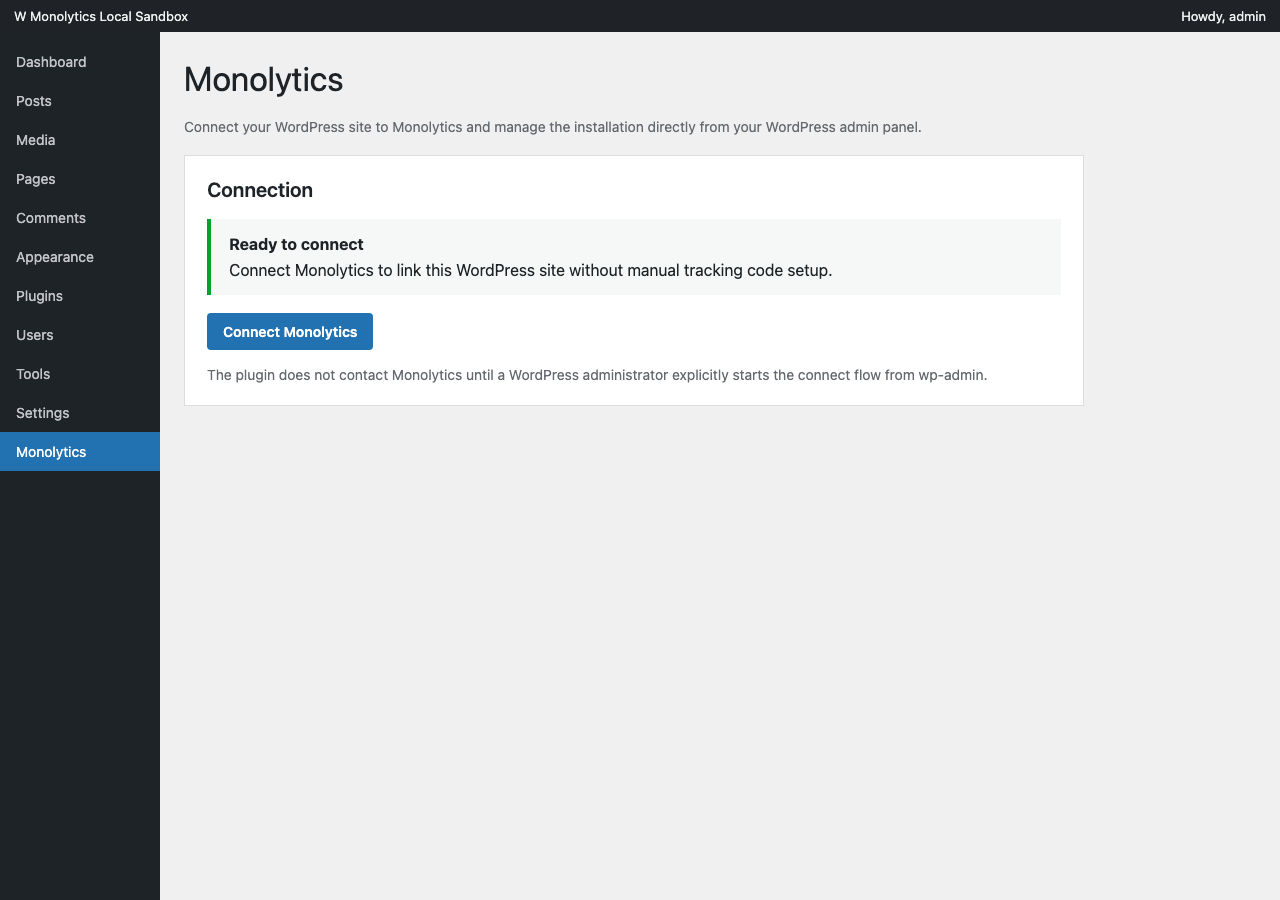
The disconnected Monolytics plugin page in <code>wp-admin</code> with <code>Connect Monolytics</code> as the primary call to action.
Monolytics helps WordPress teams connect their site to Monolytics Cloud without manually copying tracking code.
With the plugin installed, a WordPress admin can:
- connect the current site to Monolytics from
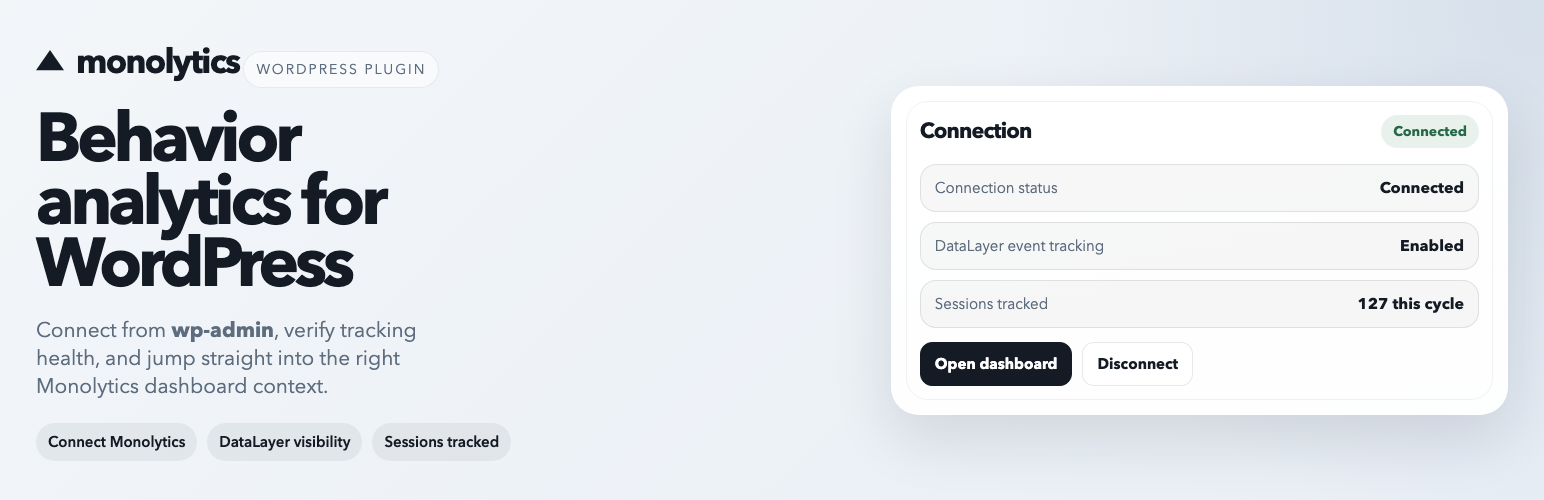
wp-admin - verify whether the site is connected
- review whether DataLayer event tracking is enabled
- see how many sessions have been tracked for the connected domain in the current billing cycle
- disconnect the site locally without deleting the Monolytics domain or historical analytics data
- open the connected Monolytics dashboard in the correct site context
External services
This plugin connects to Monolytics-hosted services to authenticate the WordPress admin, create or reuse the connected site in Monolytics, and fetch canonical domain settings.
The plugin does not contact Monolytics until a WordPress administrator explicitly starts the connect flow from wp-admin.
It communicates with:
https://monolytics.app/as the public Monolytics service websitehttps://api.monolytics.appfor plugin onboarding, connection state, and canonical domain settingshttps://cloud.monolytics.appfor the hosted Monolytics authentication and dashboard experiencehttps://cloud.monolytics.app/tracker.jsonly after the site is connected and local tracking stays enabled on the public front end
When a site is connected, the plugin may send:
- the current WordPress site URL
- the WordPress site name
- the generated installation and domain identifiers required for the connected setup flow
- plugin setting updates such as the DataLayer interception state
These requests are required so Monolytics can create or reuse the correct connected site and keep WordPress plugin settings aligned with the canonical Monolytics domain configuration.
Service website: https://monolytics.app/
WordPress integration page: https://monolytics.app/integrations/wordpress/
Privacy policy: https://monolytics.app/privacy-policy/
Terms of use: https://monolytics.app/terms-of-use/