

Mochyon Pulse
0/5 (0 ratings) 10 active installs Updated May 13, 2026
Stop guessing why your WordPress site is slow.
Mochyon Pulse analyzes every layer of your site’s performance — from Google Core Web Vitals to individual plugin impact — and tells you exactly what to fix first. One click, no configuration, and (mostly) plain English results.
This is a diagnostic tool that gives you a clear, prioritized report that helps you take action.
How It Works
- Click “Run New Analysis” in your WordPress admin
- Pulse scans your site
- You’ll see a complete performance report with prioritized recommendations
That’s it. No API keys, no setup wizard, no configuration.
What You Get
A performance analysis that covers:
- Core Web Vitals — your real-world LCP, INP, CLS, and TTFB scores from Google, with pass/warn/fail ratings
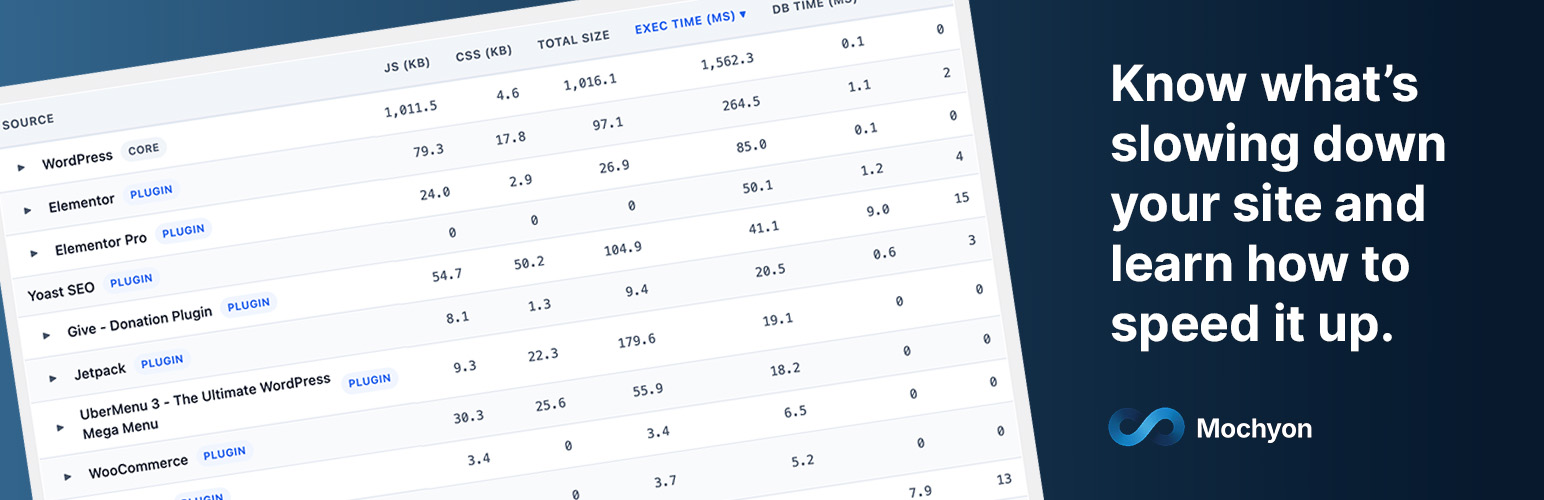
- Per-plugin performance impact — see exactly how much load time, JavaScript, CSS, and database queries each plugin adds to your page
- Asset inventory — every script and stylesheet on your page, sized and attributed to the plugin that loaded it
- Environment check — PHP version, CDN detection, compression support, and server configuration
- Plugin inventory — optimization gaps, redundant plugins, and missing essentials
Results you can understand and share:
- Plain English narrative — a written summary that explains what’s wrong, why it matters, and what to do about it
- Impact-prioritized findings — issues ranked by their actual effect on your Core Web Vitals, so you know what to fix first
- PDF reports — download a polished report to share with your developer, agency, or hosting provider
- Historical tracking — compare your baseline, previous scan, and latest results side by side to measure progress
Who It’s For
- Site owners who know their site is slow but don’t know why
- Freelancers and agencies who need to explain performance issues to clients
- Developers who want a quick diagnostic before diving into optimization
- Anyone evaluating whether their plugins, hosting, or theme is the bottleneck