

Maytes for WooCommerce
0/5 (0 ratings) — active installs Updated Nov 11, 2026
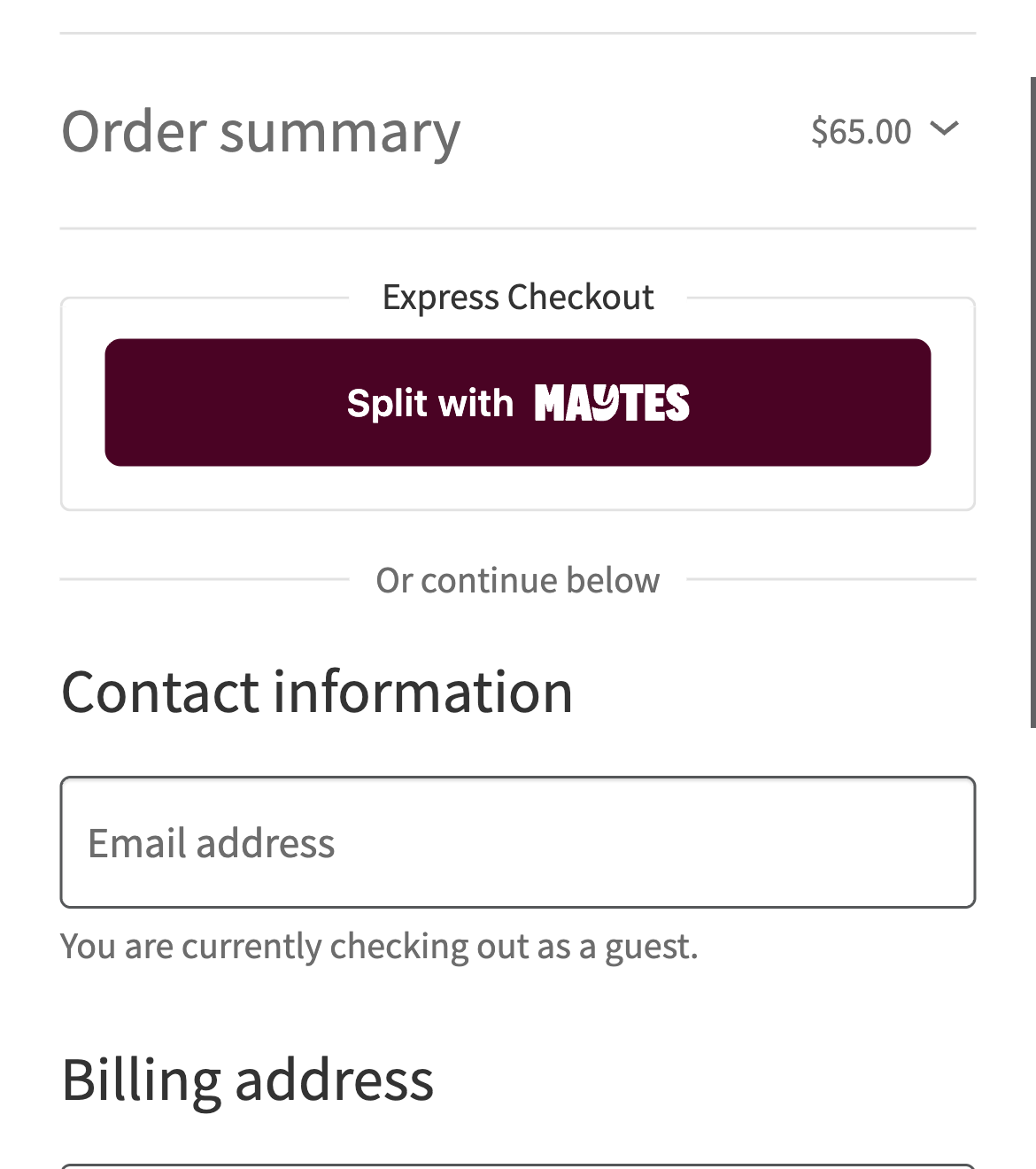
Split with Maytes on the checkout, on a phone.
Split with Maytes lets a customer pay their share of an order and invite their mates to pay theirs. The order is paid once everyone has paid, and you receive the full amount through Maytes.
The plugin adds three things to your store:
- Split with Maytes as a payment method, listed under WooCommerce Settings Payments. When a customer chooses it, the Split with Maytes button takes the place of “Place order”. The same button can also sit in a full-width row under the express checkout buttons (Apple Pay, Google Pay, Link), and on the cart when nothing in it ships. It works on the classic checkout and cart, and on the Checkout and Cart blocks.
- A checkout route on your site that turns the cart into a pending WooCommerce order and a Maytes checkout.
- A webhook route on your site that captures the payment and marks the order paid, so your usual order emails go out.
Your theme, your Stripe setup and your card checkout stay exactly as they are.
What you need
- A Maytes merchant account, with sandbox and production credentials from the Maytes merchant portal.
- WooCommerce, with AUD as the store currency.
- A public HTTPS site, so Maytes can deliver webhooks.
The full setup guide is at developers.maytes.co/woocommerce.
External services
This plugin connects your store to Maytes, the service that runs Split with Maytes. It’s needed to take Split with Maytes payments.
- Maytes checkout button script, loaded from
https://js.maytes.coon the checkout and cart pages where the button shows. It draws the button and opens the Maytes checkout. As with any script, the customer’s browser sends standard request information, such as its IP address and user agent. - Maytes API (
https://api.maytes.co, orhttps://sandbox-api.maytes.cowhile testing), called from your server only:- when a customer clicks Split with Maytes, to create the checkout. It sends the order ID, the total, the currency, the name, quantity and price of each line, the return and cancel URLs on your store, and the customer’s billing name, email address and phone number, so the Maytes checkout can pre-fill them;
- when Maytes reports a payment, to capture or release it. It sends the checkout ID, the order ID, the total and the currency;
- when you refund an order in full, to refund it. It sends the checkout ID, a reference made from the order ID, and the reason you typed.
Your OAuth client ID and secret are sent to/oauth/tokento get an access token, also when you save the settings, to check the connection. The customer’s postal address is never sent.
- Maytes checkout, the page the button opens, where the customer and their mates pay. The customer’s payment details are entered there, with Maytes.
Maytes terms and conditions and privacy policy.