

Marklane – Publish Markdown without the post editor.

Import screen with Markdown upload, related image selection, post status options, Dry Run, and import controls.
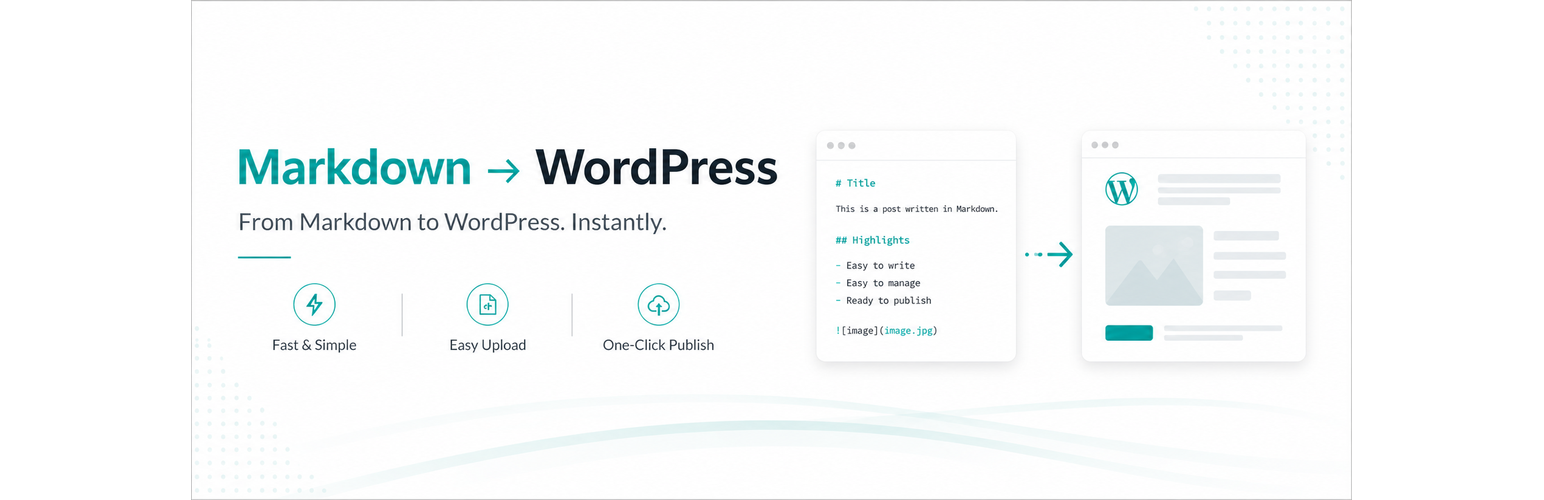
Turn a Markdown draft into a ready-to-publish WordPress post without opening the post editor.
Select a Markdown file and set the title, categories, tags, publish status, date, and featured image in one workflow. Then publish or update the post without opening the WordPress post editor. Marklane keeps your writing in Markdown and handles the WordPress publishing details for you.
Use Dry Run to check the planned changes before saving. Re-import the same source to update an existing post by slug instead of creating a duplicate.
Use YAML frontmatter when you want control over the post. Marklane can apply the title, slug, post type, status, date, categories, tags, featured image, and Polylang language links in one import. When frontmatter is omitted, it derives the title from the first H1 or filename and the slug from the filename.
Re-import the same Markdown source as your draft evolves. Marklane matches an existing post by slug instead of creating duplicates, so your local writing workflow and your WordPress publishing workflow can work together.
For the complete workflow and examples, see the Marklane guide.
Publish faster:
- One-workflow post setup: set the title, slug, status, date, categories, tags, featured image, and language links from Markdown frontmatter
- Dry Run preview: review the planned create/update action, taxonomy assignment, image resolution, warnings, and errors before saving
- Publish or update without the post editor: create a new post or update an existing post by slug
- Media Library image resolution: resolve relative Markdown image paths and
featuredImageagainst existing attachments - Polylang support: connect translated posts from
langandtranslationsfrontmatter - Markdown-first publishing: import prepared Markdown files from the WordPress admin
Optional enhancements:
- Mermaid rendering: turn
```mermaidcode blocks into front-end diagrams when enabled - Extended Markdown: render common callout syntax such as GitHub alerts and Zenn messages when enabled
- Math rendering: render
$$...$$display formulas when enabled - Light front-end loading: Mermaid and math assets load only on pages that contain matching content
- CommonMark + GFM conversion: parse Markdown with
league/commonmark
Marklane is a good fit when:
- articles are written locally in Markdown
- WordPress is used as the publishing destination
- editors want to keep the source file manageable inside WordPress
- repeated imports and post updates are part of the workflow
Frontmatter quick reference:
Marklane reads YAML frontmatter at the top of the Markdown file. Common keys include:
titleslugpostTypeexcerptstatusdatecategorytagsfeaturedImagelang-
translationstitle falls back to the first H1 and then the filename.
slugfalls back to the filename.postTypedefaults topost, andstatusdefaults todraft.
For more frontmatter keys and examples, see the frontmatter guide.
Known limitations:
- Does not create custom post types or taxonomy definitions
- Does not import ZIP archives
- Does not import through REST API or WP-CLI
- Does not download external image URLs automatically