
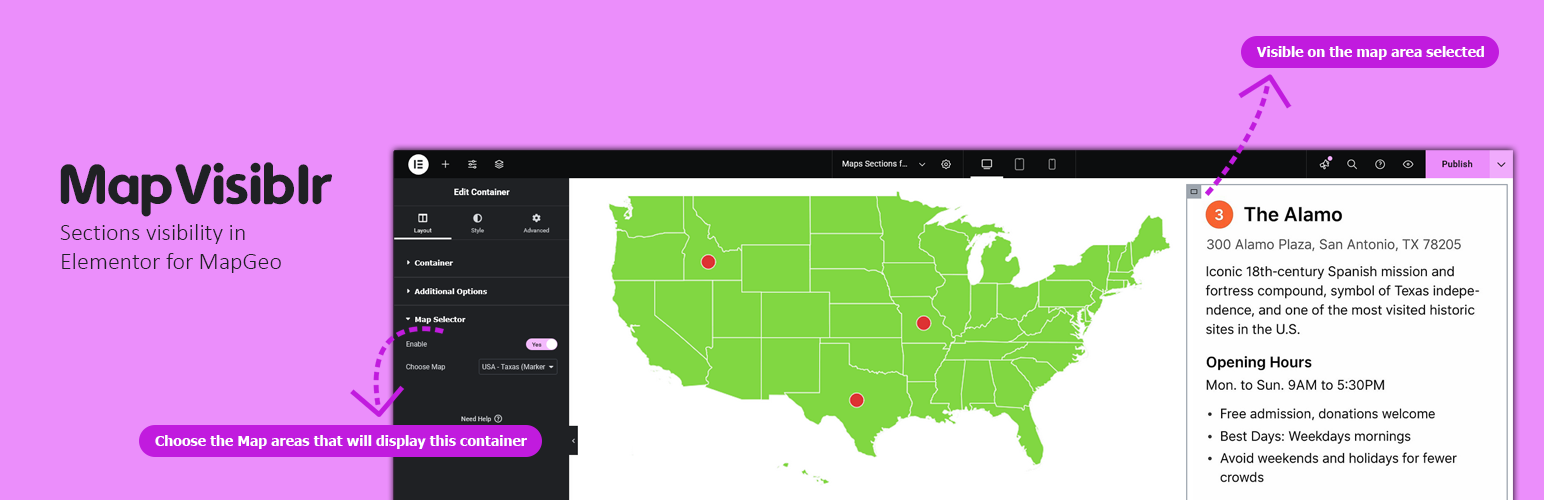

MapVisiblr – Sections visibility in Elementor for MapGeo

MapVisiblr is an extension plugin for the MapGeo WordPress plugin. It allows you to show or hide Elementor containers based on the MapGeo map area selected. This provides dynamic control over your page layout directly from the map interaction.
Key Features:
– Show or hide Elementor containers when a MapGeo map area is selected.
– Simple integration inside Elementor editor.
– Works with multiple containers on the same page.
– Lightweight and fully compatible with Elementor and MapGeo.
Elementor Container Settings
When editing a container in Elementor, you will see additional controls:
– Enable MapGeo Selector – Activates conditional visibility for the container.
– Select Map Area(s) – Choose the MapGeo areas that will display this container.
Support
For support, visit the Pluginable support page or contact us via our official support channels.