
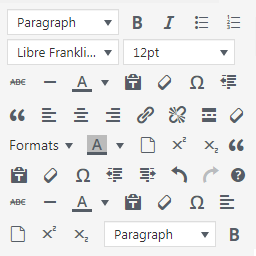
Manage TinyMCE Editor
5/5 (1 ratings) 200 active installs Updated Jul 13, 2017
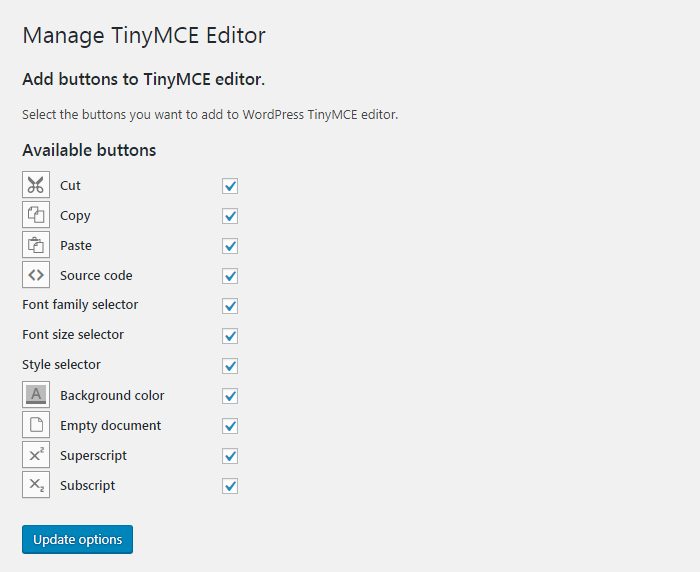
Add buttons to Worpress TinyMCE visual editor in the plugin's settings page.
WordPress Manage TinyMCE Editor allows you to add buttons to WordPress TinyMCE editor.
Using the plugin you will be able to add the following buttons to the default WordPress visual editor:
Cut
Copy
Paste
Source code
Font family selector
Font size selector
Style selector
Background color
Empty document
Superscript
Subscript
Select the desired buttons in the plugin’s settings page and they will be available in TinyMCE.