


Lordicon
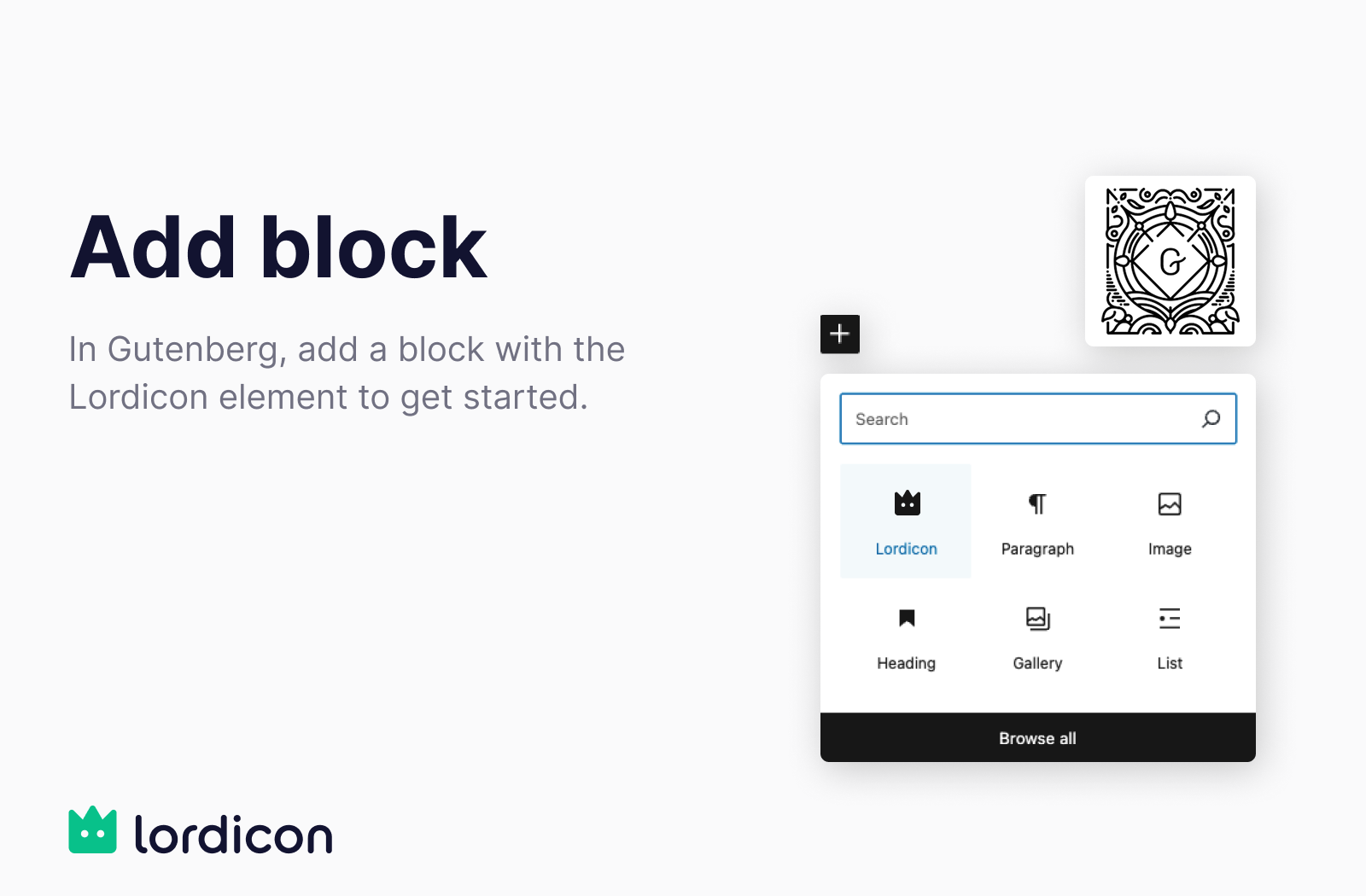
Insert the Lordicon block directly in the Gutenberg editor to begin.
Lordicon offers a unique library of modern, animated icons designed to bring life and interactivity to your WordPress site. With this plugin, you can seamlessly browse, customize, and insert Lordicon icons directly into the Gutenberg editor.
Built to be fast, lightweight, and easy to use, the Lordicon plugin helps you enrich your content with motion graphics that stay performance-friendly. Whether you need subtle interactions or eye-catching animations, Lordicon provides the flexibility to match your brand and design style.
Features
- Extensive free icon set (with attribution)
- Full icon library available in PRO version (no attribution)
- Insert icons directly into Gutenberg blocks
- Customize color, stroke, animation type, and trigger
- Optimized rendering with image fallbacks and lazy-loading for performance
Why Choose Lordicon?
Fully Customizable
Modify icons directly within WordPress: choose colors, animation triggers (hover, click, loop), and more.
Peak Performance
Icons are rendered using image fallbacks on initial load and transition to animated formats only when users interact with them — keeping your pages fast and smooth. Icon assets load only on pages that actually contain a Lordicon block.
License-Friendly
Stay compliant with free personal or commercial use through clearly defined licensing plans.
External services
The icons are not bundled with the plugin, so it connects to the Lordicon service (lordicon.com) to browse the library and to fetch the icons you choose. Without that connection the plugin cannot work.
What is sent, and when:
- While you browse the library — what you are looking for: your search text and the icon family and style you have selected.
- When you insert an icon — which icon it is, so the download can be counted against your plan.
- If you connect a Lordicon account — your email address, to sign you in. You can use the free icons without an account, and then nothing personal is sent.
All of this happens in your WordPress admin, on your server. Nothing is sent while a visitor views your site: once inserted, an icon is served from your own media library.
Service provided by Lordicon: terms and conditions, privacy policy.
License
The plugin code is licensed under GPLv2 or later.
However, the Lordicon icons themselves are licensed separately under the Lordicon License Terms and Conditions.
Development
Source code is available on GitHub:
https://github.com/lordicondev/plugin-wordpress
The plugin ships with its Gutenberg block UI already built. The unminified sources for
dist/block.js, dist/element.js and dist/settings.js live in the ui/ directory of the
repository, and are built with Vite:
cd ui && npm install && npm run build