
Lokzi – Password Lock for Pages, Posts & Content
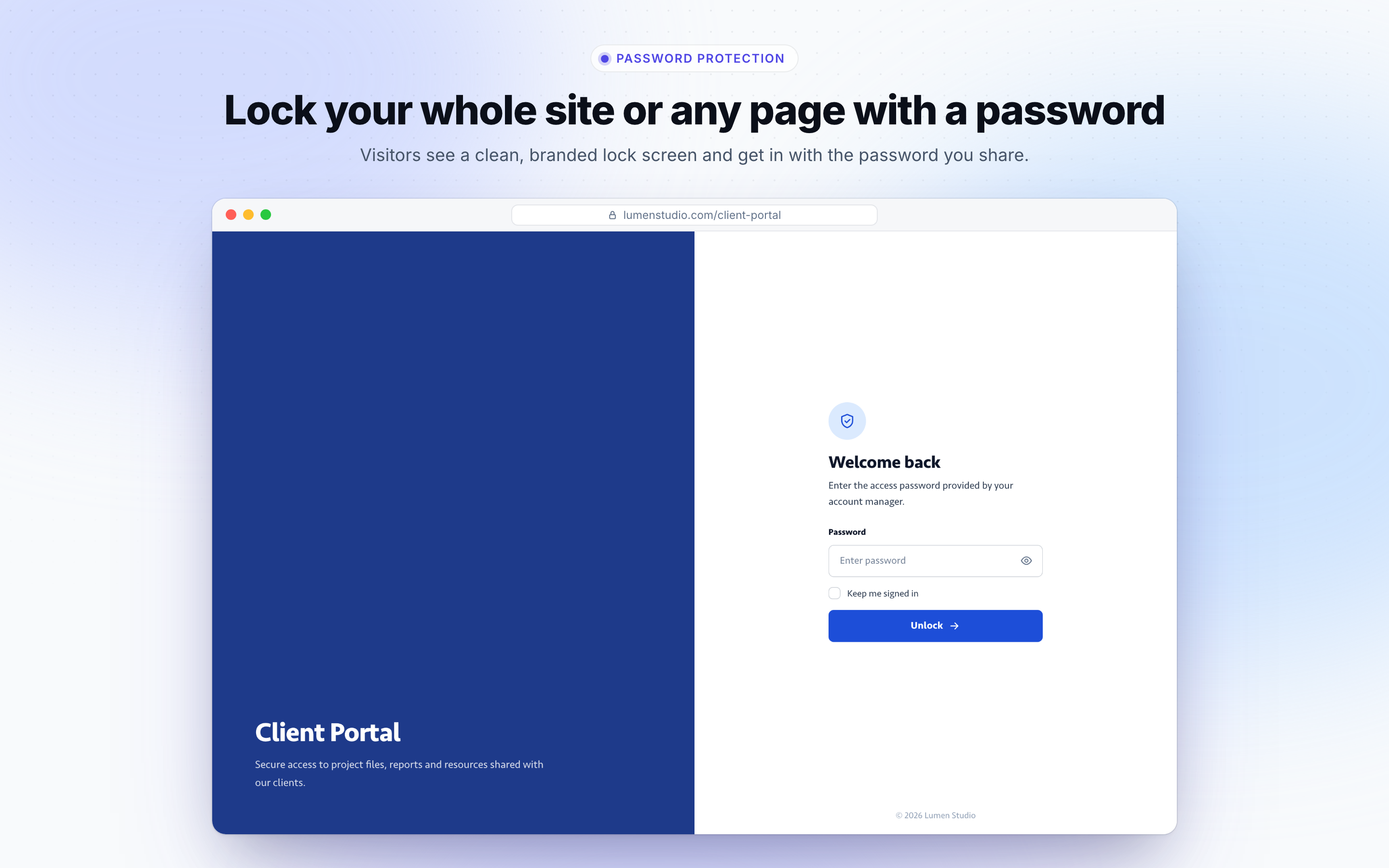
A clean lock screen: visitors enter the password you share to see the site or the page.
Lokzi is a WordPress password protection plugin. It puts a password in front of your whole site, or only the pages and posts you choose, and shows visitors a lock screen you design yourself in a visual builder.
Documentation | Lokzi Pro | Support
WordPress can already put a password on a single post, but it shows a plain form, it cannot lock the whole site, and it does not stop anyone from guessing. Lokzi covers all three: site-wide protection, a lock screen that looks like your brand, and temporary lockouts after too many wrong passwords.
The free plugin is complete on its own. There is no time limit, and you do not need an account.
What people use Lokzi for
- Staging and client review sites: share a work-in-progress site with one password
- Sites that are not ready yet: keep a new site private until launch, with a 503 status so search engines come back later
- Client pages and photo galleries: give each client their own password-protected page
- Private events: wedding sites, invitations and guest pages
- Courses and private sales: a simple password for one group, without user accounts
Password protection
- Protect the entire site with one site password
- Protect single pages and posts, each with its own password (set it in the editor or under Lokzi Settings)
- The most specific lock wins: a page with its own password asks only for that password, even when the whole site is locked
- Keep chosen pages, post types or URL patterns public while the site is locked
- Schedule protection between two dates
- Choose the lock screen HTTP status: 200, 401, 403 or 503 maintenance
- Administrators and, optionally, all logged-in users skip the password
- “Keep me signed in”, a configurable session length, and a button to log out all visitors
- Logout link shortcode
[lokzi_logout_link]
Security and privacy
- Limit login attempts with temporary IP lockouts (5 attempts and 15 minutes by default) and email alerts
- Passwords are hashed; unlock cookies are signed and stop working when a password changes
- noindex and no-cache headers keep protected pages out of search engines and page caches
- REST API and RSS feed controls while the site is locked
- Activity log of unlocks, failed attempts and lockouts, with anonymized IP addresses
- System fonts only: nothing on the lock screen loads from Google Fonts or a CDN
Lock screen designer
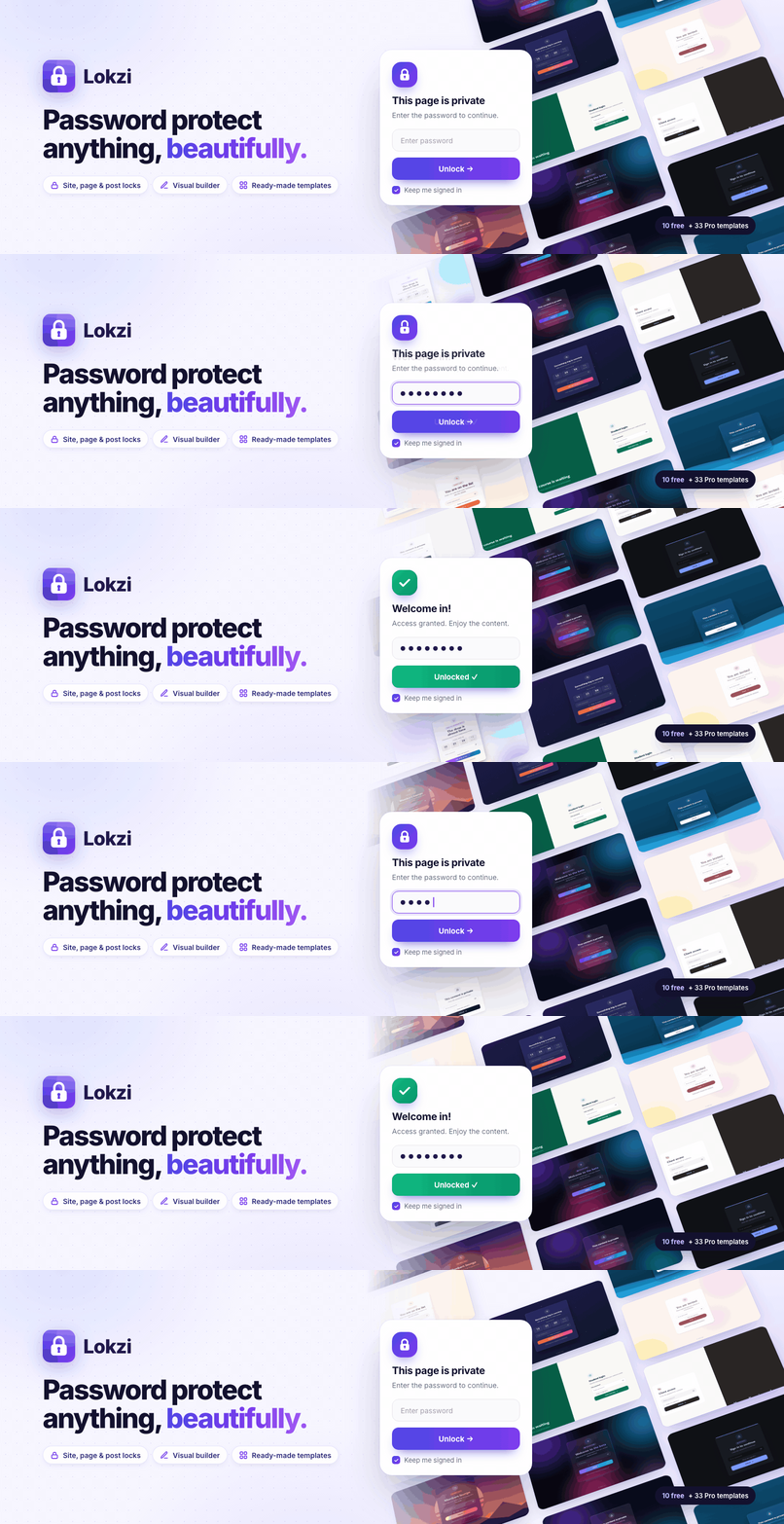
- 10 ready-made templates, filterable by industry: agencies, SaaS, legal, healthcare, education, real estate, photography, events, e-commerce, hospitality, fitness, beauty, media, nonprofits and construction
- Live template preview on desktop, tablet and mobile before you use it
- Visual builder: click any element to edit it, drag to move it, double-click text to type, undo and redo
- 5 layouts: centered, left, bottom, split left and split right, with a brand panel and highlights checklist on split screens
- Glass, solid, outline and flat cards with corner brackets, double frame, accent bar or ticket decorations
- Your logo, 21 icons, label badges, 8 system font styles, and form and button styling
- Theme template override (
your-theme/lokzi/lock-screen.php)
Lokzi Pro
Lokzi Pro is a separate paid plugin. It adds more ways in, more things to lock, and more design:
Passwords and links
- Unlimited passwords with expiry dates, usage limits and device limits
- Bypass links that unlock in one click, for clients and guests
- Password CSV import and export
More to lock
- Categories, tags and other taxonomies
- Whole post types, including WooCommerce products
- Part of a page, with a block, a shortcode or an Elementor widget
- Protected files: PDFs, images and downloads
- A password in front of the WordPress login page
More ways in
- Email sign-in with a 6-digit code or a magic link, for allowed domains and addresses
- Email signup gate with a leads list, Mailchimp and webhooks
- Access request form with approve and decline
- Access after a form or purchase: Gravity Forms, WPForms, Contact Form 7, Fluent Forms and WooCommerce
- Trusted IP addresses and user roles that skip the password
Security
- Captcha: reCAPTCHA v2 and v3, hCaptcha and Cloudflare Turnstile
- Device limits and password sharing alerts
Design
- 33 more templates (43 in total)
- 19 animated backgrounds, plus gradient, image and video backgrounds
- Entrance animations, countdown timer and progress bar
- Separate tablet and mobile designs
- A different lock screen per page, post, product or category
Insights and tools
- Dashboard statistics and a weekly email report
- Activity CSV export
- Settings and designs import and export
Documentation and support
- Documentation: setup, every setting, how-to guides and troubleshooting
- Support: questions and help from the Plugsbe team
- Lokzi Pro: features and plans
External services
Lokzi uses the Freemius SDK for opt-in usage tracking, licensing and upgrades. Nothing is sent unless the site owner opts in on the plugin’s first screen or buys a licence. When they do, the SDK sends the site URL, WordPress, PHP and plugin versions, the admin’s name and email, and plugin activation events to Freemius. When an administrator opens the Pricing screen, plans and prices are requested from Freemius, checkout is served by Freemius, and a purchased licence is checked with Freemius. It is provided by Freemius, Inc.: terms of service, privacy policy.
The “Go Pro” screens in the admin can play short product videos hosted on YouTube. Only a local preview image is shown until an administrator presses play. After that click, the video loads from youtube-nocookie.com, which receives the viewer’s IP address and browser details like any embedded YouTube video. It is provided by Google: YouTube terms of service, Google privacy policy.
Apart from that, the free version does not connect to any external service. Fonts are system fonts; nothing is loaded from Google Fonts.
Privacy
IP addresses are anonymized before they are saved (the last part is removed, e.g. 192.168.1.0). When the activity log is enabled, Lokzi stores the anonymized IP address, user agent, time and page of lock screen events in your database. Entries are deleted automatically after the retention period you choose.
Third-party libraries
- Motion 13.2.0 (MIT) – https://motion.dev – source: https://github.com/motiondivision/motion – bundled in
resources/vendor/motion/and used for the animations of the admin screens