

LiveLang – Smart Multilingual Visual Translator

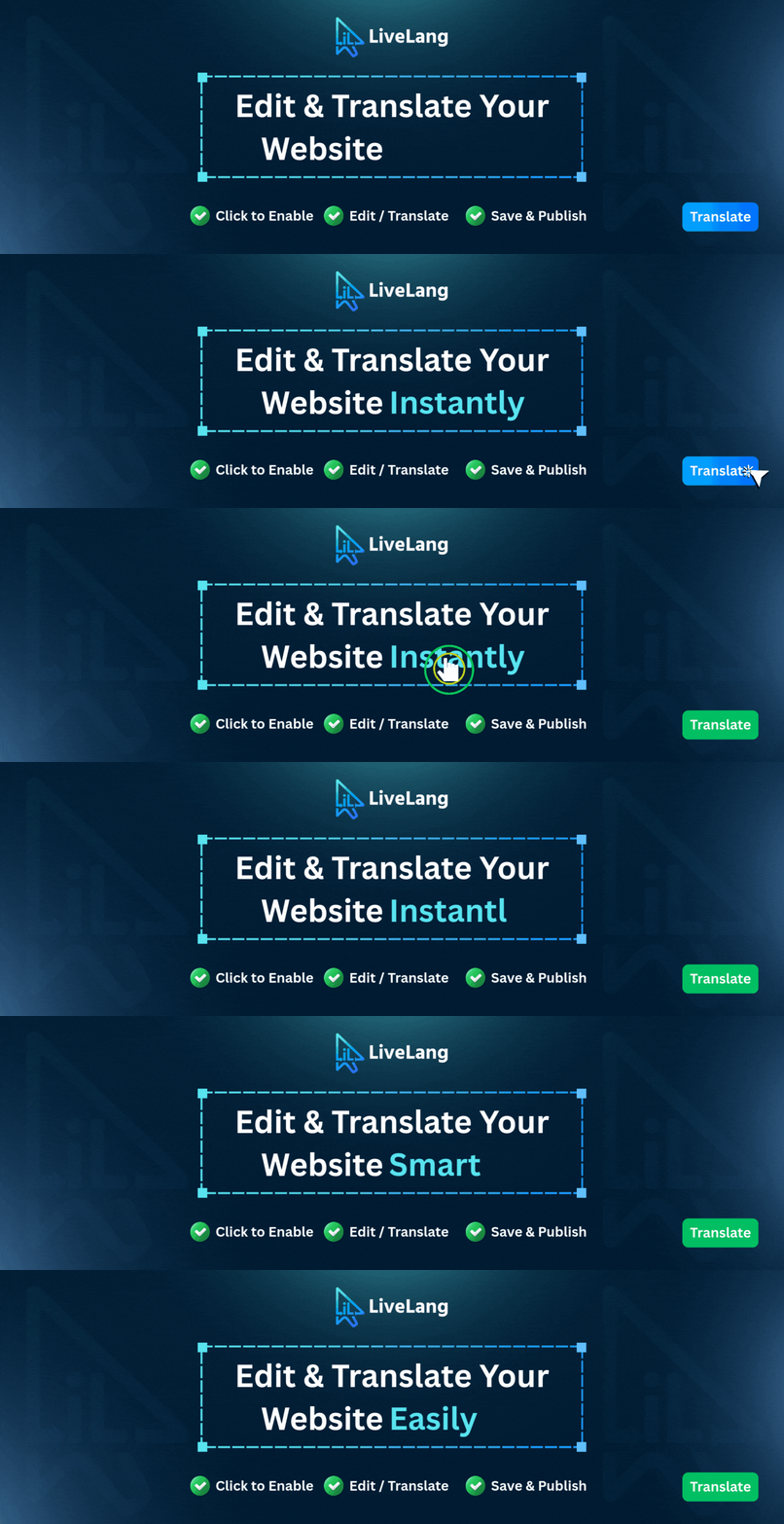
LiveLang Frontend Visual Translator in action
LiveLang is the fastest, easiest visual translation plugin for WordPress. Translate or modify any frontend text, heading, button, or image directly on your live pages in real time.
Translate Mode Click any element Edit Save.
No .po/.mo files. No complex string searches. No duplicate pages.
⚡ Visual Frontend Inline Translator
- Click-to-edit interface directly on live pages
- Floating, draggable Control Dock with one-click toggle
- Preserves nested HTML (
<strong>,<em>,<a>,<span>,<br>) - Custom text alignment (Left, Center, Right) per translation
- Instant AJAX/REST API saving with smooth toast notifications
🖼️ Media & Image Translator
- Display different images, banners, and logos per language
- Direct WordPress Media Library integration + custom URL support
- Translate image
altattributes for localized image SEO - Automatic
srcset/sizeshandling for responsive images
🌐 Multi-Language System & SEO Optimized
- Clean URL structure with language slugs (e.g.
/es/about/,/bn/contact/) - Default language clean URLs (no slug on primary language)
- Dynamic internal link prefixing across menus, footers, and links
- Automatic SEO tags:
<html lang>,hreflang,x-default, andog:locale - Translation of meta descriptions, Open Graph, and Twitter cards
- Optional browser language auto-detection
- Full RTL support (Arabic, Hebrew, Persian, Urdu)
🔘 Flexible Language Switchers
- WordPress Menu integration via dedicated Menu Metabox
- Customizable floating language switcher with custom positions & colors
- Flexible shortcode
[livelang_language_switcher]with layout options - Country flags included for all languages
🎯 Page-Specific vs. Global Translation Modes
- Page-Specific: Translate content unique to a single page
- Global Mode: Translate shared elements (header, footer) once site-wide
- Longest-first matching algorithm prevents substring collision
🚀 High-Performance JSON Caching
- Versioned JSON caching reduces DB queries to near-zero
- High-speed client-side DOM translation using compiled regex + Map lookups
- Scoped MutationObserver with
requestAnimationFramebatching - Persistent object cache compatible (
wp_cache_flush_group)
🛍️ Page Builder & WooCommerce Ready
- Fully compatible with Elementor, Gutenberg, Divi, and all themes
- Translates WooCommerce shop products, cart, and AJAX mini-cart fragments
- Form input &
<textarea>placeholder translation - Batch dropdown
<select>and<option>translator
🛠️ Centralized Admin Management
- Translations Manager with search, language filters, and status toggles
- Bulk actions: Activate, Deactivate, and Delete
- Safe Maintenance Zone with scoped data clearing & CSV export
- Role-based access control (Admin, Editor, or custom roles)
Key Features
- Frontend visual click-to-edit translation
- Multi-language management within a single page
- Media Translator for language-specific images and alt tags
- Form placeholder and dropdown option translation
- Page-specific & global translation scopes
- SEO-friendly URLs with automatic hreflang, lang, and og:locale tags
- Global internal link prefixing across all site menus and links
- RTL language support with automatic direction handling
- Built-in WordPress Menu metabox integration
- Customizable floating and shortcode language switchers
- High-performance JSON caching system
- WooCommerce and Elementor editor compatible
- Database-stored translations (100% update-proof)
- Translations list table with search, filters, bulk actions & CSV export
- Supports up to 3 active languages
Shortcode & Usage
Embed the language switcher anywhere using shortcode:
[livelang_language_switcher]
Available Attributes:
* style: "dropdown" or "inline" (Default: dropdown)
* appearance: "button" or "link" (Default: button)
* display: "both", "flag", or "text" (Default: both)
Examples:
* [livelang_language_switcher style="inline" display="both"]
* [livelang_language_switcher style="dropdown" appearance="button"]
* PHP: <?php echo do_shortcode('[livelang_language_switcher]'); ?>