
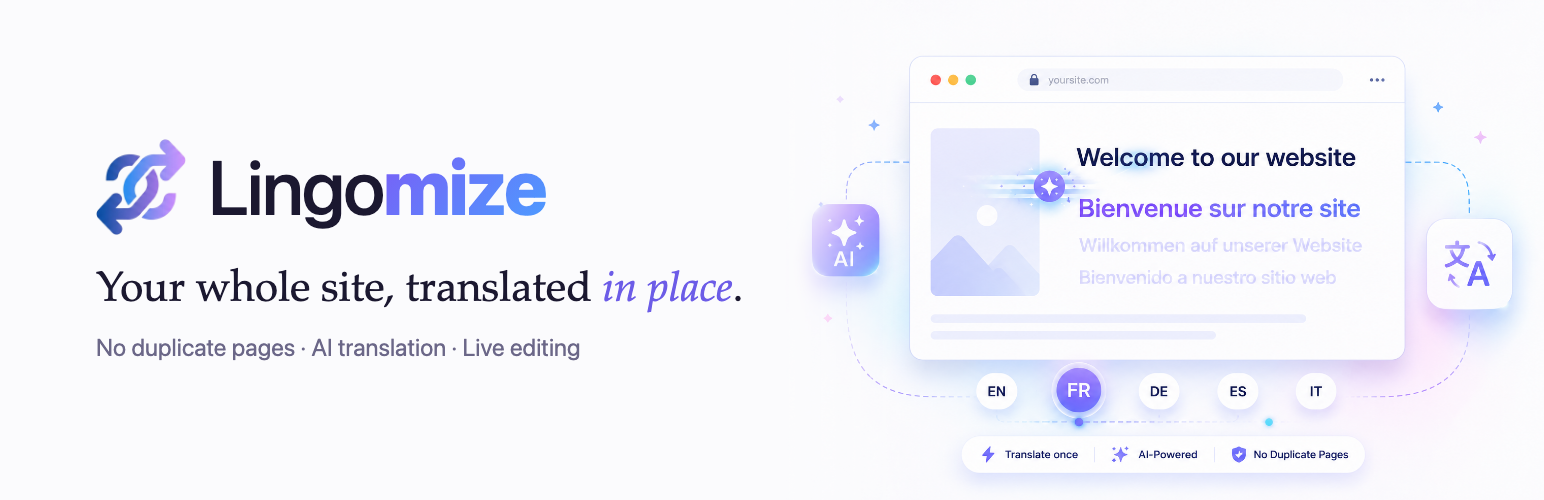

Lingomize Translator

Every language you translate into, how far along each one is, and how much of your plan you have used.
Lingomize rewrites the page HTML on its way out, so every language is the same post
with different words. Nothing is duplicated, so nothing drifts.
- Automatic
/th/,/fr/, … URLs with correcthreflang - Point-and-click editing on the live page
- A translation table for the whole site, with search and bulk editing
- Glossary and a keep-as-is term list
- Import / export as JSON, and a one-click import from WPML, Polylang, TranslatePress or Weglot
- Language switcher with flags
- AI translation, with a licence key
Licence
AI translation runs through the Lingomize licence proxy, which holds the AI key. Paste the
key from your welcome email under Lingomize Settings. While the subscription is live the
site serves every language; let it lapse and the site goes back to its own language until
it is renewed. Your translations are never deleted — they stay in your database and come
back the moment the licence does. A site holding more original words than its plan covers
keeps every translation it has, but gets no new ones until it is upgraded or trimmed.
External services
The plugin contacts one address, only once a licence key is set. That service uses one model
provider behind it; both are described below. Nothing else leaves your server — the switcher’s flags ship with
the plugin, and no image, script or stylesheet is loaded from anywhere but your own site.
Lingomize licence proxy (https://api.lingomize.com)
Every translation request and the daily licence check go through it. Sent: the text you
chose to translate, the target language, the optional style notes you typed under Settings
(what the site is about, tone, audience), your licence key, your site’s host name, your
site’s word count and the language codes you have enabled. Nothing is sent while no licence
key is set.
Terms: https://lingomize.com/terms — Privacy: https://lingomize.com/privacy
Groq (https://groq.com)
The proxy forwards the text to be translated to Groq’s API and returns the translation.
Only that text reaches Groq; your licence key and site details do not.
Terms: https://groq.com/terms-of-use — Privacy: https://groq.com/privacy-policy