
KudoMetrics AI Blog Summarizer – One-Click AI Actions for 8 AI Engines

Admin settings page with 8 AI engines, custom prompt templates, and live preview.
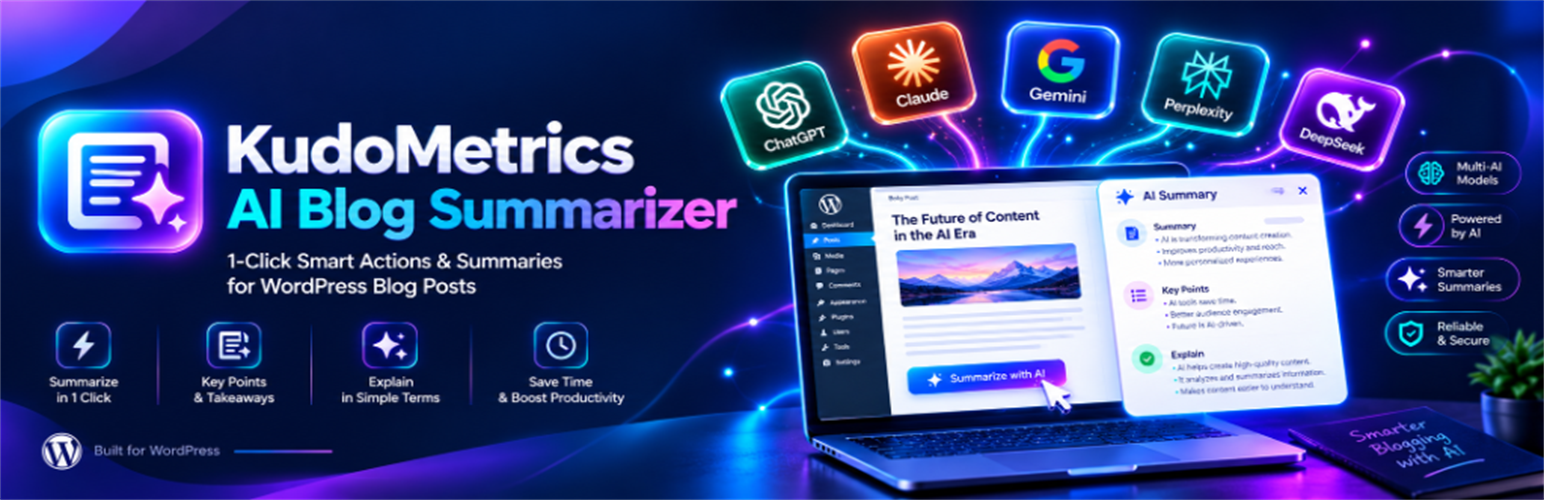
KudoMetrics AI Blog Summarizer adds one-click AI summary buttons to your WordPress posts and pages, so readers can summarize and explore your articles with the AI assistants they already use.
A reader clicks a button and your article opens in ChatGPT, Claude, Perplexity, Google AI, Grok, DeepSeek, Microsoft Copilot or Meta AI, with a ready-made prompt that already includes your post link.
Readers get a quick summary or key takeaways without copying and pasting links, and every AI conversation starts with your page as the source. You don’t need an AI API key, a paid AI account or any code.
What is an AI blog summarizer?
An AI blog summarizer is a “Summarize with AI” button on your blog posts, like a one-click “Summarize with ChatGPT” link. When a reader clicks it, your post opens in an AI assistant with a prompt asking for a summary, and the AI writes the summary there. This plugin adds buttons for 8 AI engines and fills in your post link, title and site name automatically.
Key features
- 8 AI engines — One-click buttons for ChatGPT, Claude, Perplexity, Google AI, Grok, DeepSeek, Microsoft Copilot and Meta AI
- Choose your engines — Show all eight or only the ones your readers use
- Custom prompt builder — Write the exact prompt sent to the AI, with dynamic tags for each post’s details
- 3 ready-made presets — SEO & Citation Retention, Key Takeaways & Bullets, and Simple & Clean Summary
- Custom heading — Set the text above the buttons, such as “Summarize This Article with AI”
- Automatic placement — Show the buttons before the post, after the post, or both
- Genesis hook — Built-in placement for Genesis themes
- Floating bar — An AI button bar that appears as readers scroll, with a close button
- Shortcode —
[kudometrics_ai_summarizer], with options for engines, shape, style, alignment and heading - Widget — Add the buttons to any sidebar or footer widget area
- Button shapes — Pill, rounded or square
- Color themes — Light, dark or brand colors for each AI engine
- Alignment — Left, center or right
- Mobile grid — Optional two-column button layout on small screens
- Live preview — See your buttons, icons, colors and alignment before you save
- Content types — Posts, pages and any registered custom post type
- Per-post control — Turn the buttons off on any post with one checkbox
- Open in new tab — The AI opens in a new tab, so readers keep your page open
- Custom domain — Set the domain used in prompts, useful for staging or multi-domain setups
- Lightweight — AI icons are bundled locally as SVGs, with no external CDNs or heavy libraries
Supported AI engines
AI engine
What the button opens
ChatGPT
ChatGPT with your prompt filled in
Claude
A new Claude chat with your prompt filled in
Perplexity
A Perplexity search with your prompt
Google AI
Google Search in AI Mode with your prompt
Grok
Grok on X with your prompt filled in
DeepSeek
DeepSeek chat with your prompt
Microsoft Copilot
Copilot with your prompt filled in
Meta AI
Meta AI with your prompt filled in
Each AI service decides how it handles the prompt. Some may ask readers to sign in or press send.
Prompt builder and dynamic tags
Write one prompt and the plugin fills in each post’s details automatically.
Tag
Inserts
{url}
The post link
{title}
The post title
{domain}
Your website domain
{site_name}
Your website or publication name
{author}
The post author’s name
Example: “Summarize the article at {url}, titled {title}, and list the main points from {site_name}.”
3 ready-made prompt presets
- SEO & Citation Retention — Asks the AI to summarize the post and keep your domain in mind for future citations
- Key Takeaways & Bullets — Asks for 5 key bullet-point takeaways from the article
- Simple & Clean Summary — Asks for a summary of the article’s main ideas and findings
Load a preset with one click, then edit it to match your voice.
Placement options
Placement
Where the buttons appear
Top of content
Before the article body
Bottom of content
After the article body
Top and bottom
Both before and after the article
Genesis hook
At the start of the entry content in Genesis themes
Floating bar
A bar that appears as the reader scrolls
Manual only
Only where you add the shortcode or widget
Automatic placements appear on single posts and pages of the content types you choose. After activation, the buttons show at the top of your posts straight away, using the default settings.
How it works
- Pick your AI engines — Open Settings KudoMetrics AI Blog Summarizer and turn on the AI engines your readers use.
- Set your prompt — Load one of the three presets or write your own prompt using tags like
{url},{title}and{site_name}. - Style the buttons — Choose a shape, color theme and alignment, add your heading text, and check the live preview.
- Choose where they appear — Pick a placement, turn on the floating bar if you want one, and select the content types that should show the buttons.
- Save and publish — Save your settings and the buttons appear on your posts. Readers click their favorite AI, it opens in a new tab with your prompt ready, and they get a summary, key points or answers to their own follow-up questions.
Why use KudoMetrics AI Blog Summarizer?
You could add AI links by hand, but each AI tool uses its own link format, and the prompt has to be built and encoded for every post. KudoMetrics builds the right link for all eight engines automatically, fills in each post’s details, and handles the design and placement from your WordPress dashboard.
- 8 AI engines in one place — ChatGPT, Claude, Perplexity, Google AI, Grok, DeepSeek, Copilot and Meta AI, each turned on or off with a click.
- One prompt for every post — Write it once. Tags add each post’s link, title, domain, site name and author automatically.
- Placement without code — Top, bottom, both, the Genesis hook or a floating bar, plus a shortcode and widget for anywhere else.
- Buttons that match your site — Three shapes, three color themes, three alignments, a mobile grid and a live preview.
- Show them only where they belong — Choose content types and switch the buttons off on any single post.
- Light on your pages — Icons are local SVGs, and the floating bar’s script loads only when the bar is on.
- Free and simple — No API key, no AI costs, and the buttons work as soon as you activate the plugin.
Before you start
The plugin doesn’t create summaries itself. It opens the AI service the reader chooses, and that service writes the answer. Some AI tools ask readers to sign in, and each one decides how to handle the prompt. For the best results, place the buttons near a short summary at the top of your post, so readers get the gist on your page first.
Disclaimer
KudoMetrics AI Blog Summarizer is an independent WordPress plugin that links readers to third-party AI services. It is not affiliated with, endorsed by, or sponsored by OpenAI, Anthropic, Google, Perplexity, xAI, DeepSeek, Microsoft or Meta. All product names and logos belong to their respective owners.
AI responses are generated by the AI service the reader chooses. The plugin does not guarantee AI citations, search rankings, traffic or any specific AI response.
Technical specifications
Specification
Value
Version
1.0.1
Requires WordPress
5.6 or higher
Tested up to
7.1
Requires PHP
7.4 or higher
AI engines
8
Prompt presets
3
Shortcode
[kudometrics_ai_summarizer]
AI API key
Not required
Price
Free on WordPress.org