


Khushal Forms
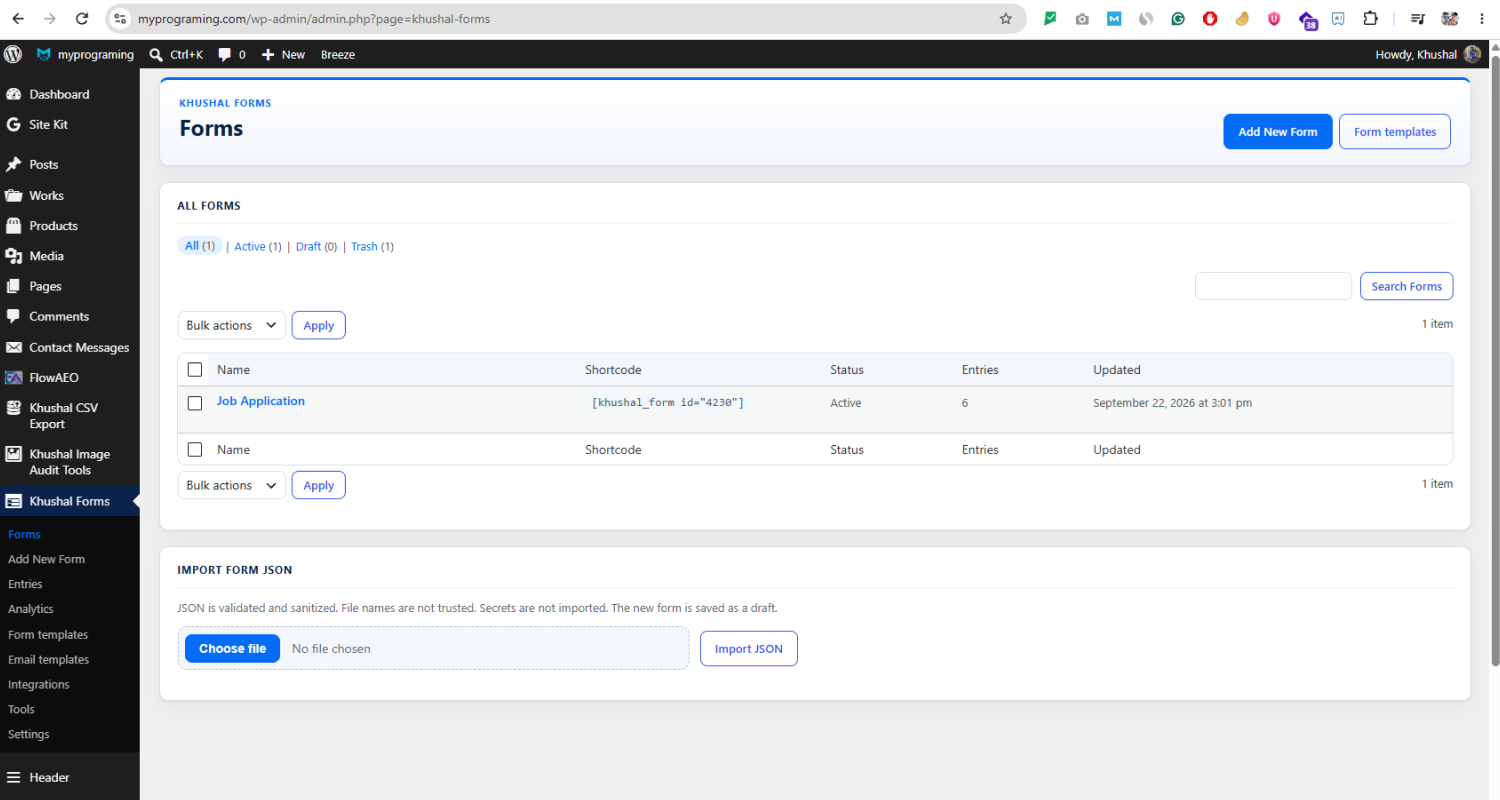
The forms list, with the shortcode, status, and entry count for each form.
Khushal Forms is a form builder for WordPress. You create the form, visitors fill it in, and the answers stay in your own database.
Start from a ready-made form, or build one field by field. Each starter form shows a preview of what visitors will see, including a multi-step enquiry with Next and Previous. Publish the form, then place it on a page with the shortcode [khushal_form id="123"] or the Khushal Forms block.
Build the form
- Add text, email, phone, number, URL, dropdown, checkbox, radio, file, consent, and hidden fields.
- Set a field to full, half, or one-third width.
- Split a long form into steps.
- Show or hide a field based on an earlier answer.
- Save the form as a draft, then publish it when it is ready.
- Duplicate a form, or export and import it as JSON.
Read the answers
- Open Entries to see each submission, mark it read or unread, and move it to trash.
- Search entries and export them to CSV.
- Uploaded files stay in your uploads folder and are not added to the Media Library.
Send email
- Send an admin notification when someone submits the form.
- Send an automatic reply to the visitor.
- Send one extra email if you need a third copy.
- Browse sample email layouts, preview one, then use it on the form.
- Attach a file the visitor uploaded.
- Use your site’s normal WordPress mail, or save an SMTP mailbox under Settings.
A successful send means the mail server accepted the message. It does not prove that the inbox received it.
What stays on your site
Forms, entries, and files are stored on this WordPress site. Khushal Forms does not send submissions to its own server, and it does not include usage tracking. Analytics are daily totals for views and submissions, not a profile of each visitor. Entry rows do not store IP addresses.
Spam checks that run without an outside service are a honeypot, a minimum time to fill the form, and a limit on how often the same visitor can submit. Cloudflare Turnstile is optional and off until you add your own keys. If you turn it on, the form loads Cloudflare’s widget script (https://challenges.cloudflare.com/turnstile/v0/api.js) and the server checks the token with Cloudflare.
A webhook is also optional. If you add a public http or https address, the plugin can send one JSON request after an entry is saved. Private and loopback addresses are blocked. A failed webhook does not delete the entry.
You do not need Elementor, WooCommerce, or another form plugin.
Privacy
Submitted field values are stored in custom tables on this site. File uploads go under wp-content/uploads/khushal-forms/. Notification logs store status, not message bodies. Analytics tables store daily aggregates without IP addresses or fingerprints.
WordPress Export Personal Data and Erase Personal Data include entries that match the request email (logged-in user or an email field). Guest entries without an email field cannot be matched automatically.
Optional Turnstile sends a token to Cloudflare for verification. Optional webhooks send a payload to the URL you enter.
See docs/privacy.md in the plugin folder for a full data map.