


Junocal Booking – Class Schedule for Solo Instructors and Studios
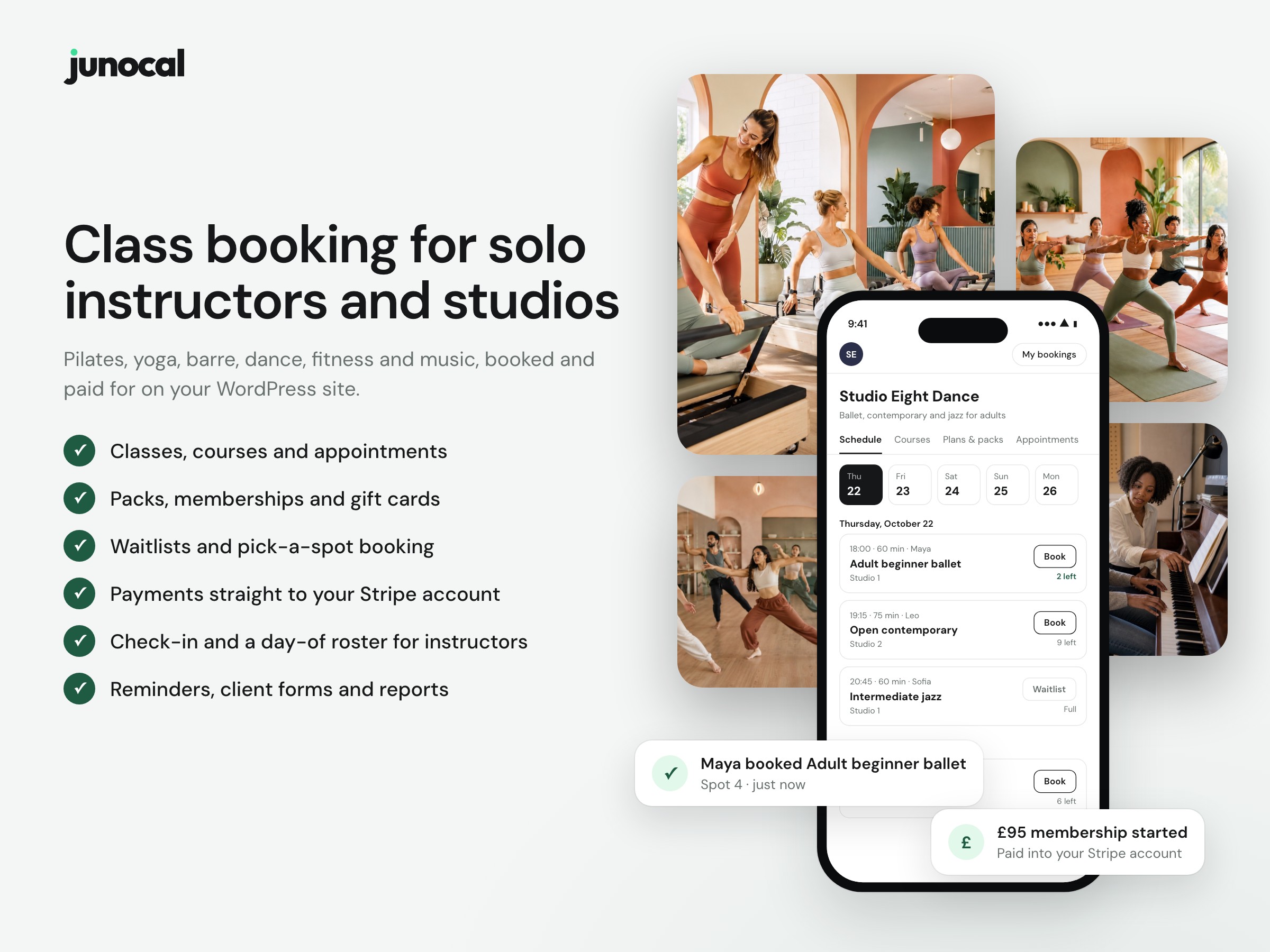
Class booking for solo instructors and studios, on your WordPress site.
Junocal Booking is a free class booking and scheduling plugin for solo instructors and studios that teach yoga, pilates, barre, dance, fitness, personal training and music lessons. It puts your live class timetable on any WordPress page. Clients book classes, courses and appointments, buy class packs and memberships, and join the waitlist when a class is full. Payments go to your own Stripe account. You need a Junocal account.
There’s no code to paste. Add the Junocal Booking block, or the [junocal] shortcode in the classic editor, a widget area or Elementor. Clients browse your timetable on your site and book in a few taps. Registration and payment run on your secure Junocal booking page.
Junocal runs the bookings behind the plugin: your timetable, class capacity, credits, renewals, reminders, waivers, check-in and payments. There’s no marketplace, so no commission on your bookings. Bookings and card details aren’t stored in your WordPress database, so there’s nothing extra to back up or secure.
Who it’s for
- Yoga studios: weekly classes, intro offers, class packs, memberships students can pause, and teacher training sold as a course.
- Pilates and barre studios: clients pick their reformer or their spot at the barre, with drop-ins, packs and memberships, plus privates and duets.
- Dance studios and schools: term courses, kids’ classes booked by parents, and adult drop-ins with class packs.
- Fitness studios and gyms: spin, HIIT and strength classes where members pick a bike or station, with intro offers, memberships and waitlists.
- Personal trainers: 1:1 and small-group sessions, session packs and coaching memberships.
- Music teachers and schools: weekly lessons, term enrollment and lesson packs.
It works the same for one instructor with a weekly class and for a studio with several rooms or locations.
What you can show
- Full booking page: everything you offer, with a shared cart.
- Class schedule: a timetable of upcoming classes, 1 to 30 days ahead, with live booking and waitlists.
- Courses: courses and programs open for enrollment.
- Class packs and memberships, with prices and purchase buttons.
- Appointments: your services and available times, for one-to-one sessions such as personal training or music lessons.
- Lead form: enquiries go straight to Leads in Junocal.
How it works
- Add your booking link under Settings Junocal Booking.
- Add the Junocal Booking block to a page and choose what to show. The editor shows a live preview of your widget as you change its settings. In the classic editor or a widget area, use the
[junocal]shortcode. - Match it to your site under Appearance: button colour, background, corners, font, list or cards, and whether your studio name shows. For the full booking page, you can choose its tabs and which one opens first.
The widget follows your Junocal settings, so prices, availability, booking rules and branding stay in one place. Each widget also includes a plain booking link that search engines can read and that works without JavaScript.
You can show an “Online booking by Junocal” credit link under the widget. It is off until you turn it on.
You need a Junocal account. Try Studio free for 14 days.
External services
This plugin shows a booking widget provided by Junocal, so it connects to Junocal. Nothing is sent from your WordPress server. Requests come from your visitors’ browsers, and only on pages that show the Junocal Booking block or the [junocal] shortcode with a booking link set.
Junocal (junocal.com) shows your schedule, offerings and booking forms.
- In the block editor, the block shows a live preview of your widget, so the editor’s browser loads your booking page from junocal.com in a frame. Junocal receives that browser’s IP address and browser details.
- When a page with a widget loads, the visitor’s browser loads the widget script from
https://junocal.com/widget.jsand your booking page from junocal.com in a frame. Junocal receives the visitor’s IP address, browser details and the page address, as far as the browser’s referrer policy allows. For the lead form, it also receives anyutm_source,utm_mediumandutm_campaignvalues in the page address. The widget’s markup also tells Junocal that it was added by this WordPress plugin. - When a visitor books, buys or sends an enquiry, Junocal receives what they enter, such as their name, email address and booking details, to handle it for you.
- So a visitor can return to an unfinished payment, the widget keeps a short-lived order reference in that browser tab’s session storage.
- Junocal terms of service and privacy policy.
Stripe processes payments on your own Stripe account. When a visitor pays, Junocal shows Stripe’s payment form, loaded from js.stripe.com, on junocal.com or on your page, depending on your Junocal settings. Card details go directly to Stripe.