
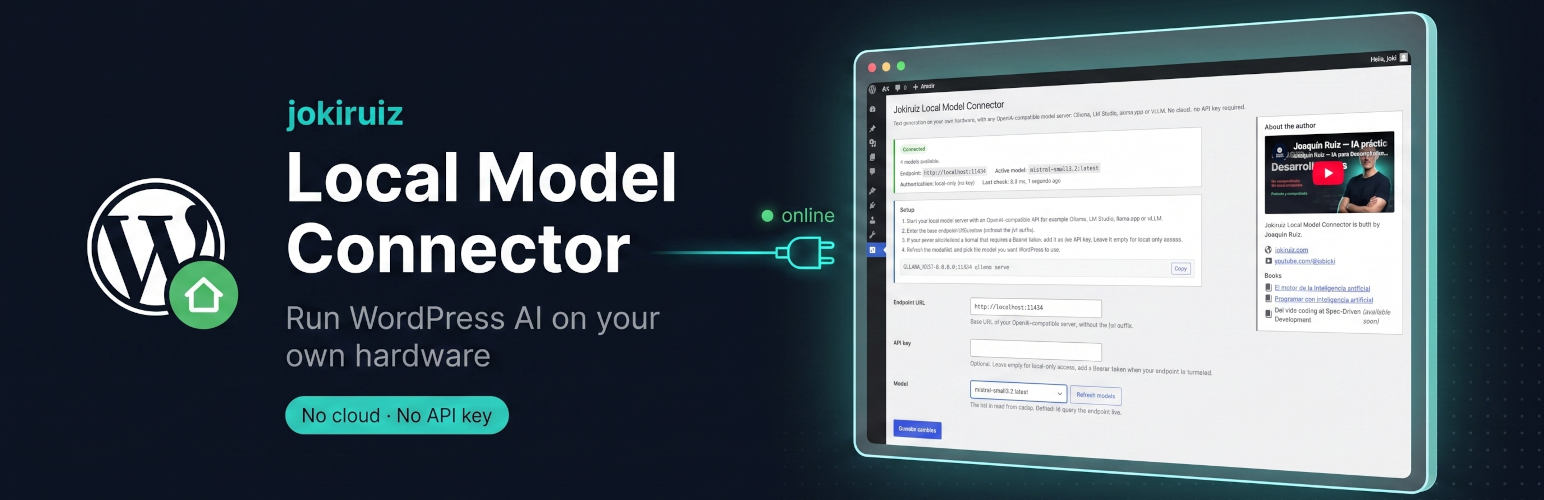

Jokiruiz Local Model Connector

The connector settings screen, with the health card, setup guide and live model selector.
Jokiruiz Local Model Connector is an AI provider connector that runs WordPress AI features on your own hardware.
It registers a new AI connector on the WordPress Connectors screen and exposes your local model to the WordPress AI Client, so any AI feature on your site can use it — with no cloud service, no account and no API key.
The connector speaks the OpenAI-compatible API (/v1/models, /v1/chat/completions) instead of each backend’s native API, so one connector serves them all.
Works with any OpenAI-compatible AI provider
- Ollama
- LM Studio
- llama.cpp (llama-server)
- vLLM
- Any other server exposing an OpenAI-compatible endpoint, local or tunneled.
Why this connector
- Private by default. Prompts never leave your machine or your network.
- No API key needed. Local-only mode works without any credential; add a Bearer token only if your endpoint sits behind a tunnel.
- Live model discovery. The model list is read from your endpoint, not hardcoded, and cached so the admin never blocks on a slow or offline backend.
- Built for local inference. A short connect timeout detects an offline backend fast, while a long generation timeout leaves room for slow local generation on consumer hardware.
- Connector health at a glance. See connected / unreachable / auth failed, the active model and the latency of the last check — so you can tell a downed tunnel from a bad key.
- Careful with security. Your API key is never re-printed to the browser, and the plugin relaxes WordPress’ SSRF protection only for the exact host and port you configured.
- No surprise traffic. The plugin makes no network request at all until you save an endpoint.
External services
This plugin connects to external services in two places. Both only happen in the WordPress admin, and no data about your site or visitors is ever sent.
-
Your own AI endpoint. The core purpose of the plugin is to talk to the OpenAI-compatible endpoint you configure (for example a local Ollama server at
http://localhost:11434). It calls that endpoint’s/v1/modelsand/v1/chat/completionspaths to list models and generate text. No request is made until you save an endpoint. This is not a third-party service — it is the server you point the plugin at. -
YouTube (video embed). The plugin settings screen embeds one video from the author’s YouTube channel using YouTube’s privacy-enhanced domain (
youtube-nocookie.com). The embed loads only when you open that settings page. This sends your browser’s request to YouTube/Google under their terms; see the YouTube Terms of Service and the Google Privacy Policy.