
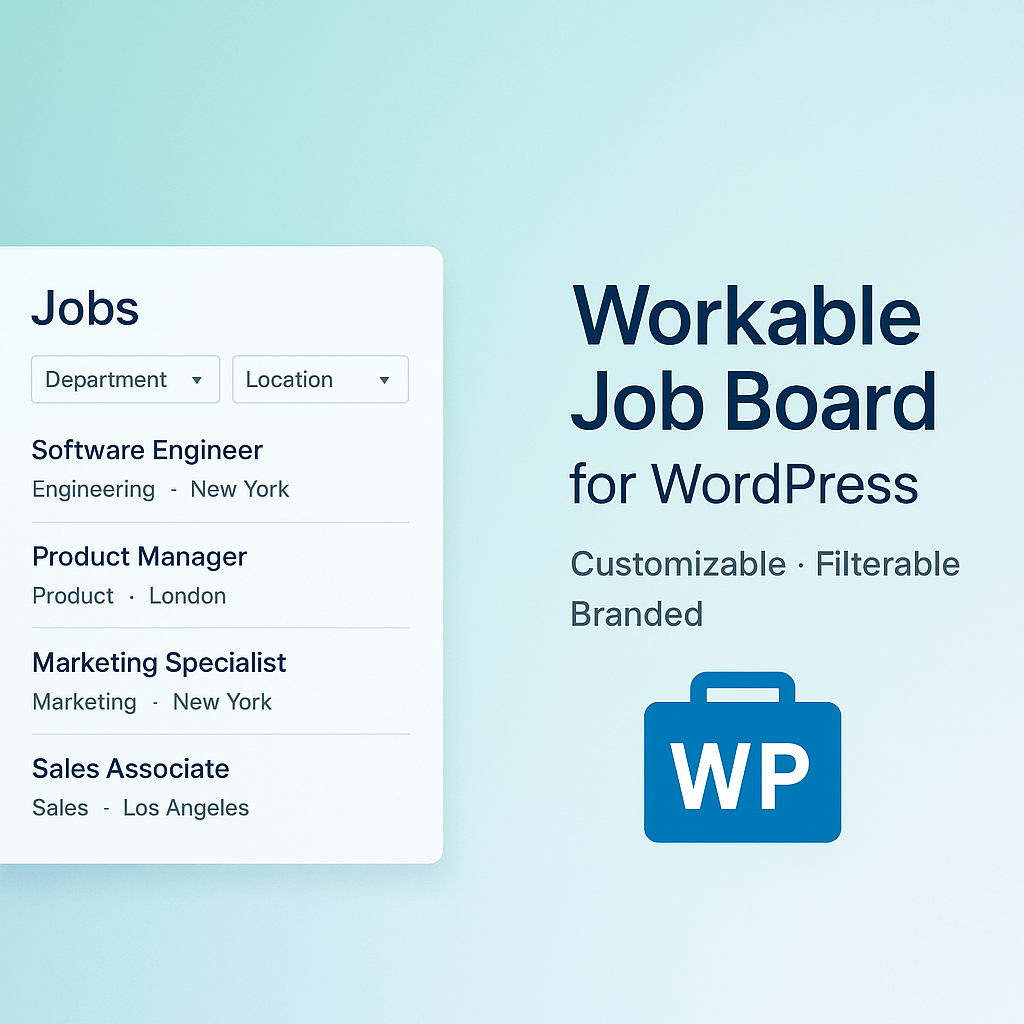
Job Board for Workable
Display job listings from Workable on your WordPress site with advanced filtering and customizable styling.
This plugin is not affiliated with or endorsed by Workable.
Key Features:
- Easy Integration – Connect directly to your Workable account using API credentials
- Responsive Design – Mobile-friendly job board that looks great on all devices
- Advanced Filtering – Search by job title, filter by department and location
- Custom Colors – Customize colors to match your brand using built-in color pickers
- Application Forms – Dynamic job application forms with file upload support
- SEO Friendly – Clean URLs and proper markup for search engine optimization
- Accessibility – ARIA labels and keyboard navigation support
- API Response Caching – Built-in caching to improve reliability and performance when fetching jobs
Two Simple Shortcodes:
[wjbfw_job_filters]– Display search and filter controls[wjbfw_job_board]– Display the job listings grouped by department
For backward compatibility, the old shortcode names are also supported:
* [job_board_for_workable_filters] – Display search and filter controls (deprecated)
* [job_board_for_workable] – Display the job listings grouped by department (deprecated)
Perfect for:
- Companies using Workable for recruitment
- HR departments wanting to showcase open positions
- Career pages on corporate websites
- Recruitment agencies
- Job portal websites
Support
For support, feature requests, or bug reports, please contact the plugin author or visit the plugin’s support forum.
Privacy & Data
Third-Party Service Integration:
This plugin integrates with Workable, a third-party recruitment platform. Here’s what data is exchanged:
Data Fetched from Workable:
– Job listings (read-only) are retrieved from Workable’s REST API to display on your website
– No personal or sensitive information is collected during job listing retrieval
Data Sent to Workable:
– When candidates submit job applications through the plugin’s forms, their information (including resumes and cover letters) is sent directly to Workable via their API
– Application data includes: name, email, phone, resume files, cover letters, and any custom fields
Privacy & Tracking:
– This plugin does NOT set tracking cookies
– This plugin does NOT track users
– This plugin does NOT send data to any service other than Workable
– No candidate data is stored locally on your WordPress site beyond temporary transient caches
Important Links:
– Workable Privacy Policy
– Workable Terms of Service
For complete information about how your candidate data is handled, please review Workable’s privacy policy and terms of service.
Technical Requirements
- WordPress 5.0 or higher
- PHP 7.4 or higher
- Active Workable account with API access
- cURL support (standard on most hosting providers)
Advanced Usage
Custom Styling:
While the plugin includes color customization options, developers can override styles using custom CSS. All elements use semantic class names with the “wjbfw-” prefix.
Cache Management:
– Job listings are cached for 5 minutes
– Force cache refresh by adding ?wjbfw_refresh=1 to the page URL
– Cache is automatically cleared when settings are updated
Hooks and Filters:
The plugin provides various WordPress hooks for developers to extend functionality. Contact support for developer documentation.