
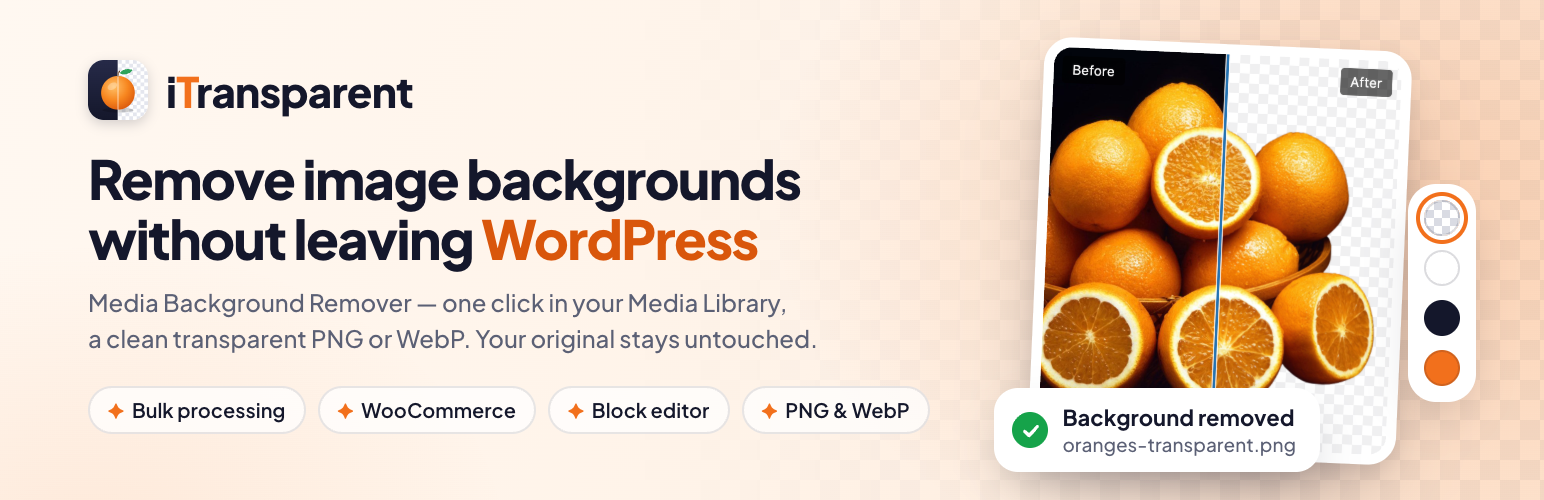

iTransparent – Media Background Remover
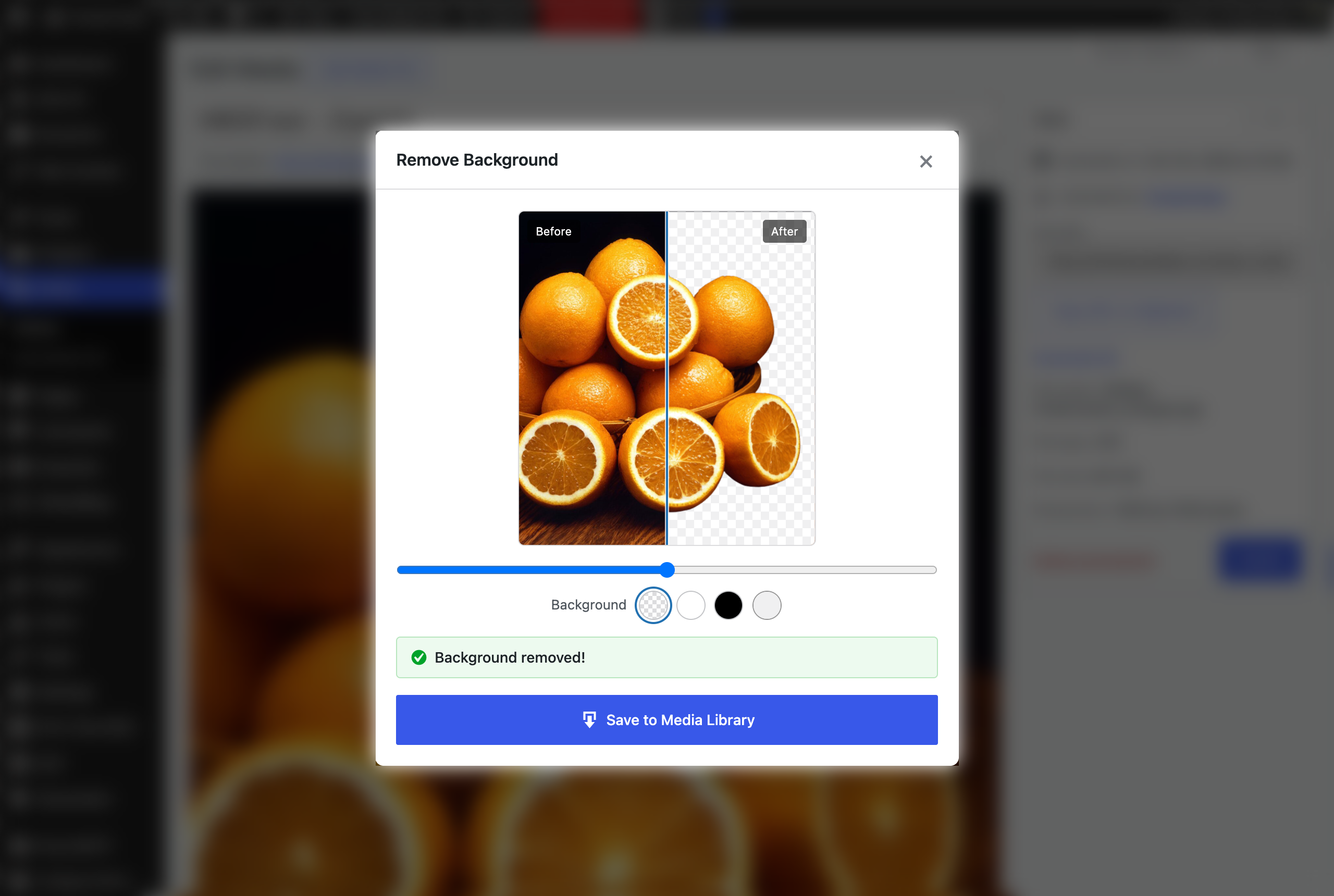
Before/after comparison slider in the preview window
iTransparent – Media Background Remover helps WordPress users remove image backgrounds directly from the Media Library.
Instead of downloading an image, editing it in another tool, and uploading it again, this plugin lets you process supported images from inside the WordPress dashboard.
Choose how backgrounds are removed:
- Free local engine – no API key, no account, no credits. An open-source AI model runs in your browser, so images never leave your site.
- remove.bg – the highest quality cut-outs, using your remove.bg API key and credits.
This plugin is useful for:
* WooCommerce product images
* logos and graphics
* marketing assets
* agency workflows
* content creators and site managers
Current features:
* One-click background removal from the attachment edit page
* Live processing spinner while the image is being processed
* Preview the transparent result before saving
* Save to Media Library with a single click
* Processed images are clearly marked and won’t show the remove button again
* Creates a new processed image without replacing the original
* Supports JPG, PNG, and WebP input files
* Outputs transparent PNG or WebP
* API key settings page
* Lightweight workflow focused on the WordPress admin
* Bulk background removal from Media Library list view, processed in the background
* Before/after comparison slider in the preview
* Solid colour backgrounds (white, black or any colour) applied on your server at no extra credit cost
* Crop to subject with adjustable margin, and subject type hints (product, person, car)
* WooCommerce: process a product’s image and gallery in one click, bulk-process products, or auto-process new product images
* Block editor: “Remove background” button in the Image block toolbar
* Remaining remove.bg credits shown on the settings page
* Media Library filter for processed and unprocessed images
* Choose which user roles can remove backgrounds
* Keep your API key in wp-config.php with the MBGR_API_KEY constant
* Free local engine: remove backgrounds without an API key, choosing a Fast or High quality model
* Marketplace presets: square WooCommerce images, Amazon main images (2000 × 2000, white, 85% fill), Instagram square and portrait, or your own size
* Media Library grid view: Remove Background bulk button and processing filter
External Services
This plugin connects to the remove.bg API to process images.
It sends an image file only when a user triggers background removal: the Remove Background button, a bulk action, the block editor button, or (if you enable it) automatic processing of new WooCommerce product images.
When you open the plugin settings page, the plugin also requests your remaining credit balance from the remove.bg account endpoint (https://api.remove.bg/v1.0/account). This request sends only your API key and is cached for 10 minutes.
It sends this data to remove.bg:
* the image file selected for processing
* your requested output settings, such as format and size
* your remove.bg API key in the request header for authentication
Service provider: remove.bg
Service URL: https://www.remove.bg/
API documentation: https://www.remove.bg/api
Terms of service: https://www.remove.bg/tos
Privacy policy: https://www.remove.bg/privacy
Local engine model download (GitHub)
The free local engine needs an AI model file. It is only downloaded when an administrator clicks “Download model” in Settings › Background Remover. Your server then downloads the file once from the rembg project’s GitHub releases, checks its MD5 checksum, and stores it in your uploads folder (wp-content/uploads/itransparent-models/). No data about your site or your images is sent; the request is a plain file download.
- Fast model: https://github.com/danielgatis/rembg/releases/download/v0.0.0/u2netp.onnx
- High quality model: https://github.com/danielgatis/rembg/releases/download/v0.0.0/isnet-general-use.onnx
Service provider: GitHub (files published by the rembg project)
GitHub terms of service: https://docs.github.com/en/site-policy/github-terms/github-terms-of-service
GitHub privacy statement: https://docs.github.com/en/site-policy/privacy-policies/github-general-privacy-statement
With the local engine, images are processed in the browser of the person using the plugin and are uploaded only to your own site.
Third-party libraries and models
- ONNX Runtime Web 1.20.1 (MIT License, Microsoft) is bundled in assets/vendor/onnxruntime-web/ to run the local engine. Source: https://github.com/microsoft/onnxruntime/tree/v1.20.1/js/web
- U²-Net (Fast model) by Xuebin Qin et al., Apache License 2.0: https://github.com/xuebinqin/U-2-Net
- IS-Net / DIS (High quality model) by Xuebin Qin et al., Apache License 2.0: https://github.com/xuebinqin/DIS
- Model files as packaged by rembg (MIT License): https://github.com/danielgatis/rembg
Roadmap
- Additional background removal services
- Replace the original image (with backup)
- Better processing logs
Author
TheFareedDaar
https://thefareeddaar.com/