
I
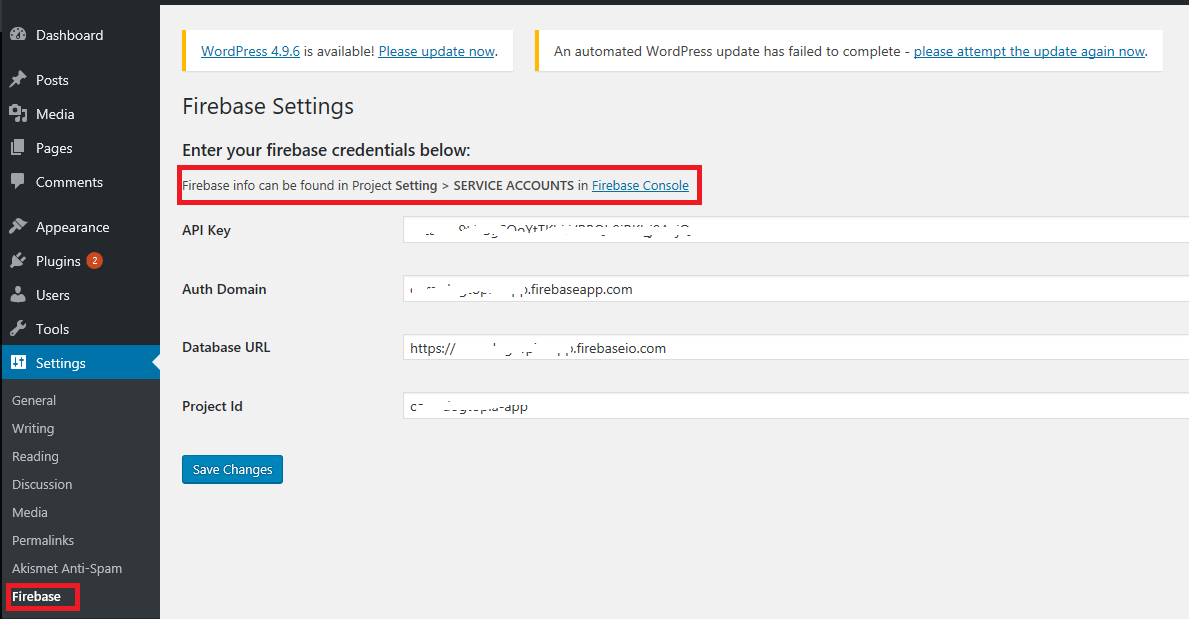
After activating the plugin, you need enter Firebase credentials under Setting > Firebase.
The Firebase for WordPress Plugin will help a Firebase user to login to your WordPress interface – not to WordPress dashboard – from Firebase authentication. You can show user info and display data that is only available to your Firebase users.
If you want a secured implementation, with much more features, check the Interate Firebase PRO version.