

Inline Context – Footnotes, Tooltips & Glossary Notes
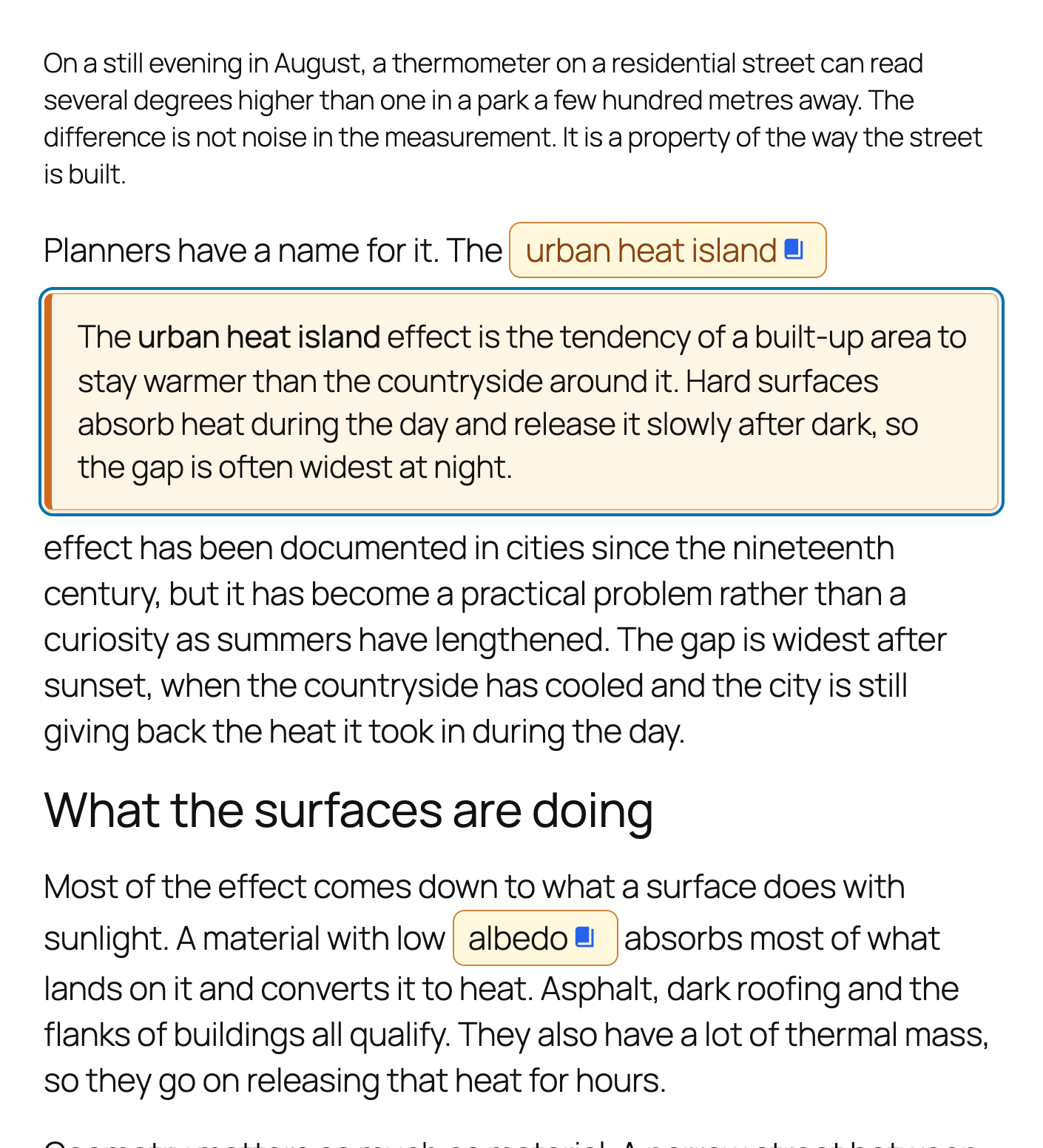
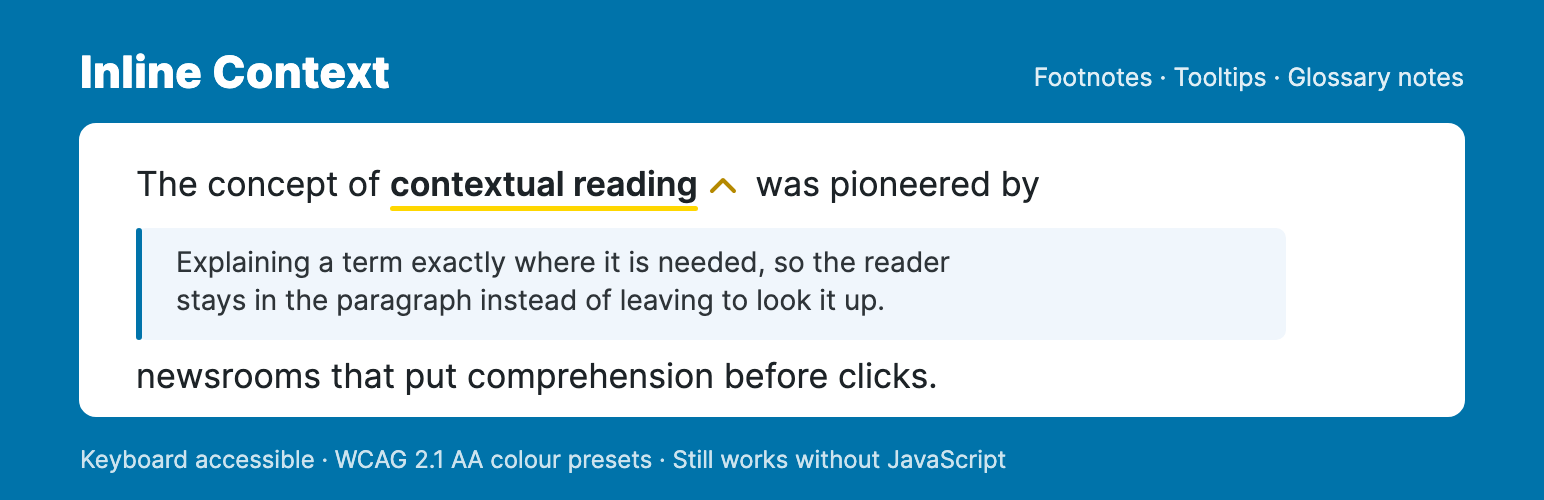
Click a term and the note opens right there - the reader never leaves the paragraph.
Add footnotes, tooltips and glossary notes to any text in the block editor. A reader clicks a term, the explanation opens in place, and they carry on reading – no jump to the bottom of the page, no new tab.
Try it in your browser – a real WordPress with the plugin already set up. Nothing to install.
Built for sites with a lot of text: editorial, research, documentation and education.
How it works
- Select text in the block editor and press Cmd+Shift+I.
- Write the note. Rich text, links and images are supported.
- Optionally give it a category, with its own icon and colour.
- Publish. The note opens inline or as a tooltip, whichever you choose.
Mark a note reusable and it joins your Notes Library. Edit it once and every post that uses it updates.
Add the Glossary block to a page and those same notes are listed as a browsable reference – no second copy to keep in step with the first.
Key Features
- Two display modes – an inline panel or a tooltip, with smart positioning and optional hover activation.
- Reusable notes – a Notes Library showing each note’s usage count and the posts it appears in, searchable from inside the editor.
- Glossary page – a block, or the
[inline_context_glossary]shortcode, listing your notes on a page you choose, grouped A-Z or by category. - Categories – as many as you like, each with its own icon and colour. On WordPress 7.1 icons are drawn as SVG, picked from a curated set; any of the 300+ Dashicons still works too.
- Styling without CSS – five WCAG 2.1 AA colour presets, plus live-preview control of colours, spacing, borders and shadows.
- Images in notes – inserted straight from the Media Library.
- Deep links – every note has its own anchor and opens automatically when someone follows that link.
- Print – every note becomes a numbered footnote, listed at the foot of the page with a link back to its place in the text.
- Keyboard shortcuts – Cmd+Shift+I to insert, Cmd+Shift+K to edit the note under the cursor.
- Settings backup – export and import your configuration as JSON.
Accessibility
Operable by keyboard throughout, with full ARIA state, Escape to close, and focus returned to where it started – in both display modes. Triggers are announced as the buttons they behave like, and every control in the note editor has a name. Note content is sanitised with DOMPurify.
If JavaScript does not run, the notes fall back to a numbered endnote list at the foot of the post, each with a link back to its place in the text, so the content stays reachable either way.
Translation-ready.
Credits & source
Built with visual artist Renée Kool, who wanted a single link to reveal several related sources. The model was the Dutch journalism platform De Correspondent – see their inline notes in this article.
Full source, including uncompiled JS and CSS: codeberg.org/joop/inline-context