

Hushpage – Maintenance Mode & Coming Soon
0/5 (0 ratings) — active installs Updated Nov 1, 2026

The single settings screen.
Hushpage shows visitors a clean “back soon” page while you work, and gets out of the way. It is built for site owners and agencies who need maintenance to be precise: only the pages you are working on, at the times you planned, with proof that caches were cleared.
What makes it different
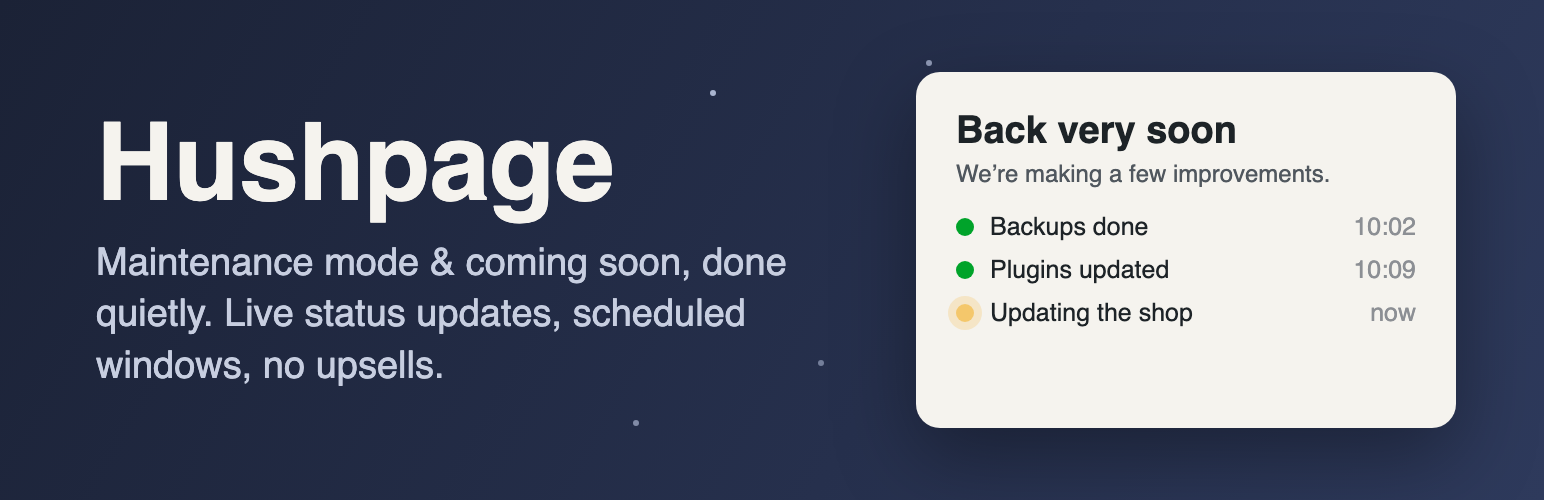
- Live status updates, and visitors come back by themselves. Post short progress notes while you work (“Backups done”, “Updating the shop”) from the settings screen or WP-CLI; they appear on the maintenance page as a small timeline. Pages visitors leave open check in once a minute, show new updates, and reload straight into your site the moment maintenance ends, so nobody has to keep pressing refresh.
- “Leave us a message” form, with an inbox. Optional. Visitors can write to you while the site is down; messages land in a Messages tab (and your email), with CSV export. Spam is stopped without any outside service, visitors must agree before anything is stored, and messages are deleted automatically after a period you choose.
- Maintenance on selected pages only. Take just
/shop/or/checkout/offline while the rest of the site stays live, and keep pages such as your privacy policy or a payment page always available. - Scheduled maintenance windows. Set a start and an end time. The page switches itself on and off on time (using WP-Cron, so it works even when a page cache is serving visitors), and the site admin can get an email when the window starts and ends.
- Cache clearing you can see. A log on the settings screen shows when caches were cleared, why, and which ones (LiteSpeed Cache, WP Rocket, W3 Total Cache, WP Super Cache, WP Fastest Cache, WP-Optimize, Breeze, SiteGround).
- Site Health checks. Tools Site Health warns you when the maintenance page has been left on long enough to hurt search rankings, and when the site uses a page cache Hushpage can’t clear.
Everything else you’d expect
- One settings screen. Switch it on, write your message, save.
- Everything is editable, for free. Headline, message, browser title, footer, logo, colours, background image, contact email, social links and a countdown. No “Pro” version.
- No nags. No review requests, newsletter prompts, upsells, dashboard banners or bundled plugins.
- No tracking and no external requests. The page uses system fonts and loads nothing from third-party servers.
- Search-engine friendly. Maintenance mode sends HTTP 503 with a Retry-After header, so search engines know the outage is temporary. Coming soon mode sends a normal 200 response and can ask search engines not to index the page.
- You can’t lock yourself out. Administrators always see the real site.
- Share the real site with clients. A secret link lets anyone you choose see the site for a set number of days without logging in. Create a new link at any time to revoke the old one. You can also allow specific IP addresses or user roles.
- Works with caching. Page caches from LiteSpeed Cache, WP Rocket, W3 Total Cache, WP Super Cache, WP Fastest Cache, WP-Optimize, Breeze and SiteGround are cleared automatically when you switch on or off, and the maintenance page itself is never cached.
- Leaves nothing behind. Uninstalling removes its settings, messages, status updates, cache log and scheduled events.
- For developers and agencies: WP-CLI commands (
wp hushpage status,wp hushpage enable,wp hushpage disable,wp hushpage update "…",wp hushpage bypass-link), an emergencyHUSHPAGE_DISABLEconstant, and filters to override the template, the visitor IP, or skip specific requests.