
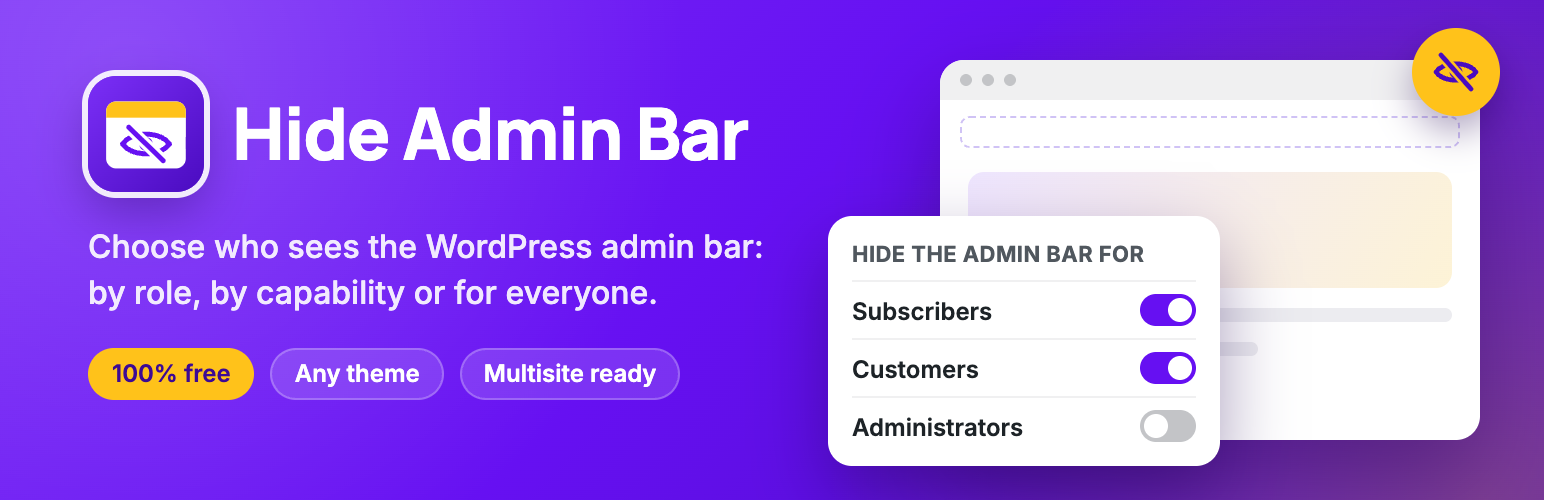

Hide Admin Bar Based on User Roles – Disable the WordPress Toolbar by Role or Capability
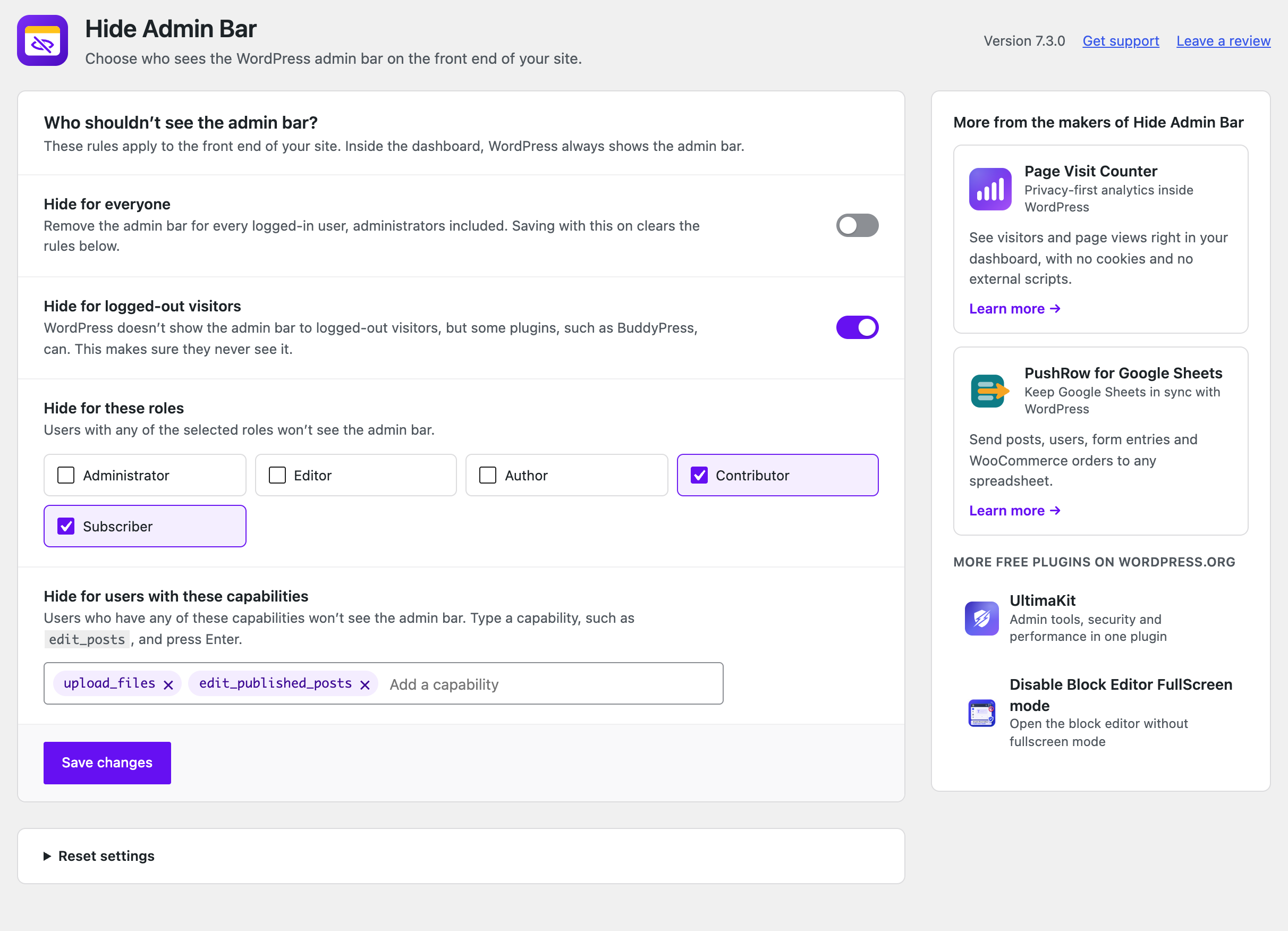
Choose who doesn't see the admin bar: everyone, logged-out visitors, specific roles, or users with certain capabilities.
Hide Admin Bar Based on User Roles lets you choose who sees the WordPress admin bar (the toolbar) on the front end of your site.
Remove it for subscribers, hide it from WooCommerce customers, turn it off for everyone, or target specific roles and capabilities, all from one settings page and without writing code.
The plugin is lightweight and works as soon as you activate it. Trusted on 20,000+ active WordPress sites.
It’s completely free: no Pro version, no locked features, no upsells.
Simple but great plugin. 🙂
– wptoolsdevWorks flawlessly! 🙂
– thebrazeneye
Why hide the WordPress admin bar?
The black toolbar at the top of your site is useful for admins — but for everyone else it exposes backend links, breaks your design, and confuses non-technical users. Hiding it is essential for:
- Membership sites – give members a clean, frontend-only experience with no WordPress branding
- WooCommerce stores – stop showing the toolbar to customers after they log in
- LMS & course platforms – keep students focused on your content, not the WordPress UI
- Client websites – hand over polished sites where editors see only what they need
- Communities & directories – hide backend access hints from registered users
- Anyone who wants a cleaner frontend – remove the admin bar without touching functions.php
Features
- Hide for everyone: remove the admin bar from the front end for every logged-in user.
- Hide for logged-out visitors: make sure visitors never see it, even when a plugin such as BuddyPress shows it to them.
- Hide by role: pick roles such as Subscriber, Customer or Editor, including custom roles from other plugins.
- Hide by capability: hide it for anyone who has a capability, for example
edit_posts. - Nothing added to your site’s front end: no CSS, no JavaScript, no extra database queries.
Works with your setup
Hide Admin Bar Based on User Roles works with any theme and any plugin that registers user roles — including WooCommerce (Customer role), membership plugins, LMS plugins, and custom roles. Fully compatible with Elementor, Divi, Beaver Builder, Bricks, and WordPress Multisite.
More from the makers of Hide Admin Bar
- Page Visit Counter – Privacy-first analytics inside WordPress. See visitors and page views in your dashboard, with no cookies and no external scripts.
- PushRow for Google Sheets – Keep Google Sheets in sync with WordPress. Send posts, users, form entries and WooCommerce orders to any spreadsheet.
- UltimaKit – Admin tools, security and performance in one plugin.
- Disable Block Editor FullScreen mode – Open the block editor without fullscreen mode.
- NoteFlow – Create, organize and manage notes in your WordPress dashboard.
- Like Dislike For WP – Add like and dislike buttons to your posts and pages, with vote stats.