

HandyPal Accessibility Widget

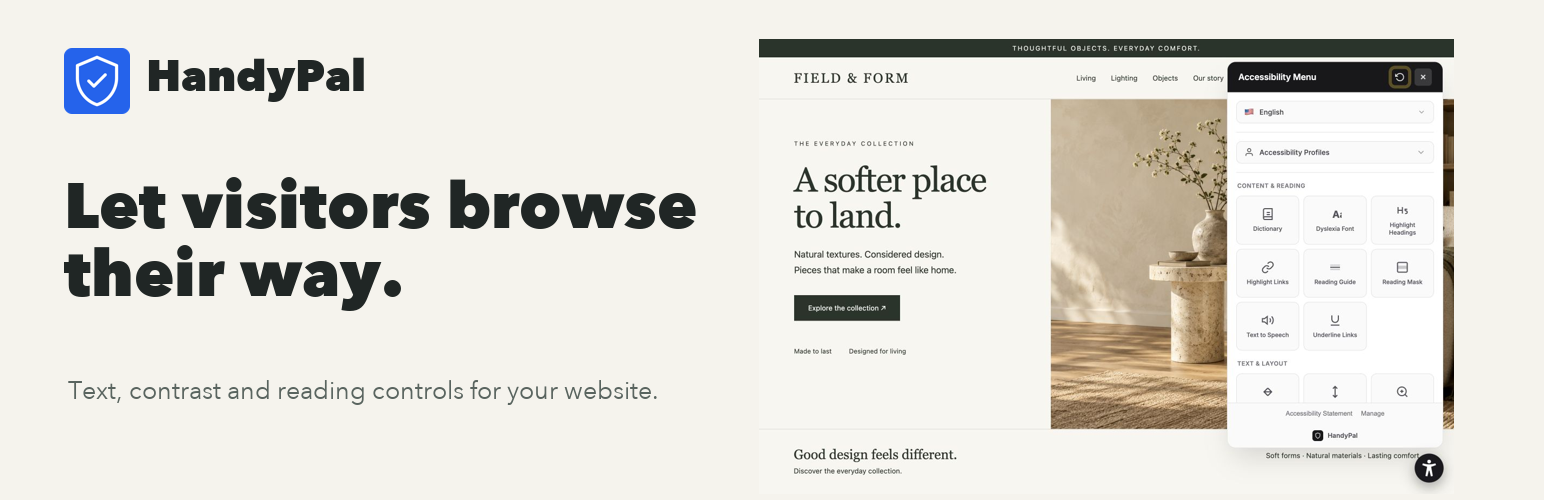
Make your site easier to use: visitor-controlled reading and navigation tools on a fictional storefront.
Make your website easier to use. HandyPal gives visitors control over text, contrast, reading, and navigation. Customize the widget in WordPress and keep your settings in sync with your HandyPal dashboard.
Start with the Free visitor widget. Paid plans add background fixes, optional AI assistance for labels, accessibility scans, and PDF reports. Use these tools to find your next improvements, alongside manual testing and fixes.
Help visitors read their way
Give visitors control over text size, spacing, contrast, reading guides, and browser-based text-to-speech. They choose the preferences that help them use your pages.
Keep your website’s identity
Choose your widget color, icon, size, and position. Your existing theme stays in place.
Customize once. Keep settings connected
Adjust widget appearance and visibility in Settings > HandyPal or in your HandyPal dashboard. Saved settings are shared between both dashboards.
Find your next improvement
Paid plans add background fixes, optional AI assistance for link, button, and form labels, accessibility scans, and PDF reports. AI assistance is in beta. Review the results on your pages; automated tools complement manual testing and fixes.
Accessibility Features Include
- Adjust text size, line height, and letter spacing
- High contrast modes (smart, high, higher, highest)
- Reading guide and reading mask
- Dyslexia-friendly font
- Hide images option
- Keyboard navigation enhancements
- Focus indicators
- Color blind filters (protanopia, deuteranopia, tritanopia, achromatopsia)
- Text-to-speech narration
- Page zoom
- Stop animations
- And many more…
Quick Setup
- Install and activate the plugin
- Go to Settings > HandyPal
- Enter your account token from handypal.net
- The widget automatically appears on your site!
Requirements
- A HandyPal account (Free plan available at handypal.net)
- WordPress 5.0 or higher
- PHP 7.4 or higher
External Services
This plugin connects to HandyPal when you save or verify your account token. It sends the token, site URL, and site name to https://www.handypal.net/api/wordpress/validate to authenticate and register the website. When enabled, the widget loads JavaScript and CSS from https://cdn.handypal.net and requests its configuration from HandyPal. Widget usage events may be sent to HandyPal. A HandyPal account and an authorized plan are required.
Service terms: https://www.handypal.net/terms
Privacy policy: https://www.handypal.net/privacy
Privacy Policy
HandyPal collects the following data:
* Your website URL and name (for registration and widget configuration)
* Widget usage analytics (how often the widget is opened)
Visitor analytics are handled by the HandyPal service. See the Privacy Policy.
Support
- Documentation: handypal.net/help
- Support: handypal.net/contact
- Dashboard: handypal.net/dashboard