

GS Pinterest Portfolio – Pinterest Feed, Pinterest Board & Pin Widgets
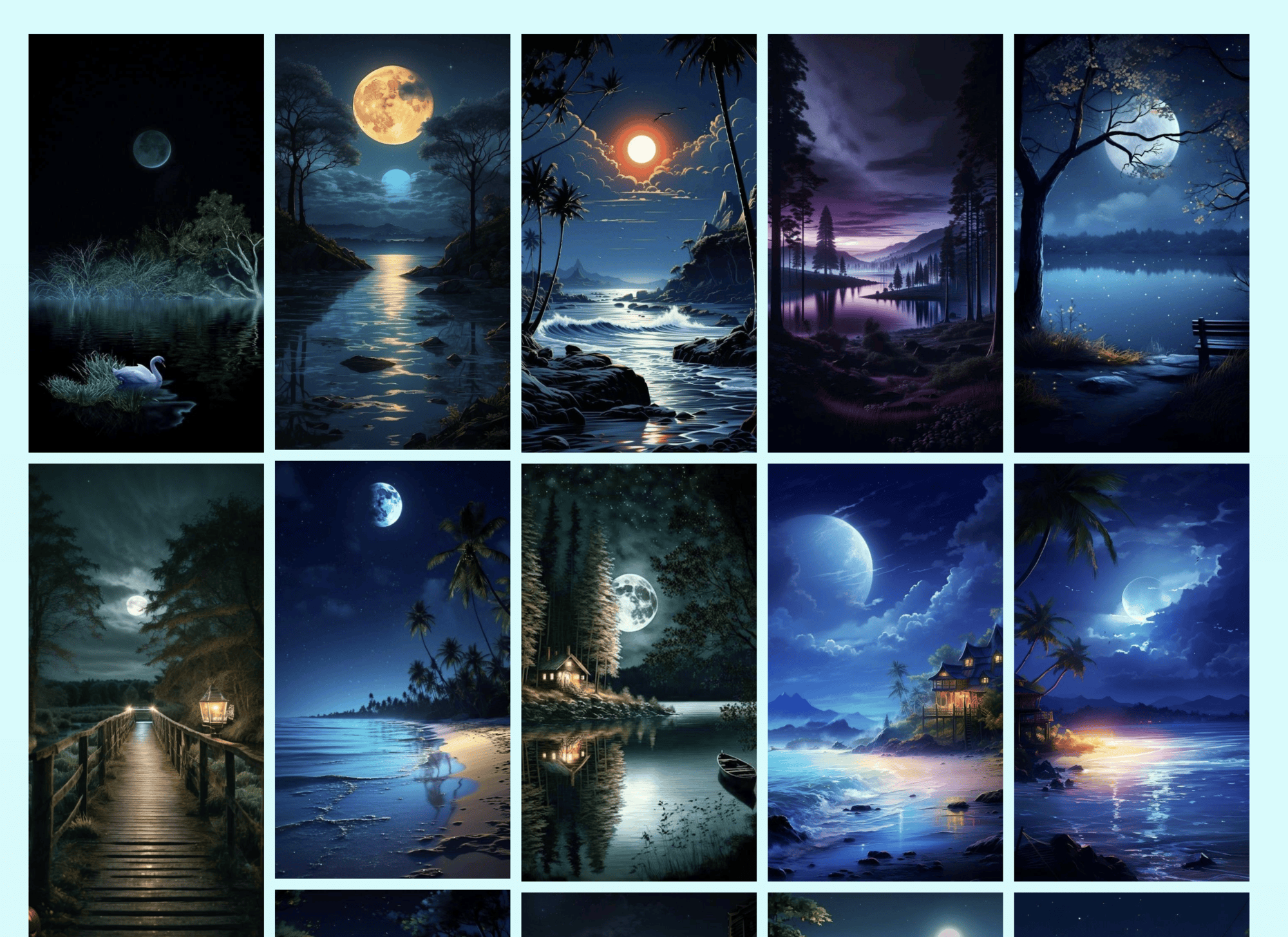
Pins theme with 5 columns.
GS Pinterest Portfolio brings your Pinterest pins onto your website. Enter a Pinterest username, and optionally a board name, and your latest pins appear in a clean masonry grid that keeps itself up to date. There’s no Pinterest app or API key to set up.
Use it to show your work, recipes, products, mood boards or inspiration, and to send visitors to your Pinterest profile to follow you.
👉 Live demo · Documentation · Pro features · Pricing · Support
Who it’s for
- Designers, artists and photographers: a portfolio page that updates every time you pin.
- Food, craft, fashion and home bloggers: your boards next to your posts.
- Shops and brands: product and lifestyle boards that grow your Pinterest following.
- Wedding and event planners: inspiration boards for clients.
Why site owners choose GS Pinterest Portfolio
- No API key needed: just a Pinterest username and, if you like, a board name.
- Always up to date: pins sync automatically, daily, weekly or every 15 days, or with one click.
- Looks right on every screen: set columns and spacing for desktop, tablet and mobile.
- Works with your builder: Gutenberg block, Elementor, Divi, WPBakery, Beaver Builder and Oxygen.
Free features
- Pins from a profile or a board: your latest pins, or the pins on one board.
- Pins theme: a masonry grid of pins, with pin titles on or off.
- Board theme: an embedded Pinterest board.
- 4 widgets: Pinterest profile, board, single pin and follow button, for sidebars and footers.
- Video pins with autoplay.
- Number of pins to show.
- Responsive columns and spacing for desktop, tablet and mobile.
- Open pins in a new tab or the same window.
- Automatic sync with a “Sync now” button.
- Lazy loading, custom CSS and template overrides in your child theme.
- Shortcode builder with live preview.
- Translation ready.
Pro features
GS Pinterest Portfolio Pro adds:
- Popup theme: open pins in a lightbox on your site.
- Hover theme: pin details appear on hover.
- Pin links theme: each pin links to its source.
- Grayscale theme: pins turn to color on hover.
- User profile theme: your Pinterest profile header above your pins.
- Priority email support.
Plans start at $49 per year, with a 7-day money-back guarantee. Compare Pro plans.
How it works
- Go to GS Pinterest > Create New Shortcode.
- Enter your Pinterest username and, to show one board, its board name. Choose a theme and how many pins to show. The live preview updates as you change settings.
- Copy the shortcode, for example
[gs_pinterest id=1], into any page or post, or use the GS Pinterest block or widget in your page builder.
To find a board name, look at the board’s address. For https://www.pinterest.com/jonathan/fathers-day/, the username is jonathan and the board name is fathers-day.
Shortcode usage
[gs_pinterest id=1]
In a theme file:
<?php echo do_shortcode( '[gs_pinterest id=1]' ); ?>
See how to create a shortcode for every option.
Support
Free users get help in the WordPress.org support forum. Pro users get priority email support through our help desk. We reply as soon as we can, excluding holidays.
More plugins from GS Plugins
- GS YouTube Gallery: YouTube videos, playlists and channels in galleries.
- GS Logo Slider: client, partner and sponsor logos in sliders, carousels, tickers and grids.
- Solid Testimonials: customer reviews and quotes in sliders, grids and masonry layouts.
- GS Team Members: team pages and staff directories with profiles and social links.
- GS Portfolio: show your work in grid, slider, list and filterable layouts.
- GS Projects Showcase: case studies with client, dates, value and project links.
- GS Books Showcase: a book library with covers, ISBN and publication details.
- GS Coach: coach and trainer profiles with experience and education.
- GS Posts Grid: recent and category posts in grid, list and slider layouts.
- GS Product Slider for WooCommerce: product carousels and grids with prices and add to cart.
- GS Variation Swatches: color, image and button swatches for WooCommerce variations.
- GS Brands for WooCommerce: brand logos on product and shop pages, plus brand sliders.
- PowerUp: redirects, restrictions and admin tools for WordPress.