
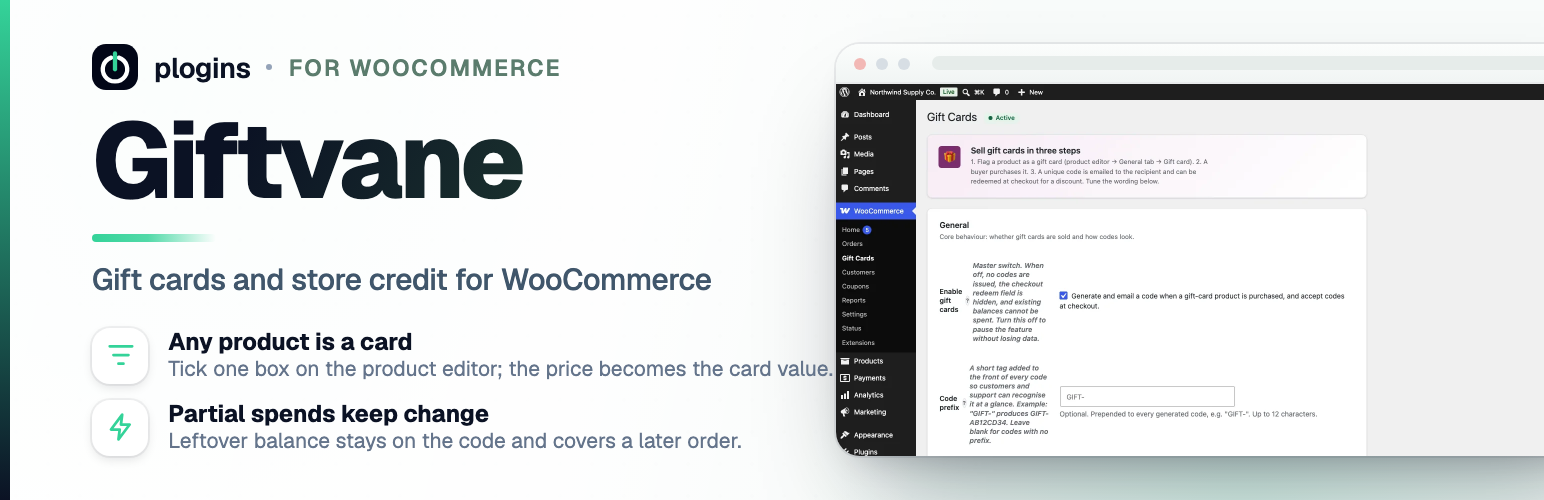

Giftvane – Gift Cards and Store Credit for WooCommerce
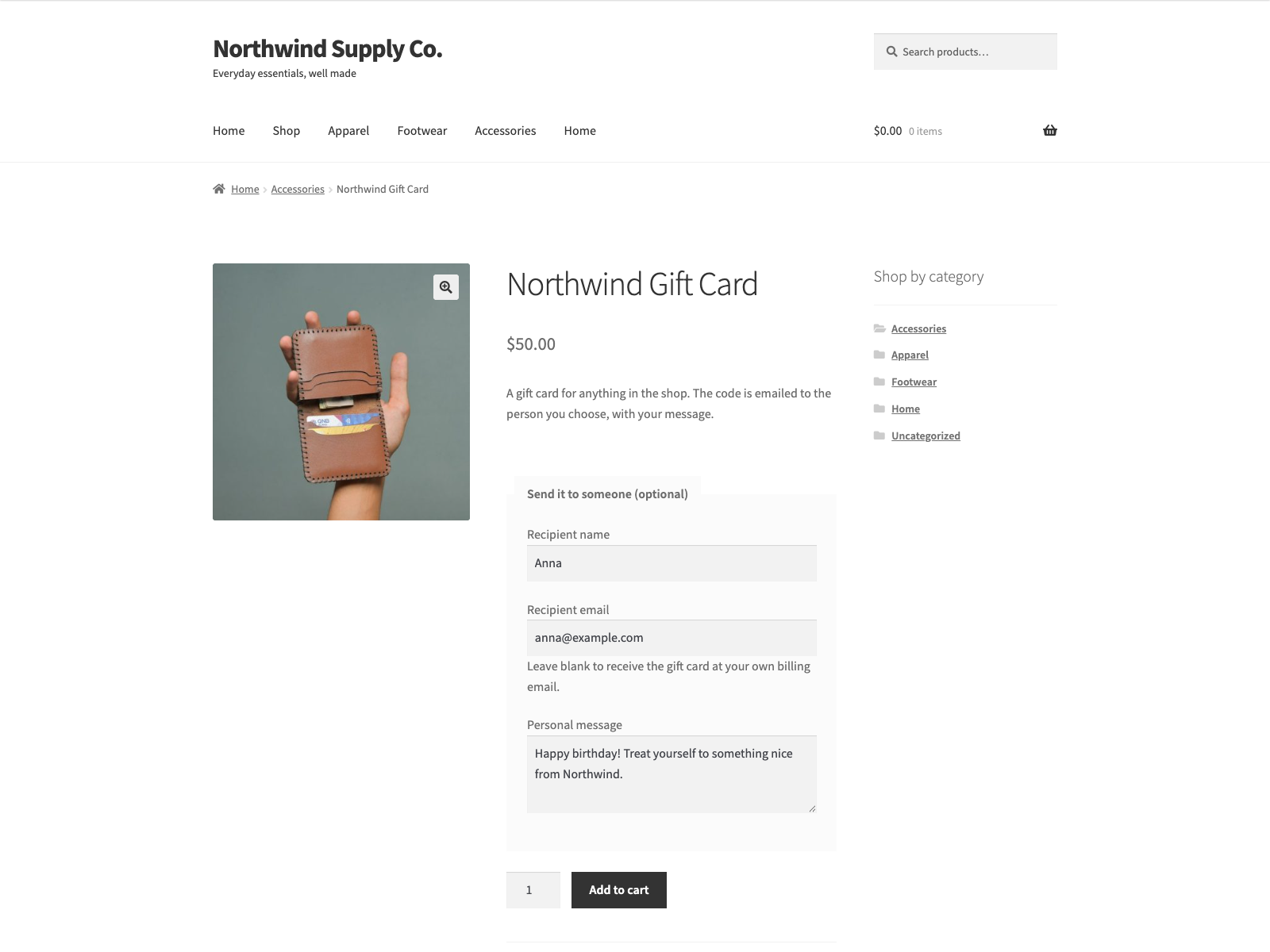
Buying a gift card: the product page with the optional recipient name, recipient email and personal message.
Giftvane sells a gift card or gift voucher as an ordinary WooCommerce product. Tick the “Gift card” box on any product and set its price to the card value. When the order is marked complete, the plugin generates a unique store credit code worth that price, records its balance in its own table, and emails the code to the recipient the buyer named, or to the buyer’s order email address.
WooCommerce leaves a paid order for virtual products in Processing. With the “Complete gift-card-only orders automatically” setting on (the default on new installs), a paid order whose every item is a virtual gift card goes straight to Completed, so the recipient gets the code without the shop stepping in. Orders with any other product keep the usual flow.
To spend a card, the customer enters the code in a field on the checkout. The balance is applied as a discount on that order. If the order costs less than the card is worth, the leftover stays on the code for a later purchase, so one card can cover several orders until it runs out.
The buyer also sees the code(s) their order issued on the order-confirmation page and in their WooCommerce order emails, so they have the code in hand without hunting through their inbox.
The code is built and tracked on GitHub. Source and bug reports: github.com/wppoland/giftvane
Documentation and links
- Documentation: plogins.com/giftvane/docs/
- Plugin page: plogins.com/giftvane/
- Source code: github.com/wppoland/giftvane
- Bug reports and feature requests: github.com/wppoland/giftvane/issues
- Giftvane Pro: plogins.com/giftvane-pro/
What it does
- Turns any product into a gift card with one checkbox on the product editor’s General tab; the price is the card value.
- Generates a unique code on order completion and emails it to the buyer’s order email address.
- Optional recipient name, recipient email and personal message on the gift card product page; the card is emailed to that recipient with the name and message, and the details show on the cart and order lines.
- Adds a redeem-code field to the classic checkout that applies the card balance as a discount.
- Accepts a gift card code in the WooCommerce coupon field too, so it can be redeemed on the block cart and checkout.
- Keeps the unused balance on the code after a partial spend, so it works across multiple orders.
- Shows the shopper what the card holds after this order, next to the applied card on the classic and block cart and checkout.
- Optionally completes a paid order automatically when every item is a virtual gift card, so the code goes out at once.
- Lets you set the code prefix, the checkout discount label and the recipient email subject and body.
- Optionally lists the issued codes on the buyer’s order page and in their order emails.
- Works with WooCommerce HPOS (custom order tables).
- Lets an AI assistant in your admin look up a code’s balance and list the codes an order issued, through the WordPress Abilities API on WordPress 6.9 and later. Reading only; it cannot change a balance or issue a code.
Giftvane Pro
Giftvane Pro is a separate paid plugin that extends Giftvane.
Included in Giftvane:
- Gift-card product
- Emailed code
- Redeem at checkout
- Balance and partial redemption
- Email content
Giftvane Pro adds:
- Custom amount
- Scheduled delivery
- Balance shortcode
- Redemption history
- Custom card designs
- Bulk generation
- PDF gift cards
- Multi-currency
The free edition is not a trial and its features stay available without a time limit.
- Giftvane Pro – plogins.com/giftvane-pro/
- Compare editions and pricing – plogins.com/giftvane-pro/pricing/
- PRO documentation – plogins.com/giftvane-pro/docs/
External Services
This plugin does not connect to, send data to, or rely on any external service, API or CDN. Everything runs on your own site. Gift-card codes and balances are stored in a single custom database table ({prefix}giftcards), the gift-card flag and any recipient name, address and message are kept in WooCommerce product and order-item meta (_giftcards_is_gift_card, _giftcards_recipient_name, _giftcards_recipient_email, _giftcards_recipient_message), and settings live in the giftcards_settings and giftcards_db_version options. The email carrying a code is delivered through your site’s own WooCommerce/WordPress mailer to the recipient address the buyer entered, or the order’s billing address; no message or customer data leaves your server.
Translations
Giftvane is fully translatable and ships the giftvane.pot template. Translations are delivered by WordPress.org language packs from translate.wordpress.org, which is where Polish, German and Spanish are being contributed; the package itself carries no compiled translation files.