

GetIced Site Manual
0/5 (0 ratings) — active installs Updated Sep 24, 2026
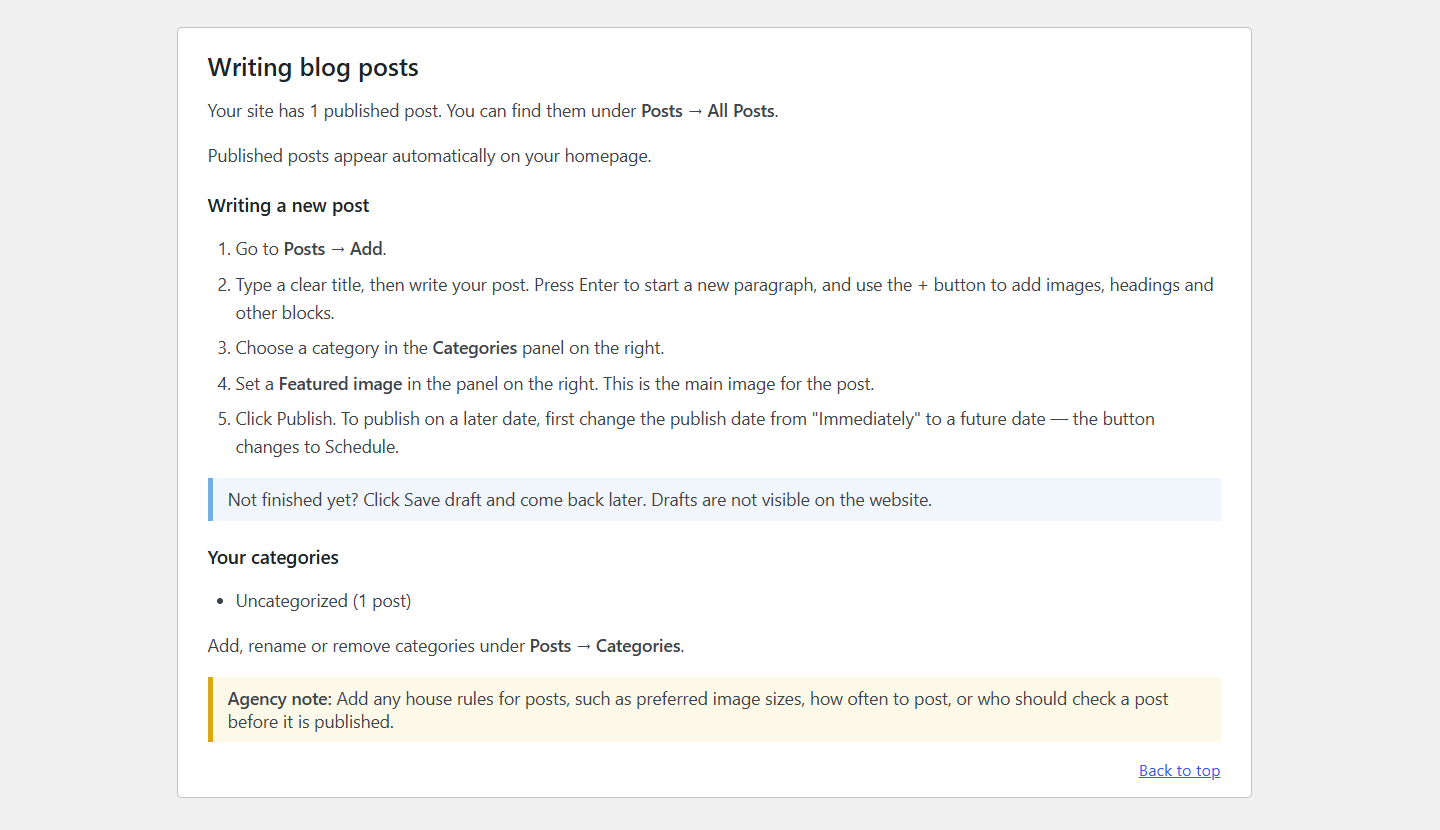
A generated section of the manual, written in plain language for the client. Agency notes are shown to administrators only.
Handing a finished website to a client usually means writing the same “how to edit your site” instructions again and again, or answering the same support emails for months.
This plugin scans the site and writes a manual about that specific site:
- Your real pages, with links that open each one in the right editor
- Custom post types, such as “Team Members”, with their own step-by-step section that lists the site’s real fields (ACF), categories and examples
- The page builder each page uses (Elementor, Beaver Builder, Divi, WPBakery, Bricks) and how to edit with it
- WooCommerce: adding products, handling orders, refunds, and the site’s enabled payment methods and shipping zones
- Forms (Contact Form 7, WPForms, Gravity Forms, Ninja Forms, Fluent Forms, Formidable): which forms exist, who receives them, and whether submissions are saved
- Menus and the theme locations they appear in, block-theme navigation, widget areas, and ACF options pages
- SEO and caching plugins, including what to do when a change doesn’t show up
- A troubleshooting section covering the problems clients actually hit: a change that isn’t showing, something deleted by accident, an image that won’t upload, a form or order email that never arrived, and being locked out
Sections are only created for things the scan actually finds. Anything a scan can’t know (for example, where a custom post type appears on the site) is added as a yellow agency note. Administrators see these notes, and clients who aren’t administrators don’t.
How it works
- Go to Website Manual Manual Builder and click Scan My Website.
- Review what was found and click Generate Manual.
- Edit any section, hide sections, reorder them, or add your own.
- Add your agency’s contact details.
- Your client opens Website Manual in their dashboard. They can search it and print it or save it as a PDF.
Everything stays inside WordPress. There’s no external service, no API key and no account.