
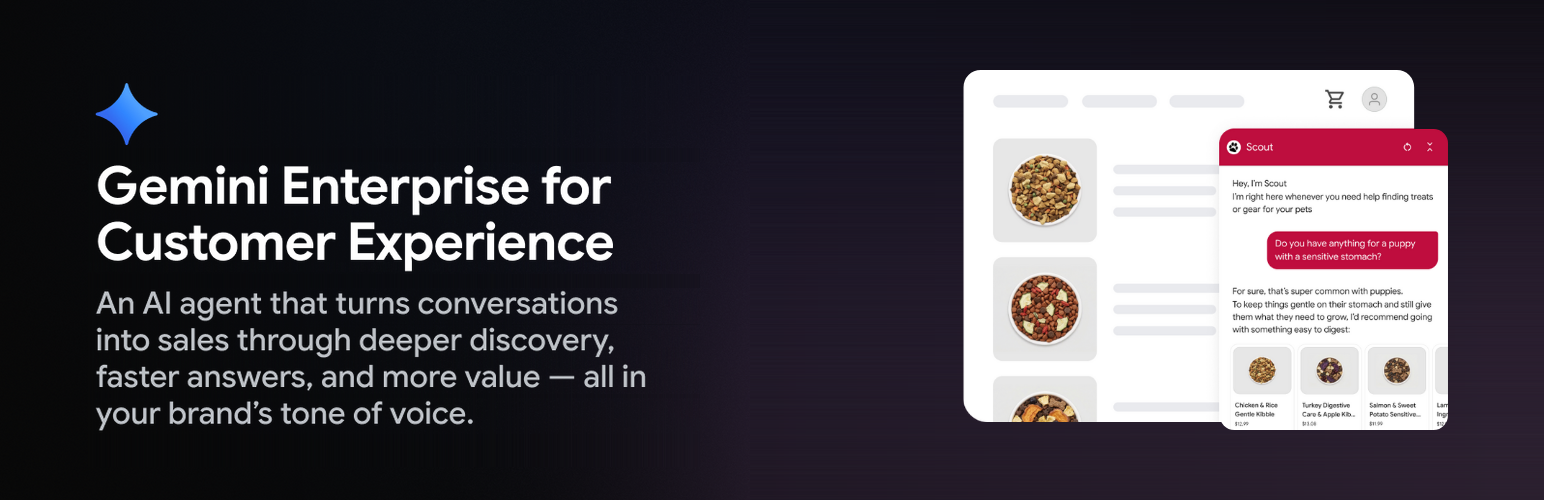

Gemini Enterprise for CX – AI Shopping Assistant & Chatbot for WooCommerce
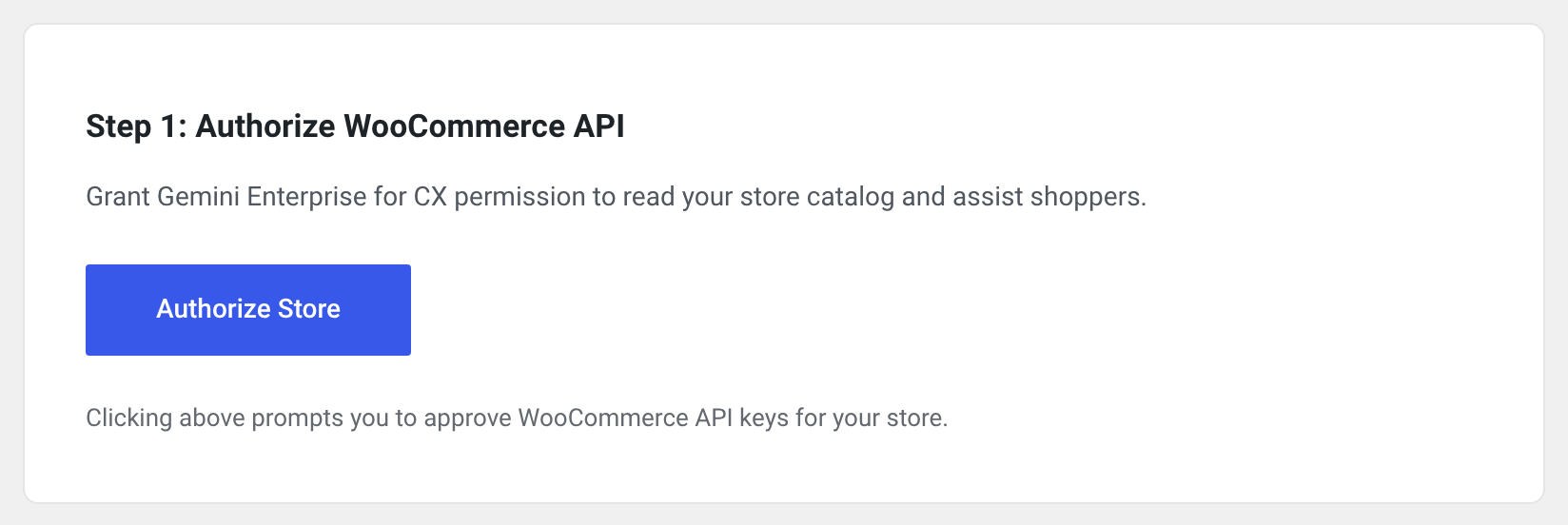
Step 1: Authorize WooCommerce API permissions for the agent.
Gemini Enterprise for CX is an AI chatbot and AI shopping assistant for WooCommerce, powered by Google Gemini. Shoppers chat with an AI agent on your storefront that knows your products and store policies. It helps them find and compare products, answers order status questions and manages their cart. The agent runs on Google’s Gemini Enterprise for CX (GECX) service.
The plugin is an interface to the Gemini Enterprise for CX software as a service (SaaS) provided by Google Cloud. Connecting a store requires a Google account with access to Gemini Enterprise for CX.
What the agent does
- Answers questions about your products and store policies, and checks stock before adding an item to the cart.
- Compares products and gives sizing advice in conversation.
- Adds and updates items in the shopper’s cart. It does not apply discount codes.
- Answers “Where is my order?” questions.
- Keeps context across interactions, so it remembers a shopper’s earlier product views, preferences and sizing details.
Where shoppers find it
- A launcher button in your header menu, a floating button, or wherever you place the
[gecx_agent_button]shortcode or the launcher block. - Suggested questions on product pages, placed automatically or with the
[gecx_suggested_prompts]shortcode or block.
Merchant console
In the Gemini Enterprise for CX console you set the agent’s greeting, tone and safety guardrails, test the agent before it goes live, measure its effect on conversion against your storefront traffic, and review trends in shopper conversations.
Setup
- Activate the plugin and go to Marketing > Gemini Enterprise for CX.
- Authorize the plugin to use the WooCommerce REST API.
- Connect your store to Google Cloud, where the agent is built from your store’s URL.
- Customize and test the agent in the merchant console, then go live. The chat widget appears on your storefront once the agent is linked, and can be switched off on the plugin’s settings page.
Source code
The plugin is developed on GitHub: https://github.com/GoogleCloudPlatform/gemini-enterprise-for-cx
3rd Party Services, External Assets, Privacy & Terms of Service
This plugin connects to 3rd-party services provided by Google to function, and loads one externally hosted script from Google rather than bundling it:
-
Gemini Enterprise for CX Service & Onboarding Console
- Service Provider: Google LLC
- Endpoints:
https://gecx.cloud.google.com - Purpose: Merchant account authentication, store onboarding, agent configuration, and secure exchange of WooCommerce REST API credentials for authenticating to admin apis.
- Data Transmitted: Store URL, admin authorization tokens, and product/catalog metadata. Admin authorization tokens are signed by the store and contain the store administrator’s WordPress user ID and email address; they are sent when the store is connected, when its connection status is checked, when an agent is unlinked, and when the plugin is uninstalled from a connected store.
- Account Requirement: A Google account with access to Gemini Enterprise for CX.
- Terms of Service: https://cloud.google.com/terms and https://policies.google.com/terms
- Privacy Policy: https://policies.google.com/privacy
-
Storefront Chat Widget Client SDK (externally hosted script)
- Service Provider: Google LLC
- External source:
https://www.gstatic.com/gecx/chat-widget/woocommerce-chat-widget.js - This file is NOT bundled with the plugin. It is loaded at runtime from Google’s servers at the URL above, directly by the visitor’s browser. It is the only externally hosted asset this plugin loads; the widget stylesheet is bundled with the plugin (
assets/css/theme.css) and is not fetched remotely. - Purpose: Delivers the client runtime required to render the interactive chat widget and product suggestion pills on the customer-facing storefront, and to communicate with the GECX service.
- When it loads: Never by default. It is enqueued on storefront pages only after a store administrator has connected the store to Google Cloud, linked an agent, and enabled the agent in the plugin settings. If either condition is unmet, the script is not requested at all.
- Why it is hosted externally: It is the official client runtime for the Gemini Enterprise for CX SaaS platform, versioned and released with that service rather than with this plugin. It speaks directly to the service’s streaming, session and agent protocols, which change far more often than a WordPress plugin release cycle. A copy frozen inside the plugin would break storefronts for any merchant who did not update the plugin in step with every service change.
- Data Transmitted: Standard HTTP request headers (IP address, User-Agent) when the browser fetches the script. Customer chat messages and product browsing context are processed by GECX during live chat interactions. For a shopper who is logged in to the store, the widget also sends GECX a token signed by the store that contains the shopper’s WordPress user ID and email address; guests’ tokens contain neither. When a guest uses the chat, the plugin may put their browser on the cart the agent is using. That cart, and the checkout details the guest enters while on it (name, address, email, phone), can then be read by GECX.
- Terms of Service: https://cloud.google.com/terms
- Privacy Policy: https://policies.google.com/privacy