
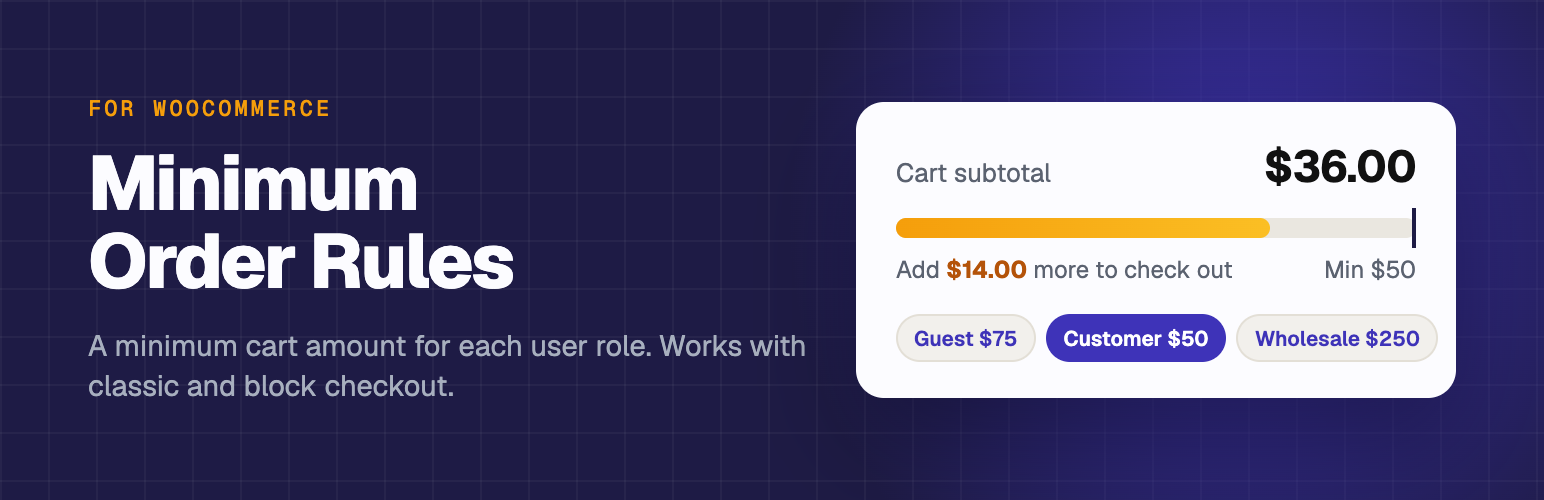

Fusion64 Minimum Order Amount for WooCommerce
0/5 (0 ratings) — active installs Updated Oct 25, 2026
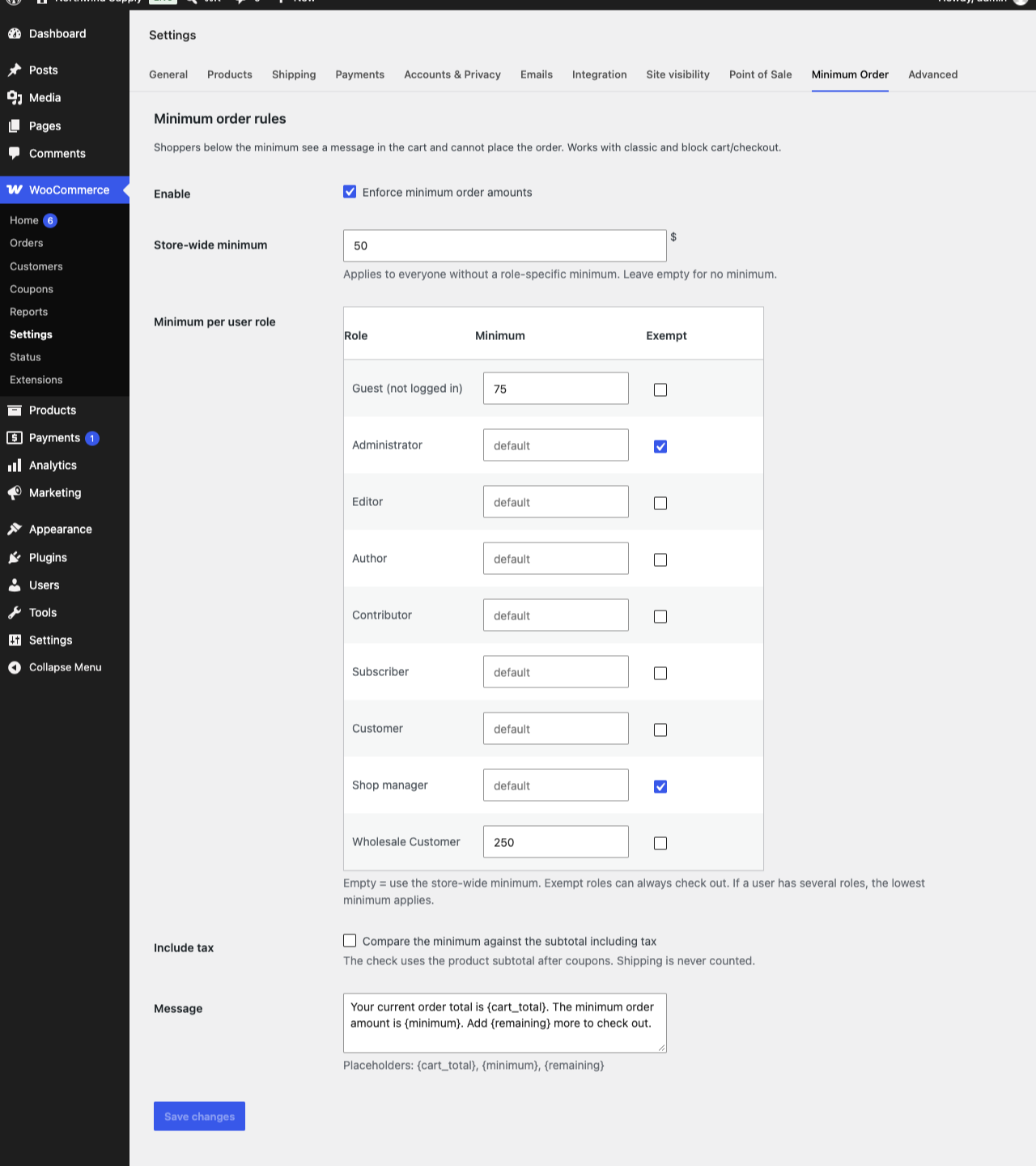
Settings under WooCommerce > Settings > Minimum Order.
Set a minimum order amount for your WooCommerce store. Shoppers can’t check out until their cart total reaches the minimum, and the cart tells them exactly how much more to add.
Use one store-wide minimum cart total, or set a minimum per user role: a higher wholesale minimum for trade customers, a different minimum for members, and a separate minimum for guests. Small orders can cost you more in shipping, packing and payment fees than they earn, and a minimum order amount fixes that.
Features
- A store-wide minimum order amount
- A different minimum for each user role, for example a higher minimum for wholesale customers
- A separate minimum for guests (shoppers who aren’t logged in)
- Exempt roles (administrators and shop managers by default)
- Choose whether the minimum includes tax
- A custom cart message with {cart_total}, {minimum} and {remaining} placeholders
- Works with the classic cart and checkout and with the Cart and Checkout blocks
- Compatible with WooCommerce High-Performance Order Storage (HPOS)
The check uses the product subtotal after coupons. Shipping isn’t counted.