

FTMPUB Product Import from CSV

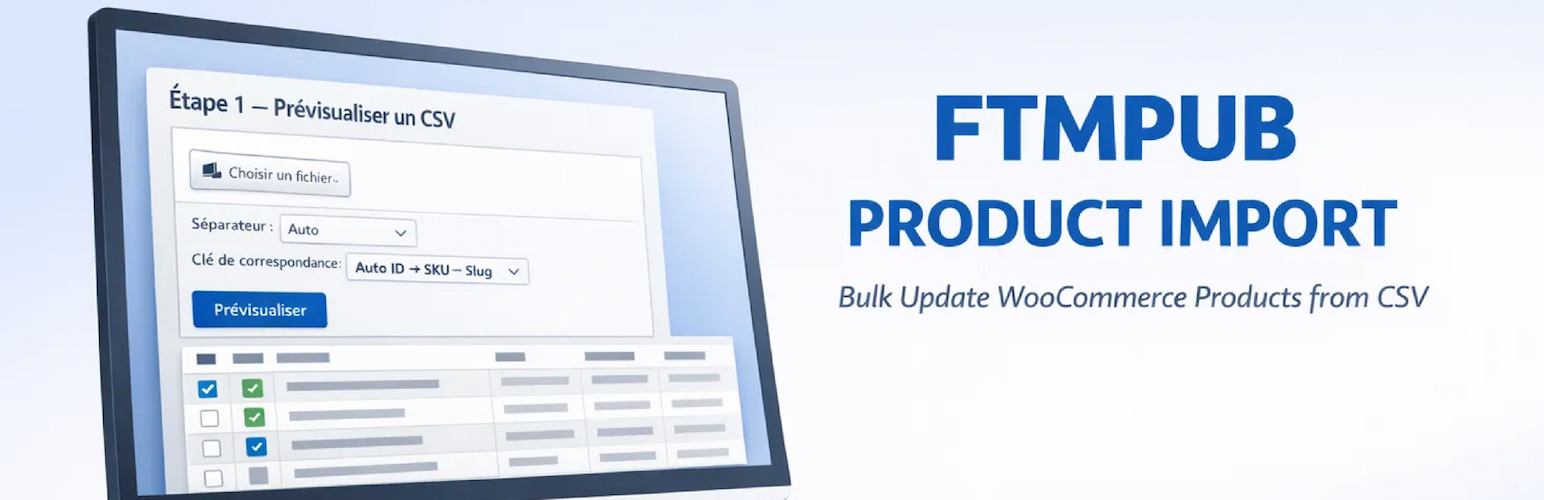
<strong>CSV upload form</strong> — Upload your CSV, choose the delimiter and the product match key (ID, SKU, Slug, or Auto).
FTMPUB Product Import from CSV is the fastest way to bulk update WooCommerce product content using a simple CSV file — without touching the database directly and without risking data loss.
Upload your CSV, preview every row before applying, choose exactly which products to update, and roll back the entire operation with a single click if needed. Lightweight, secure, and fully compliant with WordPress coding standards.
For full documentation, support, and the PRO version, visit FTMPUB.ch.
Highlights
- Preview before import — review every row before a single product is touched
- Selective import — check/uncheck individual rows or use Select All / None
- One-click rollback — instantly restore all modified products to their previous state
- Auto-detect delimiter — semicolon, comma, tab, or pipe detected automatically
- Flexible product matching — match by ID, SKU, Slug, or Auto (ID SKU Slug)
- Post-import report — updated / ignored / failed counts with per-row failure details
- Downloadable CSV template — prefilled with your product data structure
- Multi-tab collision prevention — unique session token per preview
- Security-first — nonces, capability checks, sanitized inputs, safe redirects
- 100% free — no account required, no lock-in
What you can update
- Short Description (post excerpt)
- Description (post content, full HTML)
- Slug (URL key, auto-deduplicated by WordPress)
- Yoast SEO Title (
_yoast_wpseo_title) - Yoast Meta Description (
_yoast_wpseo_metadesc)
Who is it for?
- SEO managers who need to update dozens or hundreds of product meta descriptions at once
- Catalogue managers importing content from an external PIM or spreadsheet
- Developers who need a safe, auditable bulk-edit tool for client sites
- Agencies managing multiple WooCommerce stores
CSV Format
Your CSV must contain at least one lookup column: ID, SKU, or Slug. All other columns are optional.
Accepted column names (and aliases):
Canonical key
Accepted aliases
id
product_id
sku
(standard column name)
short_description
short, shortdesc, excerpt
description
desc, content
slug
post_name, permalink, url_key
seo_title
yoast_title, title_seo
meta_description
yoast_metadesc, meta_desc, metadesc
Column names are case-insensitive and accent-insensitive. Spaces and hyphens are treated as underscores.
Supported delimiters: ; (semicolon), , (comma), \t (tab), | (pipe). Use Auto (recommended) to let the plugin detect automatically.
A downloadable CSV template with a sample row is available directly from the plugin interface.
Limits
- Maximum file size: 10 MB
- Maximum rows loaded in preview: 20 000
- Backup stored for up to 5 000 products per import run
- Serialized preview data must not exceed 4 MB (split large files if needed)
Compatibility
- Requires WooCommerce (tested up to WC 9.x)
- Compatible with WooCommerce HPOS (High-Performance Order Storage)
- Yoast SEO fields are updated if Yoast is active — no error if Yoast is not installed
- Compatible with WordPress multisite (per-site activation)
Need more?
Check out the PRO version on FTMPUB.ch — with support for additional fields (price, stock, categories, tags, images), batch AJAX processing, export to CSV, saved filter profiles, and full operation history log.
Support
Need help or want to upgrade to the PRO version with export, additional fields, and operation history?
👉 FTMPUB Product Import from CSV — Plugin page
👉 FTMPUB.ch — WordPress plugins made in Switzerland