

Forming Forms – Form Builder for Block Editor

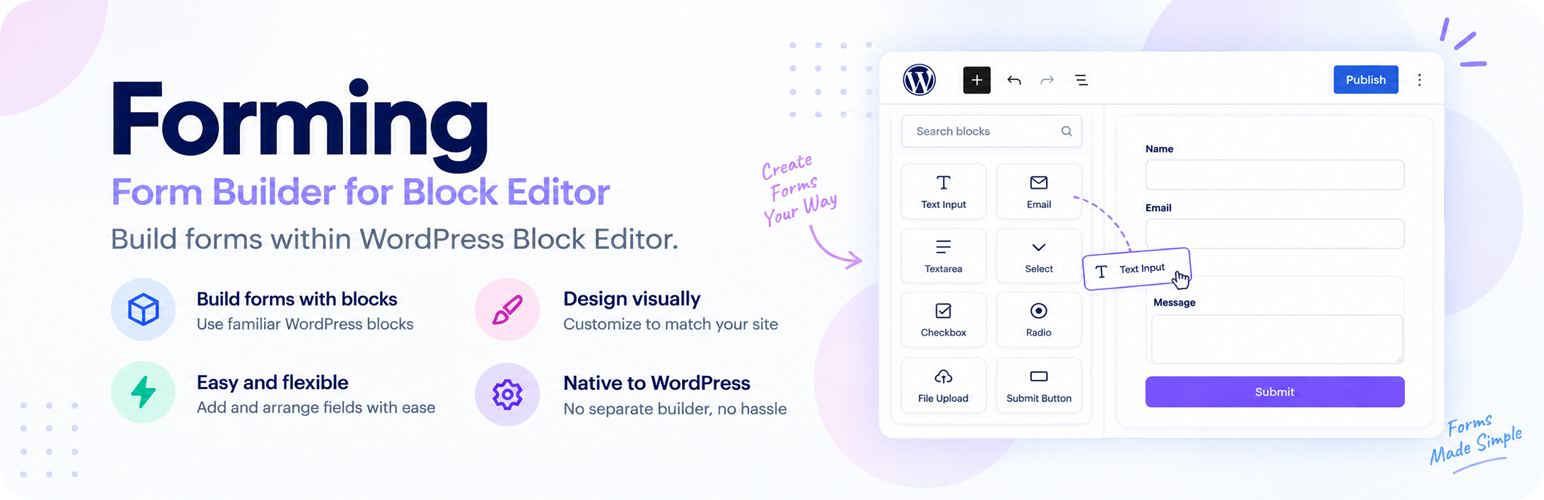
Building a contact form in the block editor. The field blocks appear in the inserter on the left, the form renders live in the canvas, and the sidebar exposes per-field settings — label, name, placeholder, default value, help text, required and width.
Forming Forms – Form Builder for Block Editor is a lightweight contact form and form builder plugin built entirely on the WordPress block editor. A form is a block: add the Form block to any post or page, nest the field blocks you need, and publish. No shortcodes, no embeds, no separate form builder screen to learn.
Every field — text, email, phone, select, checkbox — is a real WordPress block. That means you build your contact form the same way you build the rest of your page, with the same drag-and-drop, the same undo, and the same design controls you already use every day.
Submissions are validated on the server, checked for spam, emailed to you, and saved as entries in your own WordPress database. The Forming admin menu gives you a dashboard, a list of every form on your site, an entries inbox with CSV export, global settings and support tools.
🚀 Upgrade to Pro | 💻 Live Demo Site | 📄 Plugin Documentation | 🎧 Support
Build forms without shortcodes
Most form builder plugins ask you to compose a form in a separate admin screen and then paste a shortcode into your page. Forming Forms skips that entirely. The form is built where it lives, and what you see in the editor is what your visitors get.
- Add the Form block anywhere — posts, pages, block themes, template parts, widgets.
- Nest field blocks inside it, reorder them by dragging.
- Style with the block editor’s own spacing, typography, color and border controls.
- Lay fields out in columns and add headings, paragraphs, images or separators between them with core blocks.
- Reuse the same contact form across your site with a core synced pattern.
Included form fields
- Text — single-line input, with optional minimum and maximum length and a pattern
- Email — with email format validation
- Textarea — multi-line messages, with optional length limits and a character counter
- Number — with optional min, max and step
- Phone — telephone input with format validation
- URL — website addresses
- Select — dropdown menu, single or multiple choice
- Radio — single choice from a list, stacked or inline, with an optional “Other” answer
- Checkbox — single consent box or multiple choices, with an optional “Other” answer
- Date — date picker with optional earliest and latest dates, including “today”
- Time — time picker with optional earliest and latest times and a minute interval
- Name — first, middle and last name side by side; choose which parts to show
- Address — street, address line 2, city, state, ZIP and a country list; choose the parts and a default country
- File Upload — one or several files, with allowed file types, a size limit per file and in total, and a maximum number of files
- Consent — an always-required checkbox whose text can link to your terms or privacy policy
- Hidden — a fixed value, or the page title or URL, the logged-in visitor’s name or email, a URL parameter, the referring page or the date
- Submit — the send button
Choice fields can be filled from ready-made lists (countries, US states, months, days of the week) or by pasting one option per line. Every field can have its own error message.
The Forming admin
Forms are built in the block editor, and everything that happens after a submission is managed under Forming in your admin menu:
- Dashboard — entries today, this week and this month with the change from the previous period, unread entries, spam blocked, a submissions chart you can filter by form and period, your latest entries and your top forms. A short setup checklist, with a test email, helps you confirm notifications arrive.
- Forms — every form on your site in one list, including forms in synced patterns, templates and template parts, with its entry count. Search, filter, open it in the editor, view its entries or export them. Forms that share an ID are flagged.
- Entries — an inbox for all submissions. Search inside answers, filter by form or status (unread, read, starred, trash), star entries, apply bulk actions, and open a single entry to read, print or move through entries one by one. An unread count appears on the menu.
- CSV export — export a form’s entries, optionally for a date range. Values a spreadsheet would run as formulas are neutralized.
- Settings — default notification recipients, From name and address, and a default success message that every form falls back to; spam protection (CAPTCHA provider and keys, rate limit, Akismet); an optional latest-entries widget on the WordPress dashboard; privacy options.
- Tools — a system status report you can copy for support, settings export and import, a log of failed emails, and a button to rebuild the forms index.
Features
- Native block styling — fields use the block editor’s own spacing, typography, color and border controls. Nothing hand-rolled to relearn, and it inherits your theme.
- Validation on both sides — the browser checks required fields, lengths, patterns, numbers and dates before sending and points to the first problem, and the server checks everything again. The server rebuilds the form’s field schema from the source post, so a tampered form cannot inject fields.
- Spam protection — a honeypot field and a submission time-trap, both on by default, plus a per-visitor submission limit and an optional Akismet check. Need more? Turn on a free CAPTCHA per form: Google reCAPTCHA (v2 checkbox, v2 invisible or v3), hCaptcha or Cloudflare Turnstile. Its script loads only on pages whose form uses it.
- File uploads — files are checked by type and size in the browser and on the server, saved in a protected folder under random names, and downloaded by admins through a link that requires login. They are linked in the email and the entry, can be attached to the email, and are deleted with their entry.
- Email notifications — send each submission to one or more recipients with a configurable subject, from name and from address.
- Entry storage — submissions are saved as a
forming_entrycustom post type, one meta value per field, so your form data stays in your own database. Browse, search and export them from Forming Entries. - Privacy tools — entries are included in WordPress’s personal data export and erasure tools (matched by email address). You can delete entries automatically after a set number of days, choose whether to store the visitor’s IP address and browser, and add suggested text to your privacy policy.
- Success behavior — show an inline thank-you message or redirect to a URL after submit.
- Accessible markup — real labels and fieldsets, required-field indicators, errors linked to their fields with
aria-describedbyandaria-invalid, focus moved to the first error, and an ARIA live region for the response message. - Lightweight — no jQuery, no page builder dependency, no external service. Assets load only on pages that contain a form.
- Translation ready — fully internationalized and ready for translation.
- Developer friendly — register your own field types, hook into every step of a submission, add settings tabs and admin pages, and manage forms with WP-CLI (
wp forming forms list).
Typical uses
A contact form, a quote request form, a support or feedback form, a newsletter signup, a job application, an RSVP or event registration form, a simple survey — anything you would otherwise build with a shortcode-based form builder.
For developers
Register your own block in the forming category and append its name to the allowlist:
add_filter( 'forming_field_blocks', function ( $blocks ) {
    $blocks[] = 'my-plugin/field-rating';
    return $blocks;
} );
React to a new submission:
add_action( 'forming_submission_saved', function ( $entry_id, $data, $form_id ) {
    // $data is a name => value map of the validated submission.
}, 10, 3 );
Other hooks cover spam checks (forming_spam_check, forming_rate_limit, forming_captcha_providers, forming_akismet_data), hidden field values (forming_dynamic_value), field validation (forming_validate_field), short-circuiting a submission (forming_before_submission), the stored data (forming_submission_data, forming_entry_meta), the success response (forming_success_response), settings tabs and fields (forming_settings_tabs, forming_settings_fields) and admin pages (forming_admin_menu_items). Custom field types can be registered on the forming_register_field_types action, and admin access is filterable with forming_capability.
External services
Forming Forms works without any external service. These optional features contact a third party only after you turn them on:
- Google reCAPTCHA — when reCAPTCHA is your CAPTCHA provider, pages whose form has CAPTCHA turned on load Google’s reCAPTCHA script, which collects information about the visitor’s device and behavior to tell people from bots. On submit, the visitor’s CAPTCHA token and IP address are sent to Google to verify it. Terms, Privacy Policy.
- hCaptcha — the same, with hCaptcha’s script, and the token, IP address and your site key sent to hCaptcha for verification. Terms, Privacy Policy.
- Cloudflare Turnstile — the same, with Cloudflare’s Turnstile script, and the token and IP address sent to Cloudflare for verification. Terms, Privacy Policy.
- Akismet — when the Akismet plugin is active and connected and Check submissions with Akismet is on, each submission is sent to Akismet: the visitor’s name, email address, website, message, IP address, browser and referring page. Terms, Privacy Policy.
License
Forming Forms – Form Builder for Block Editor is distributed under the terms of the GNU General Public License v2 or later. See https://www.gnu.org/licenses/gpl-2.0.html for more details.