

Followly – Email Automation for WooCommerce
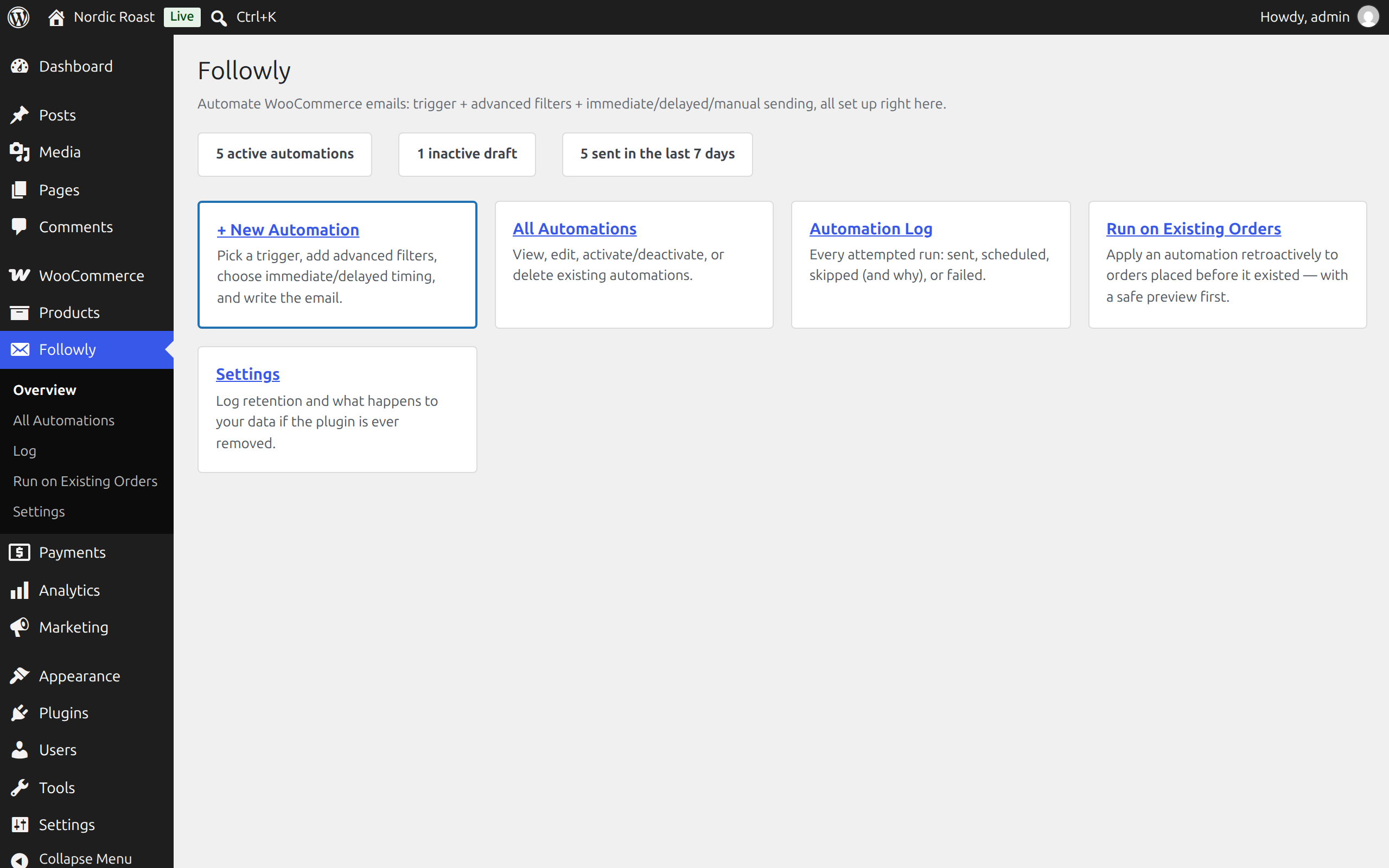
The Followly overview page.
Followly sends emails automatically when something happens in your shop: an order changes status, a payment goes through, a customer registers, a product runs low. You decide exactly who gets which email and when.
Every automation is three simple boxes on a normal WordPress edit screen: what triggers it, which conditions must be true, and the email itself. No drag-and-drop builder, no external service, no account. Everything runs inside your WordPress.
Triggers
- Order status changed (optionally only to specific statuses)
- New order paid (payment complete)
- Order fully refunded
- Customer registered
- Product low stock / out of stock
Conditions
All conditions must match (AND). Among them:
- Order total, item count, status, payment method, shipping method
- Products, variations or SKUs in the order (SKU prefixes match all variants)
- Product categories and coupon codes in the order
- Billing and shipping country
- Day of the week the order was placed
- Customer: number of paid orders, lifetime spend, role, guest or account
- Product stock quantity and categories (for stock triggers)
Timing
Send right away or after a delay of minutes, hours or days. Delays run through Action Scheduler, which ships with WooCommerce. The conditions are checked again right before sending, because an order may have changed in the meantime (for example it was cancelled).
Manual and catch-up runs
- Mark an automation as “allow manual run” and it appears in a single order’s Order actions box and as a bulk action on the orders list.
- Run on Existing Orders applies an automation to orders that already exist, for example everyone who bought before you set the automation up. You get a preview first. Every automation sends at most once per order by default, so running it twice is harmless.
The email
Subject, heading and body with placeholders such as {billing_first_name}, {order_number}, {order_items_table} or {order_view_url}. Emails use your WooCommerce email template, so they look like the rest of your shop’s emails. Send to the customer, the shop admin or a custom address.
Before you switch an automation on, send yourself a test email from the edit screen. It uses what is in the form right now, saved or not, and fills the placeholders from a real order of your choice (or the latest one).
Log
Every run is logged: sent, queued, skipped (and why) or failed. Emails that are still queued are listed on their own and can be cancelled before they go out. Old entries are cleaned up automatically after a period you choose.
Compatibility
- Works with both WooCommerce order storage modes (classic and High-Performance Order Storage)
- Translation-ready